If Action Scheduler jobs pile up, first prove whether WP-Cron is disabled intentionally, replaced by a real cron, blocked by the host, or delayed by long-running jobs. Do not click run on everything until retry safety is known.
Use this for WooCommerce stores, subscription sites, CRM syncs, email queues, webhook retries, and tracking jobs where scheduled actions remain pending or failed.
Quick answer
Action Scheduler Cron Disabled Queue Backlog Fix should be handled with a narrow evidence-first workflow: check cron ownership, map queue age, classify retry risk, then verify the result before making broader changes.
What to check first
- Check `DISABLE_WP_CRON`, server cron entries, host cron settings, and whether `wp-cron.php` is reachable.
- List oldest pending actions, failed actions, hook names, groups, attempts, and last log messages.
- Separate safe processing jobs from high-risk jobs such as payments, emails, shipments, and conversion uploads.
- Check Action Scheduler runner health, queue indexes, PHP timeouts, memory limits, and fatal logs.
- Run a small controlled batch and verify external systems before increasing throughput.
Diagnostic table
Use this table to keep the work practical. It connects the symptom to evidence and a verification step.
| Action | Evidence to collect | How to verify |
|---|
| Check cron ownership | Check `DISABLE_WP_CRON`, server cron entries, host cron settings, and whether `wp-cron.php` is reachable. | The intended cron path runs on a known cadence and reaches `wp-cron.php` or WP-CLI successfully. |
| Map queue age | List oldest pending actions, failed actions, hook names, groups, attempts, and last log messages. | Oldest pending action age decreases without creating duplicate business events. |
| Classify retry risk | Separate safe processing jobs from high-risk jobs such as payments, emails, shipments, and conversion uploads. | Failed job groups have owner decisions: retry, fix, suppress, or escalate. |
| Fix runner | Check Action Scheduler runner health, queue indexes, PHP timeouts, memory limits, and fatal logs. | Queue health is recorded again after one normal business cycle. |
Why this usually happens
- WP-Cron was disabled for performance but no reliable server cron was added.
- A host-level cron runs too rarely for the store volume.
- One failing hook blocks or slows the queue while new actions keep arriving.
- A migration or staging clone copied scheduled actions into the wrong environment.
- The team reruns jobs without checking whether the destination already processed them.
Field notes
- A backlog report should include age and business owner, not only count. Ten payment jobs matter more than ten cleanup jobs.
- Cron fixes should be tested with a small queue slice before broad retries.
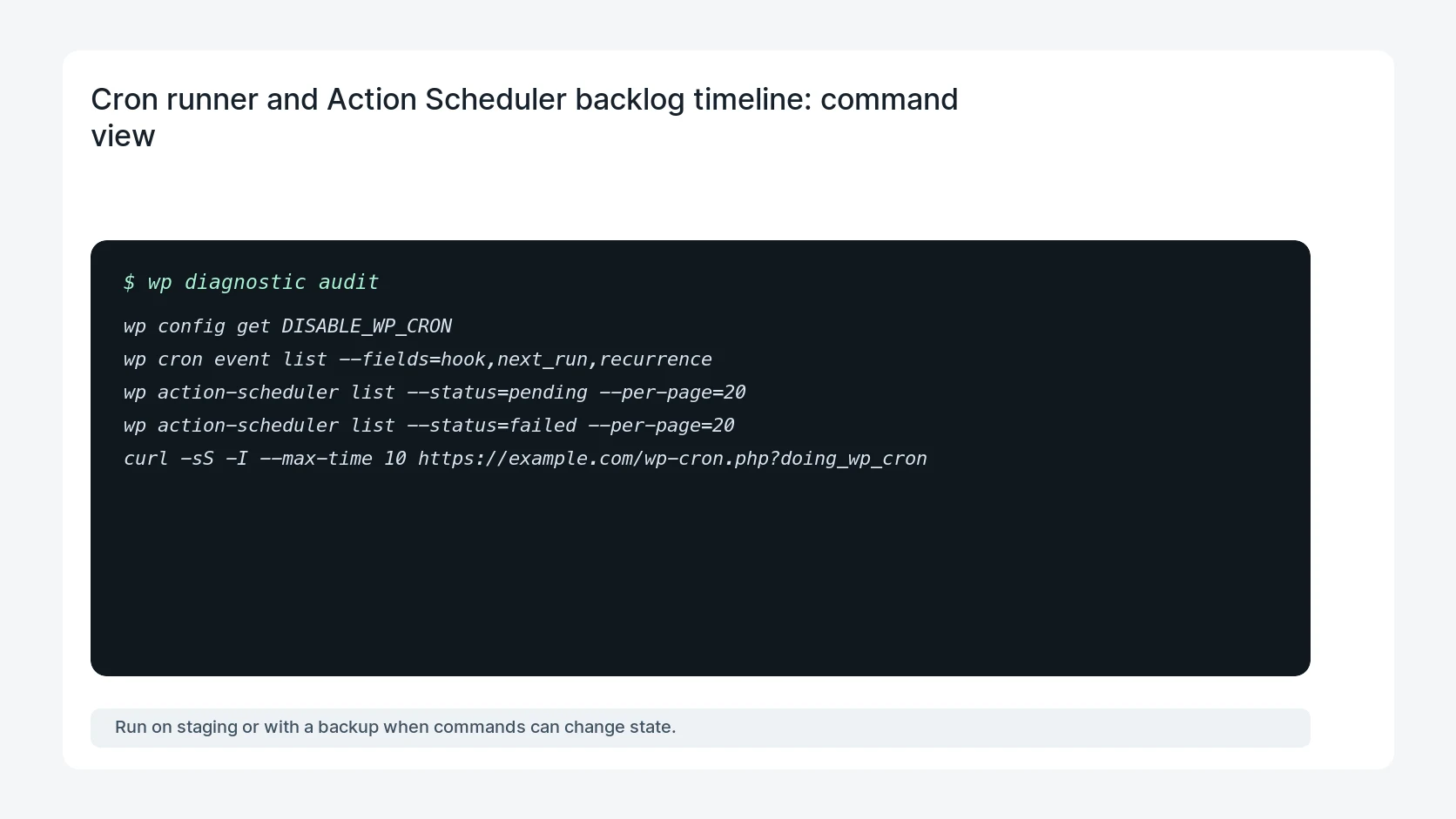
Useful command or data shape
Adapt paths, IDs, and privacy handling to the site before running commands or storing data on production.
wp config get DISABLE_WP_CRON
wp cron event list --fields=hook,next_run,recurrence
wp action-scheduler list --status=pending --per-page=20
wp action-scheduler list --status=failed --per-page=20
curl -sS -I --max-time 10 https://example.com/wp-cron.php?doing_wp_cron
Safe fix order
Do the work in a sequence that makes each result easy to prove. Stop if a step produces new evidence that changes the incident scope.
- Check cron ownership
- Map queue age
- Classify retry risk
- Fix runner
- Process in batches
What to tell the client or owner
Tell the owner what was stuck, which runner is now responsible, and which job groups are safe or unsafe to retry.
Production verification checklist
- The intended cron path runs on a known cadence and reaches `wp-cron.php` or WP-CLI successfully.
- Oldest pending action age decreases without creating duplicate business events.
- Failed job groups have owner decisions: retry, fix, suppress, or escalate.
- Queue health is recorded again after one normal business cycle.
Mistakes to avoid
- Do not judge the fix by one browser or the homepage only.
- Do not delete evidence before recording usernames, file paths, timestamps, and response headers.
- Do not add a cache, security, or tracking plugin while the original problem is still unclear.
- Do not leave test users, temporary debug logs, or broad API keys active after verification.
When HandL WP should help
Bring in help when this affects leads, checkout, search visibility, malware risk, paid media reporting, or a client production site. HandL WP can trace the issue through WordPress, hosting, cache, tracking, and Search Console, then verify the workflow after the technical fix.
If this is active on a production site, put WooCommerce scheduled jobs under a care plan.
Related HandL WP guides
Use these related guides when the same issue touches tracking, security, checkout, or crawler visibility.
Trace a stuck WP Rocket preload queue
For cache URLs stuck in pending, in-progress, or failed, use the WP Rocket preload cron and queue debug guide. It follows one canary from the preload table through cron, loopback access, redirects, cache output, and completion.
Helpful references