If you searched for "avada builder vulnerability update checklist", you probably do not need a generic WordPress article. You need a practical order of operations that protects the site, the business process, and the evidence you may need later.
This guide is written for Avada site owners, agencies, and ecommerce teams. It focuses on what to check first, what to avoid, and how to prove the issue is fixed before you move on.
Quick answer
| Check | What it tells you |
|---|
| Patched version | Wordfence reported Avada Builder 3.15.3 as the version that fully addresses the covered issues. |
| Extra risk | Sites that ever used WooCommerce can have additional SQL injection exposure in the reported scenario. |
| Follow-up | If wp-config.php could have been read, rotate database credentials and salts instead of only updating the plugin. |
Patch the builder, not just the theme
Avada sites often include a theme, builder plugin, child theme, bundled add-ons, and WooCommerce extensions. When a security report names Avada Builder, confirm the actual builder plugin version, not only the theme version visible to editors.
On managed portfolios, search for the plugin slug across every install. Large agencies often have old Avada sites that are no longer actively edited but still publicly reachable.
Understand the two different risk paths
The reported file read issue matters because configuration files can contain database credentials and salts. If those secrets were exposed, an update does not make old secrets private again.
The SQL injection path matters because it can expose database data. Wordfence noted a WooCommerce-related condition, so even a site that no longer sells online may need review if WooCommerce was previously used.
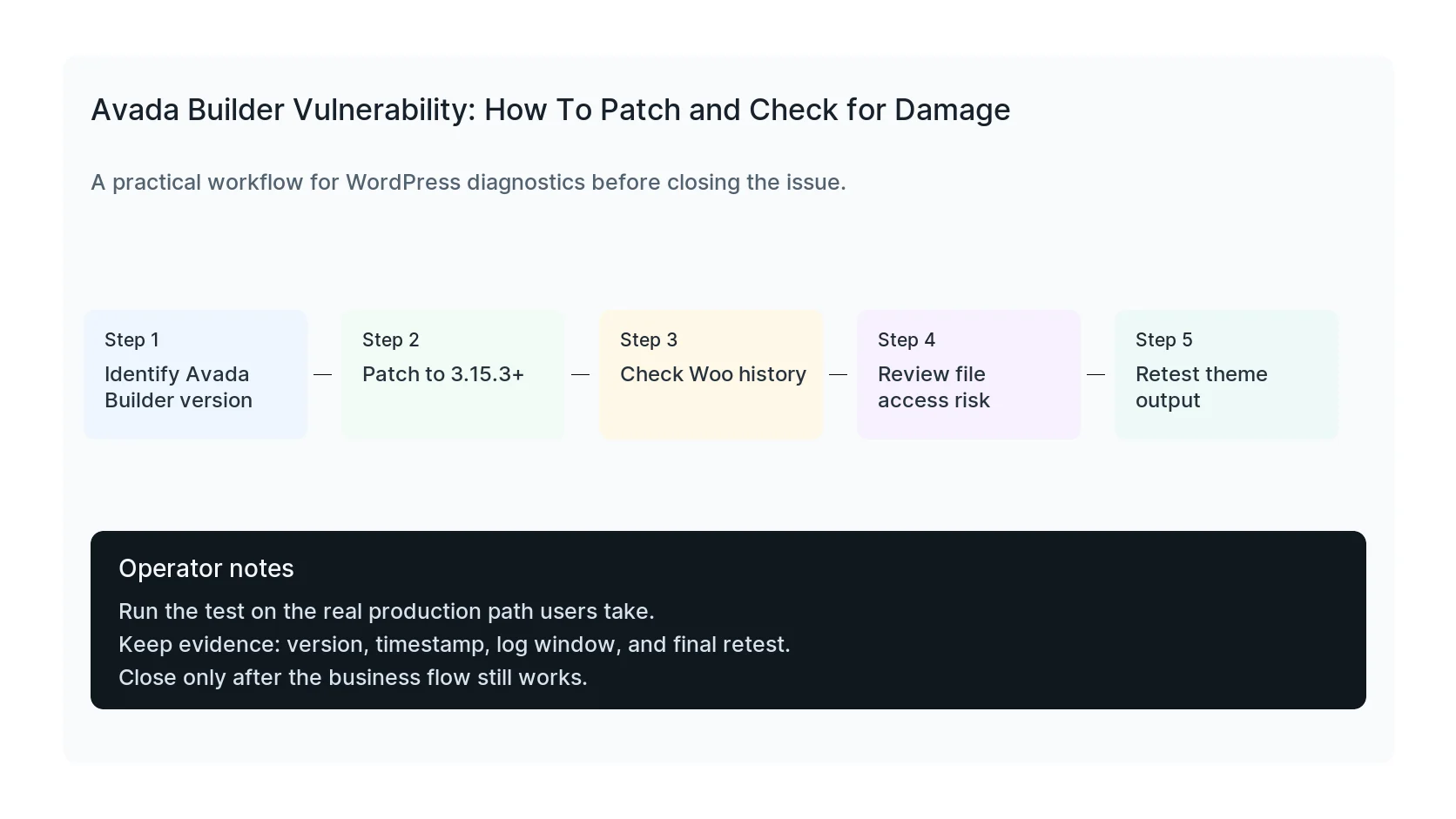
Retest design and commerce after patching
Builder updates can change front-end rendering, shortcodes, headers, sliders, dynamic product sections, and checkout styling. Take screenshots before and after if the site is business critical.
For WooCommerce sites, place a test order or use a staging payment path. Confirm product pages, cart, checkout, thank-you page, analytics events, and transactional email still work.
Rotate secrets when exposure is plausible
If logs, vulnerability details, or site behavior suggest configuration files may have been read, rotate database credentials, authentication salts, admin passwords, application passwords, and hosting control panel credentials.
This is the part many teams skip because the front end looks fine. Silent credential exposure is exactly why a calm post-patch checklist matters.
Checklist to run before you close the issue
- Confirm Avada Builder version, not only theme version.
- Patch to 3.15.3 or newer.
- Check whether WooCommerce was ever active.
- Review Subscriber-level accounts and access.
- Rotate secrets if file read exposure is plausible.
- Retest visual layout, checkout, and conversion events.
Useful command or test
Use this as a starting point, then adapt it to the hosting stack, plugin names, and access level you actually have.
wp plugin list --fields=name,version,status | grep -i 'fusion\|avada\|woocommerce'
When to get help
If this affects production traffic, paid ads, checkout, membership access, healthcare privacy, lead routing, or search visibility, do not leave the fix half-tested. HandL WP can trace the issue across WordPress, server logs, plugins, forms, tracking, and Search Console. If you want a senior engineer to check it, get an Avada security check.
Sources and further reading
Investigate the Fusion Patcher exposure window
If Avada was patched late or the site showed unexplained changes, follow the Avada 7.16.1 Fusion Patcher compromise triage. It preserves timestamps first, then reviews files, users, scheduled tasks, logs, database changes, and credentials before cleanup.