A sitemap can be correct at the origin and stale at CloudFront. Search Console only sees the public URL, so publishing new blog posts is not enough if the edge cache keeps serving an older XML file.
Use this for WordPress, headless WordPress, React, S3, CloudFront, and Lambda-prerendered sites where new content is not showing in Search Console quickly.
Quick answer
CloudFront Sitemap Cache Invalidation for Search Console should be handled with a narrow evidence-first workflow: fetch public xml, check origin object, invalidate edge, then verify the result before making broader changes.
What to check first
- Fetch the public sitemap and confirm the new clean URL appears.
- Check origin object metadata, content type, cache-control, and last modified time.
- Invalidate the sitemap, blog index, and new clean blog page after publish.
- Confirm the sitemap contains clean canonical URLs and no duplicate .html paths.
- Submit the sitemap in Search Console and inspect one representative new URL.
Diagnostic table
Use this table to keep the work practical. It connects the symptom to evidence and a verification step.
| Action | Evidence to collect | How to verify |
|---|
| Fetch public XML | Fetch the public sitemap and confirm the new clean URL appears. | The public sitemap contains the new clean URL. |
| Check origin object | Check origin object metadata, content type, cache-control, and last modified time. | CloudFront no longer serves the stale sitemap response. |
| Invalidate edge | Invalidate the sitemap, blog index, and new clean blog page after publish. | Search Console sitemap submission returns success. |
| Submit sitemap | Confirm the sitemap contains clean canonical URLs and no duplicate .html paths. | A sampled clean URL is known to Google or queued for discovery. |
Why this usually happens
- Sitemap XML often receives long CDN cache rules that are fine for static assets but wrong for new content.
- A deploy can update origin files without invalidating the exact public sitemap path.
- Search Console may keep reporting pending status until Google re-fetches the submitted sitemap.
- Duplicate clean and .html URLs can make sitemap checks look inconsistent.
Field notes
- Check the public sitemap with curl before blaming Search Console.
- Invalidate the smallest useful path set, but include `/sitemap.xml` every time content changes.
- Keep content type as XML or plain text depending on the sitemap generator output, not the app shell default.
Useful command or data shape
Adapt paths, IDs, and privacy handling to the site before running commands or storing data on production.
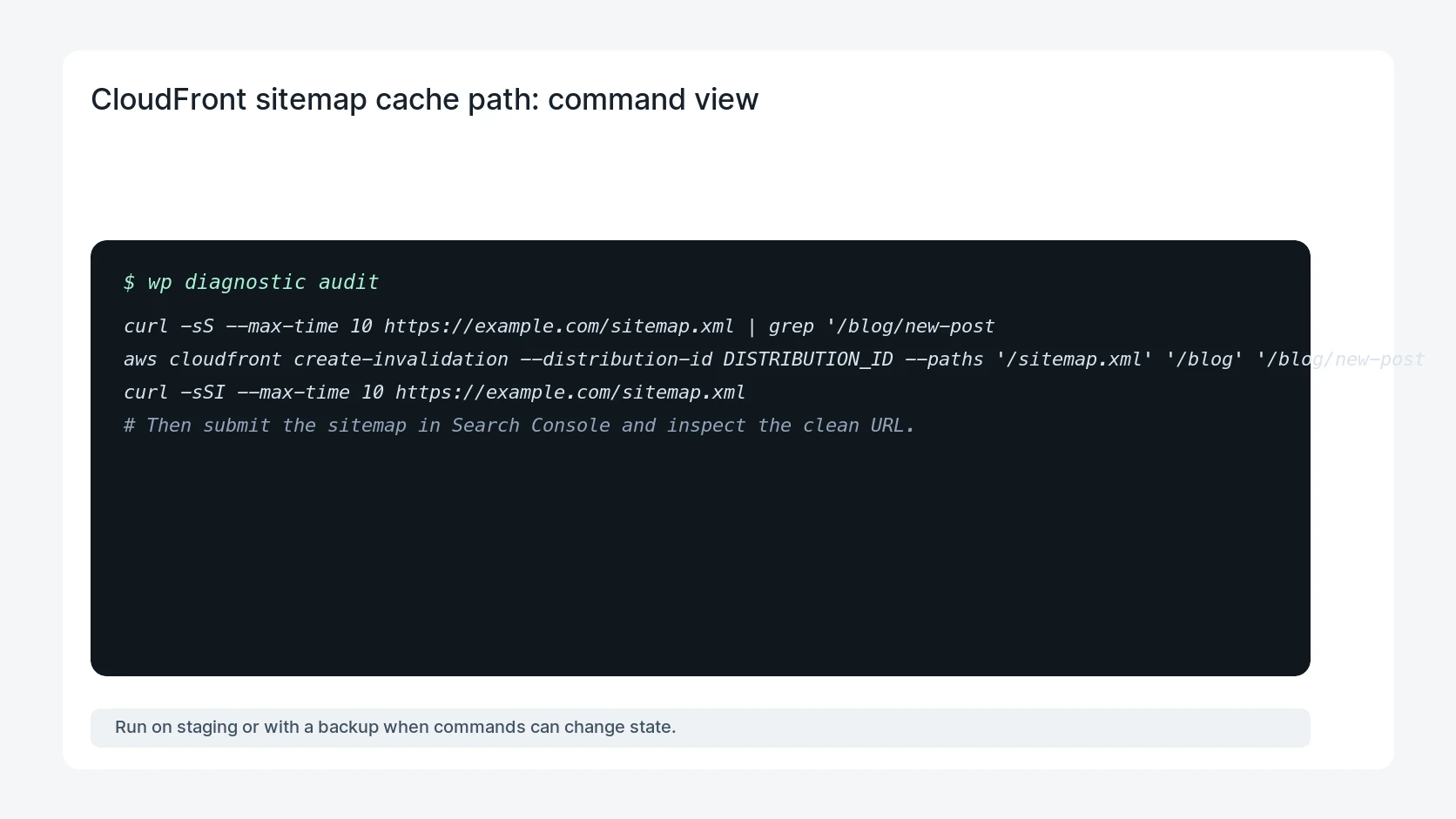
curl -sS --max-time 10 https://example.com/sitemap.xml | grep '/blog/new-post'
aws cloudfront create-invalidation --distribution-id DISTRIBUTION_ID --paths '/sitemap.xml' '/blog' '/blog/new-post'
curl -sSI --max-time 10 https://example.com/sitemap.xml
# Then submit the sitemap in Search Console and inspect the clean URL.
Safe fix order
Do the work in a sequence that makes each result easy to prove. Stop if a step produces new evidence that changes the incident scope.
- Fetch public XML
- Check origin object
- Invalidate edge
- Submit sitemap
- Inspect sample URL
What to tell the client or owner
Tell the owner whether the issue was stale edge cache, missing sitemap generation, wrong URL shape, or Search Console's normal re-fetch delay.
Production verification checklist
- The public sitemap contains the new clean URL.
- CloudFront no longer serves the stale sitemap response.
- Search Console sitemap submission returns success.
- A sampled clean URL is known to Google or queued for discovery.
Mistakes to avoid
- Do not judge the fix by one browser or the homepage only.
- Do not delete evidence before recording usernames, file paths, timestamps, and response headers.
- Do not add a cache, security, or tracking plugin while the original problem is still unclear.
- Do not leave test users, temporary debug logs, or broad API keys active after verification.
When HandL WP should help
Bring in help when this affects leads, checkout, search visibility, malware risk, paid media reporting, or a client production site. HandL WP can trace the issue through WordPress, hosting, cache, tracking, and Search Console, then verify the workflow after the technical fix.
If this is active on a production site, fix WordPress sitemap indexing issues.
Related HandL WP guides
Use these related guides when the same issue touches tracking, security, checkout, or crawler visibility.
Helpful references