If you searched for "elementor inp optimization wordpress", you probably do not need a generic WordPress article. You need a practical order of operations that protects the site, the business process, and the evidence you may need later.
This guide is written for Elementor sites with mobile interaction delays, slow menus, forms, and accordions. It focuses on what to check first, what to avoid, and how to prove the issue is fixed before you move on.
Quick answer
| Check | What it tells you |
|---|
| Good target | web.dev describes INP at or below 200 ms as good and above 500 ms as poor. |
| Elementor pattern | The worst interaction is often after the page loads, not during LCP. |
| Best first test | Record a mobile menu click, form submit, accordion open, and popup close in Chrome Performance. |
INP is about how the page responds after the click
Elementor performance work often starts with LCP, image size, and caching. Those matter, but INP asks a different question: when a visitor taps, clicks, or types, how quickly does the page show feedback?
That is why a page can pass a basic load test and still feel broken on mobile. The visitor experiences delay after the page appears ready.
Find the actual slow interaction
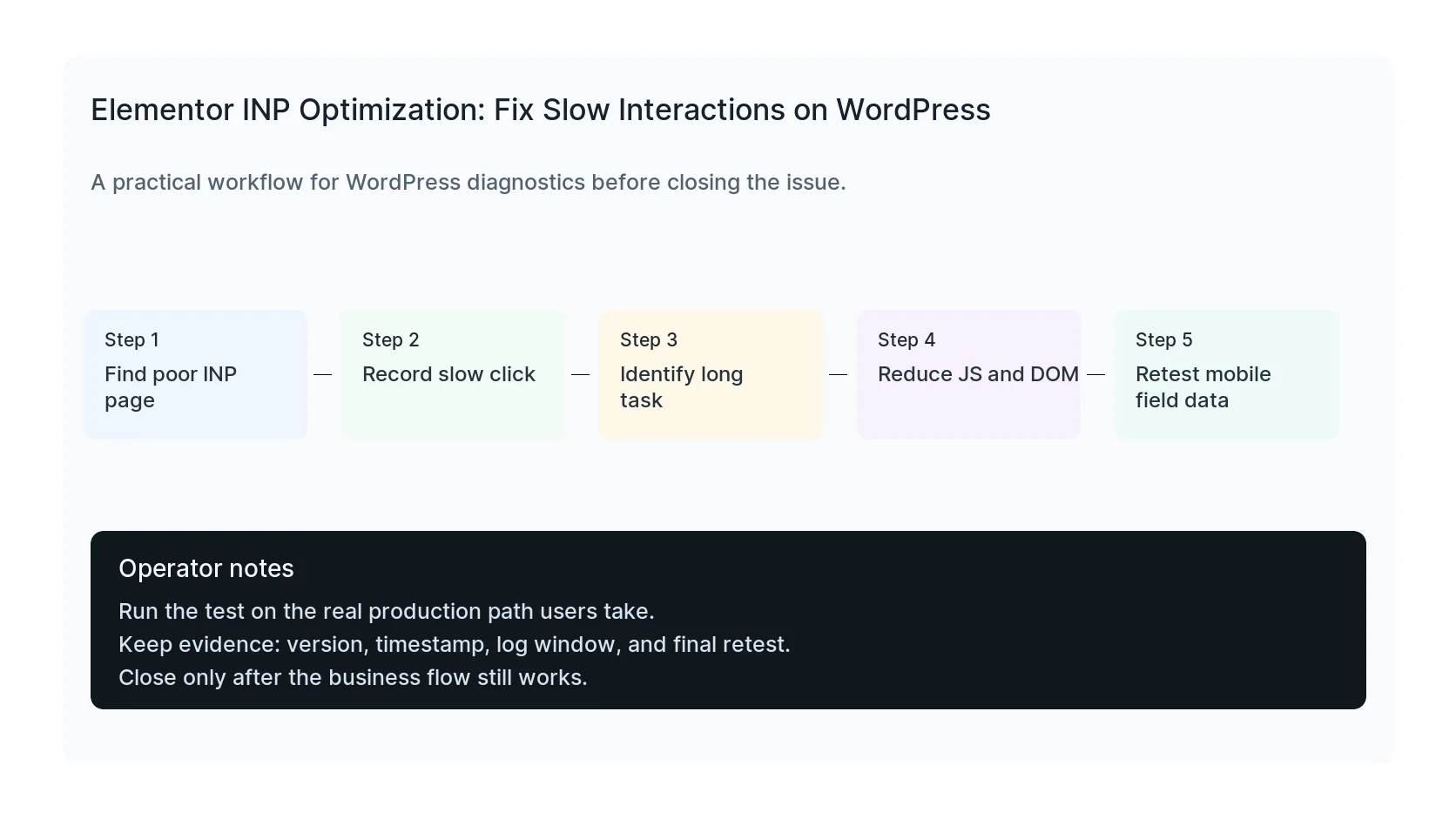
Do not guess from the plugin list first. Start with field data in PageSpeed Insights or Search Console, then reproduce the slow interaction in Chrome Performance.
Common Elementor trouble spots include mobile navigation, mega menus, accordions, tabs, popups, filter widgets, form submission, sliders, and sticky headers.
Reduce main-thread work
Slow INP usually means the browser main thread is busy. On Elementor sites, that can come from heavy widgets, large DOM trees, animation libraries, unused add-ons, delayed scripts waking at once, or third-party tags firing during user interaction.
Remove unused widgets and add-ons, split complex pages, reduce nested containers, avoid unnecessary entrance animations, and test what happens when third-party scripts are delayed or moved away from interaction-heavy moments.
Retest on real templates, not an empty page
An empty Elementor page can be fast while the actual homepage, service page, or checkout page remains slow. Test the templates that receive organic traffic, paid traffic, and mobile users.
After changes, check both lab recordings and field data. Lab tests prove the fix is plausible. Field data proves real visitors are feeling it.
Checklist to run before you close the issue
- Identify URLs with poor INP.
- Record mobile interactions in Chrome Performance.
- Find long tasks around the click or tap.
- Disable unused Elementor add-ons and widgets.
- Reduce nested DOM and heavy animations.
- Retest Search Console and PageSpeed field data.
Useful command or test
Use this as a starting point, then adapt it to the hosting stack, plugin names, and access level you actually have.
Chrome DevTools Performance -> record tap -> inspect Interaction and Long Task entries
When to get help
If this affects production traffic, paid ads, checkout, membership access, healthcare privacy, lead routing, or search visibility, do not leave the fix half-tested. HandL WP can trace the issue across WordPress, server logs, plugins, forms, tracking, and Search Console. If you want a senior engineer to check it, fix Elementor performance issues.
Sources and further reading