If you searched for "everest forms pro vulnerability checklist", you probably do not need a generic WordPress article. You need a practical order of operations that protects the site, the business process, and the evidence you may need later.
This guide is written for business sites using Everest Forms Pro for applications, quote forms, or payment forms. It focuses on what to check first, what to avoid, and how to prove the issue is fixed before you move on.
Quick answer
| Check | What it tells you |
|---|
| Affected pattern | Wordfence reports versions up to 1.9.12 were affected and 1.9.13 was the patched version. |
| Attack evidence | Look for unexpected administrator users, suspicious admin-ajax.php requests, and payload fragments in form submissions. |
| Do not skip | Retest every form after patching because calculation, payment, and conditional logic can change behavior. |
Why this one deserves a real incident check
The Everest Forms Pro issue is high risk because it involves remote code execution through form input on affected setups. A public form is often one of the easiest parts of a WordPress site for an attacker to reach.
If your site used the vulnerable version and exposed forms with the affected calculation behavior, treat the patch as step one. The important question after that is whether anyone used the flaw before you updated.
Check the version and the forms that mattered
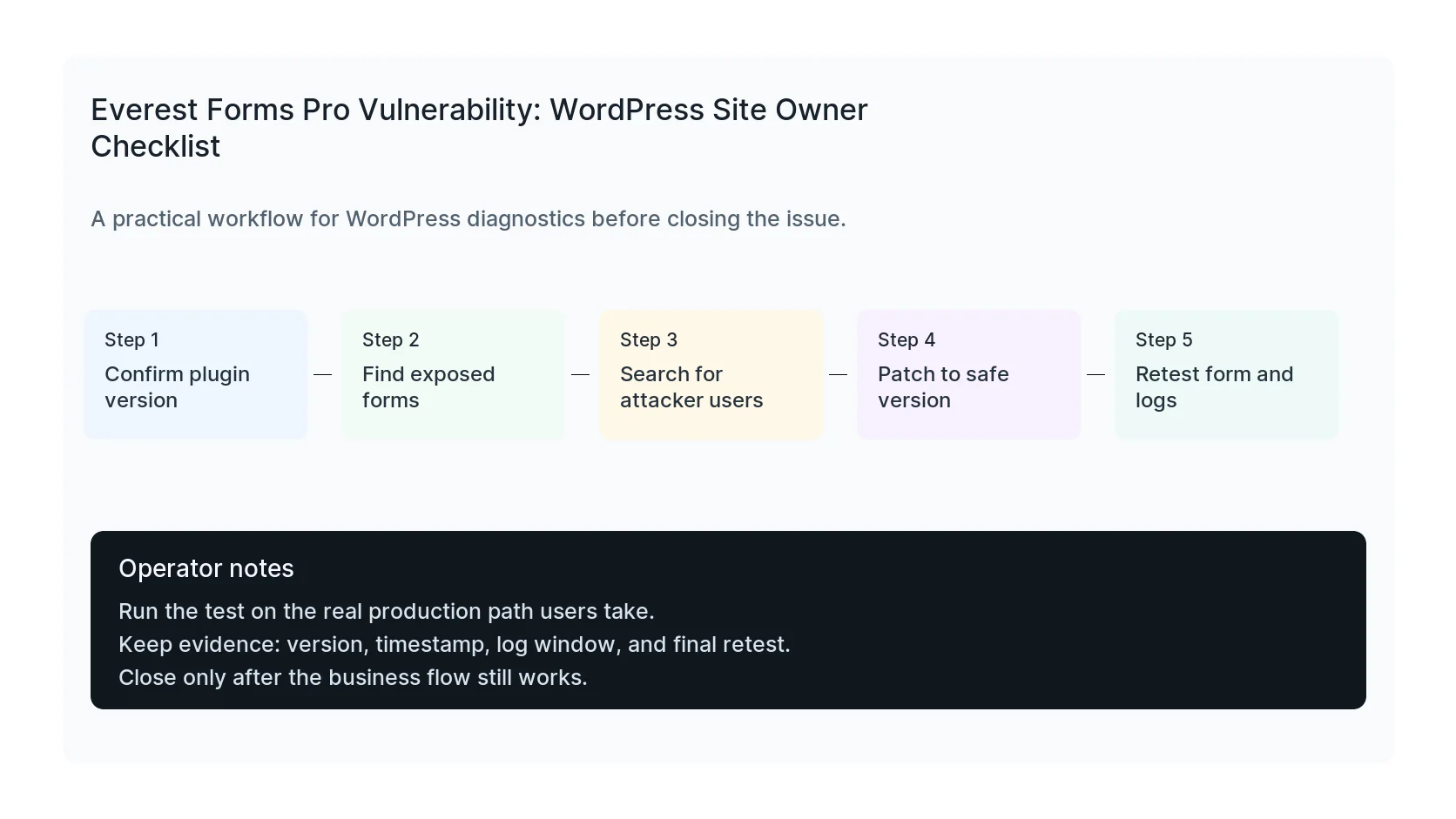
Start by confirming the exact Everest Forms Pro version that was running before the update. Then identify which forms used calculation fields, which pages embedded those forms, and whether those pages were public during the exploitation window.
Export a copy of form entries before cleanup if you need evidence. Do not paste suspicious payloads into production dashboards or send them around in email. Keep them in a secure note or ticket with limited access.
Inspect users, files, and requests
Review administrator users first. Look for users created around the suspicious date range, unknown email addresses, recent password resets, and sessions that do not match normal staff behavior.
Next, check access logs for repeated admin-ajax.php form submissions, especially from the same IPs or user agents. Then inspect modified PHP files, mu-plugins, upload directories, and new plugin folders created after the first suspicious request.
Bring the form back online carefully
After patching, submit test entries through the same public pages customers use. Confirm the form saves the entry, sends notification email, pushes CRM data, preserves UTM fields, and does not create console errors.
For paid traffic pages, also test conversion events. A rushed security patch that breaks lead capture can create a second business problem right after you fix the first one.
Checklist to run before you close the issue
- Verify Everest Forms Pro is patched to 1.9.13 or newer.
- Identify forms using complex calculation behavior.
- Search for unfamiliar administrator accounts.
- Review admin-ajax.php access logs.
- Inspect recently modified PHP files.
- Retest form, email, CRM, and conversion tracking.
Useful command or test
Use this as a starting point, then adapt it to the hosting stack, plugin names, and access level you actually have.
wp user list --role=administrator --fields=ID,user_login,user_email,user_registered && find wp-content -type f -mtime -14 -name '*.php'
When to get help
If this affects production traffic, paid ads, checkout, membership access, healthcare privacy, lead routing, or search visibility, do not leave the fix half-tested. HandL WP can trace the issue across WordPress, server logs, plugins, forms, tracking, and Search Console. If you want a senior engineer to check it, get hacked site help.
Sources and further reading