A WordPress AI crawler policy should separate search visibility from model-training preferences. OAI-SearchBot, GPTBot, ChatGPT-User, Googlebot, and private paths need explicit rules and a simple test plan.
Use this for public WordPress sites, service businesses, documentation hubs, publishers, and ecommerce stores that want AI search visibility without opening every crawler and private route.
Quick answer
GPTBot vs OAI-SearchBot WordPress Robots Template should be handled with a narrow evidence-first workflow: choose policy, write template, protect private paths, then verify the result before making broader changes.
What to check first
- Decide whether public service pages, blog posts, docs, images, and resources should be visible to AI search.
- Block GPTBot only if the business wants to opt out of OpenAI training crawler access.
- Allow OAI-SearchBot only if the business wants OpenAI search discovery and the public content is ready.
- Keep cart, checkout, account, staging, client, and private content protected by authentication or noindex where appropriate.
- Test the robots file and sample public URLs with crawler user agents and WAF logs.
Diagnostic table
Use this table to keep the work practical. It connects the symptom to evidence and a verification step.
| Action | Evidence to collect | How to verify |
|---|
| Choose policy | Decide whether public service pages, blog posts, docs, images, and resources should be visible to AI search. | Robots.txt names OAI-SearchBot and GPTBot separately. |
| Write template | Block GPTBot only if the business wants to opt out of OpenAI training crawler access. | Allowed crawlers receive 200 responses for public pages and sitemap files. |
| Protect private paths | Allow OAI-SearchBot only if the business wants OpenAI search discovery and the public content is ready. | Private paths rely on authentication, noindex, or application rules where needed. |
| Align WAF | Keep cart, checkout, account, staging, client, and private content protected by authentication or noindex where appropriate. | The policy has an owner and review date after major content or privacy changes. |
Why this usually happens
- Teams copy a generic `block AI bots` rule and accidentally reduce answer-engine visibility.
- Robots.txt is treated like access control for private content.
- A WAF blocks allowed crawlers before they can fetch robots.txt.
- The crawler policy has no owner, review date, or test evidence.
- New public content launches without checking whether the desired crawler can fetch it.
Field notes
- A robots template is a policy artifact. Keep a note explaining why each crawler is allowed or blocked.
- Crawler rules are not a substitute for authentication on sensitive WordPress routes.
Useful command or data shape
Adapt paths, IDs, and privacy handling to the site before running commands or storing data on production.
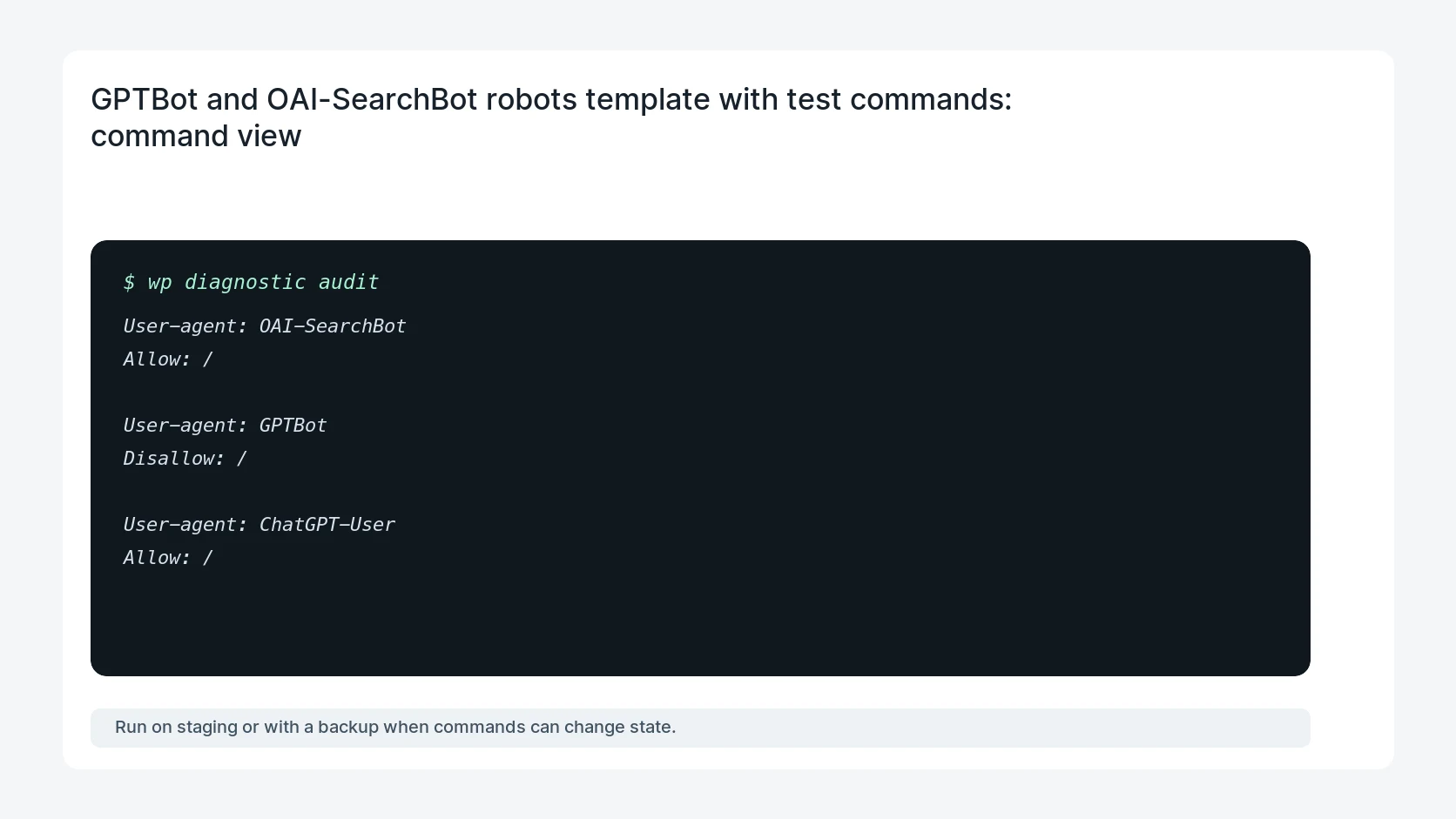
User-agent: OAI-SearchBot
Allow: /

User-agent: GPTBot
Disallow: /

User-agent: ChatGPT-User
Allow: /

User-agent: Googlebot
Allow: /

Disallow: /wp-admin/
Disallow: /cart/
Disallow: /checkout/
Disallow: /my-account/

Sitemap: https://example.com/sitemap.xml

# Tests
curl -A 'OAI-SearchBot' -sS -I https://example.com/
curl -A 'GPTBot' -sS https://example.com/robots.txt
Safe fix order
Do the work in a sequence that makes each result easy to prove. Stop if a step produces new evidence that changes the incident scope.
- Choose policy
- Write template
- Protect private paths
- Align WAF
- Retest crawlers
What to tell the client or owner
Tell the owner which crawler supports search visibility, which crawler is blocked for training preference, and which private areas are protected outside robots.txt.
Production verification checklist
- Robots.txt names OAI-SearchBot and GPTBot separately.
- Allowed crawlers receive 200 responses for public pages and sitemap files.
- Private paths rely on authentication, noindex, or application rules where needed.
- The policy has an owner and review date after major content or privacy changes.
Mistakes to avoid
- Do not judge the fix by one browser or the homepage only.
- Do not delete evidence before recording usernames, file paths, timestamps, and response headers.
- Do not add a cache, security, or tracking plugin while the original problem is still unclear.
- Do not leave test users, temporary debug logs, or broad API keys active after verification.
When HandL WP should help
Bring in help when this affects leads, checkout, search visibility, malware risk, paid media reporting, or a client production site. HandL WP can trace the issue through WordPress, hosting, cache, tracking, and Search Console, then verify the workflow after the technical fix.
If this is active on a production site, set a WordPress AI search crawler policy.
Related HandL WP guides
Use these related guides when the same issue touches tracking, security, checkout, or crawler visibility.
Compare crawler policy with observed edge requests
After publishing the robots rules, use the AI crawler policy and observed request drift report to reconcile status codes, WAF blocks, canonical fetches, identity evidence, citations, referrals, leads, and conversions.
Helpful references