Gravity Forms webhooks can miss Google Ads upload windows when CRM endpoints are slow, credentials expire, or payloads fail validation. A retry queue should preserve the lead, error, consent state, and next attempt without resending bad data forever.
Use this for lead-generation sites where Gravity Forms feeds a CRM, call booking system, offline conversion upload, or enhanced conversions workflow.
Quick answer
Gravity Forms Webhook Retry Queue for Google Ads should be handled with a narrow evidence-first workflow: use entry id, save attribution, classify errors, then verify the result before making broader changes.
What to check first
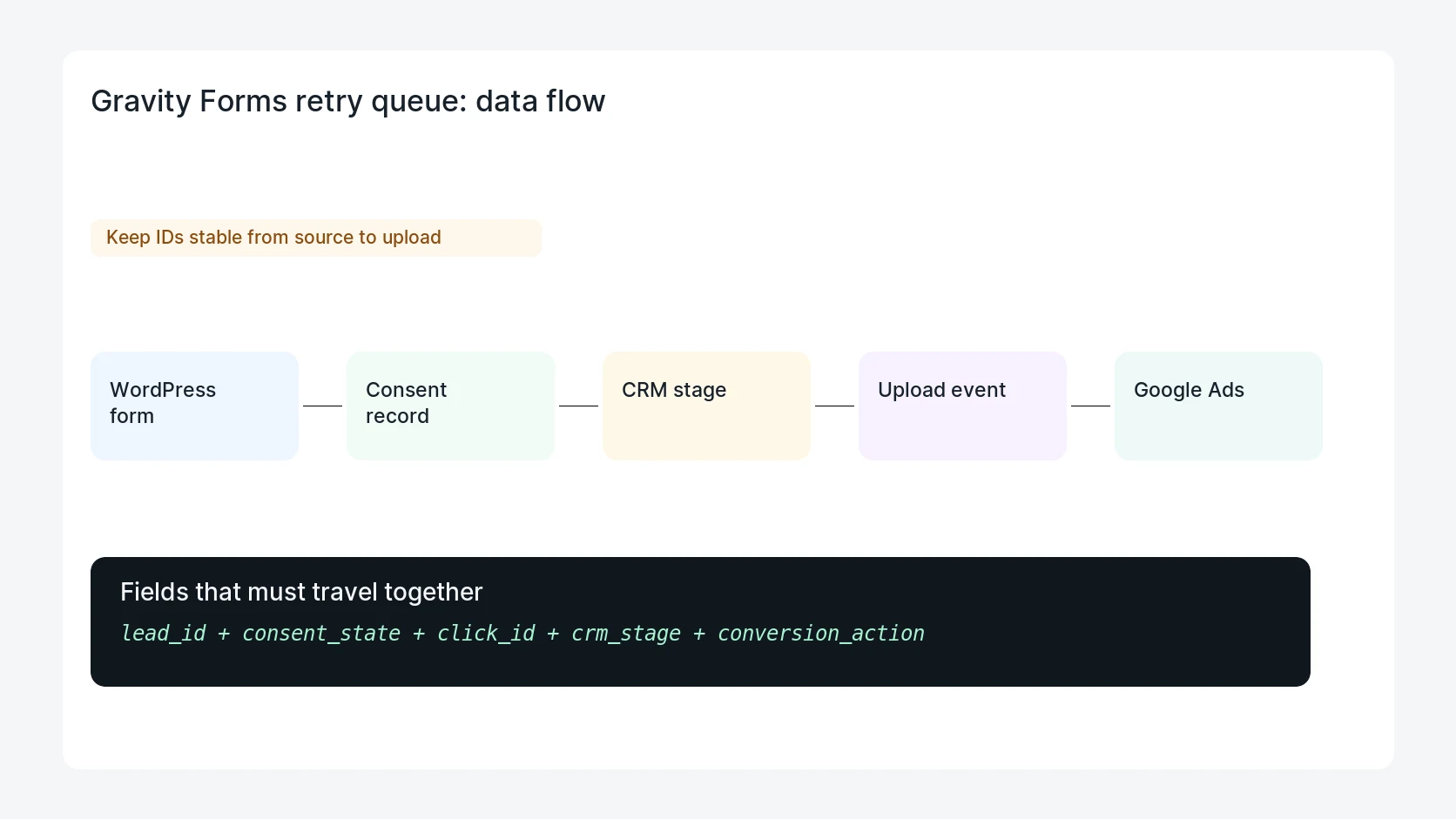
- Store the Gravity Forms entry ID as the durable lead ID.
- Save click IDs, landing page, consent state, and user identifiers before webhook delivery.
- Classify errors as retryable, blocked, or permanently rejected.
- Limit retries and surface stuck leads for human review.
- Record the CRM stage that decides which Google Ads conversion action should be uploaded.
Diagnostic table
Use this table to keep the work practical. It connects the symptom to evidence and a verification step.
| Action | Evidence to collect | How to verify |
|---|
| Use entry ID | Store the Gravity Forms entry ID as the durable lead ID. | A failed webhook creates a queue row instead of losing the lead. |
| Save attribution | Save click IDs, landing page, consent state, and user identifiers before webhook delivery. | Retryable errors wait before the next attempt. |
| Classify errors | Classify errors as retryable, blocked, or permanently rejected. | Invalid payloads stop and show the field that needs a fix. |
| Limit retries | Limit retries and surface stuck leads for human review. | Closed-won or qualified stages map to the right Google Ads action. |
Useful command or data shape
Adapt paths, IDs, and privacy handling to the site before running commands or storing data on production.
retry_queue_row:
  entry_id: 58214
  status: retry_wait
  tries: 2
  next_attempt: 2026-06-25T21:30:00Z
  last_error: crm_503
  upload_blocked: false
Safe fix order
Do the work in a sequence that makes each result easy to prove. Stop if a step produces new evidence that changes the incident scope.
- Use entry ID
- Save attribution
- Classify errors
- Limit retries
- Review stuck leads
Production verification checklist
- A failed webhook creates a queue row instead of losing the lead.
- Retryable errors wait before the next attempt.
- Invalid payloads stop and show the field that needs a fix.
- Closed-won or qualified stages map to the right Google Ads action.
Mistakes to avoid
- Do not judge the fix by one browser or the homepage only.
- Do not delete evidence before recording usernames, file paths, timestamps, and response headers.
- Do not add a cache, security, or tracking plugin while the original problem is still unclear.
- Do not leave test users, temporary debug logs, or broad API keys active after verification.
When HandL WP should help
Bring in help when this affects leads, checkout, search visibility, malware risk, paid media reporting, or a client production site. HandL WP can trace the issue through WordPress, hosting, cache, tracking, and Search Console, then verify the workflow after the technical fix.
If this is active on a production site, protect Gravity Forms lead uploads.
Fix invalid GET webhook configuration before replay
If a Gravity Flow outgoing webhook uses GET with a stored body, follow the Gravity Flow 3.1.1 GET webhook PHP fatal fix. It separates GET query values from POST bodies and reconciles the downstream result before retrying a failed step.
Helpful references