A WordPress form retry, webhook retry, CRM retry, or queue retry can send the same Meta Lead event more than once. Deduplication depends on stable event IDs and matching event names across browser and server paths.
Use this for Gravity Forms, Elementor Forms, Contact Form 7, custom lead forms, CRMs, and server-side Meta Conversions API integrations.
Quick answer
Meta CAPI Duplicate Lead Event After Form Retry should be handled with a narrow evidence-first workflow: create stable event id, match event names, store retry state, then verify the result before making broader changes.
What to check first
- Generate one stable event ID at form submit and store it with the entry, not only in JavaScript memory.
- Send the same event name and event ID on the browser Pixel event and server Conversions API event when they describe the same lead.
- Mark retry state in the queue so processed events are skipped or resent with the same ID only when appropriate.
- Check Events Manager diagnostics for duplicate, missing, or mismatched event ID warnings.
- Verify CRM retries do not create a new Lead event when they only update an existing lead record.
Diagnostic table
Use this table to keep the work practical. It connects the symptom to evidence and a verification step.
| Action | Evidence to collect | How to verify |
|---|
| Create stable event ID | Generate one stable event ID at form submit and store it with the entry, not only in JavaScript memory. | The browser and server event share the same event name and event ID for the same lead. |
| Match event names | Send the same event name and event ID on the browser Pixel event and server Conversions API event when they describe the same lead. | A webhook retry does not create a second unique Lead event. |
| Store retry state | Mark retry state in the queue so processed events are skipped or resent with the same ID only when appropriate. | Events Manager shows deduplication health improving or no duplicate warnings for the test path. |
| Check diagnostics | Check Events Manager diagnostics for duplicate, missing, or mismatched event ID warnings. | CRM stage updates use a separate event plan instead of resending the original Lead. |
Why this usually happens
- A new event ID is generated every time the webhook retries.
- The browser sends Lead while the server sends CompleteRegistration for the same submission.
- The queue has no processed marker, so a timeout causes the job to run again.
- The CRM sends a second conversion when the lead status changes, without using a separate event strategy.
Field notes
- Keep event ID, form entry ID, CRM lead ID, and retry count in one log row. Debugging is much faster.
- Some duplicate-looking test events are expected in Events Manager. The question is whether Meta can deduplicate the matching pair.
Useful command or data shape
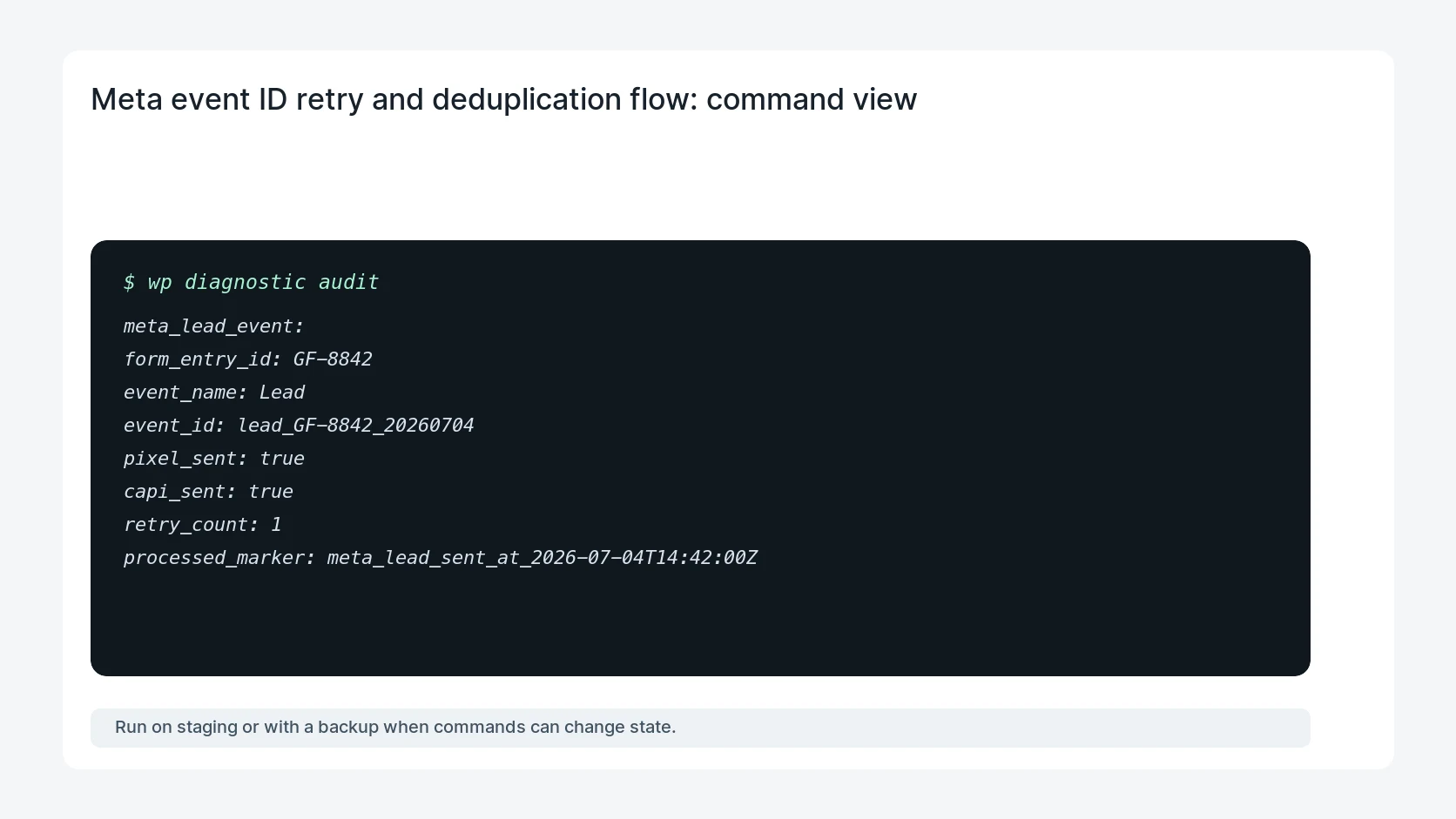
Adapt paths, IDs, and privacy handling to the site before running commands or storing data on production.
meta_lead_event:
  form_entry_id: GF-8842
  event_name: Lead
  event_id: lead_GF-8842_20260704
  pixel_sent: true
  capi_sent: true
  retry_count: 1
  processed_marker: meta_lead_sent_at_2026-07-04T14:42:00Z
Safe fix order
Do the work in a sequence that makes each result easy to prove. Stop if a step produces new evidence that changes the incident scope.
- Create stable event ID
- Match event names
- Store retry state
- Check diagnostics
- Reconcile CRM updates
What to tell the client or owner
Tell the marketing owner whether duplicates came from the form, queue, CRM, or browser/server mismatch, then show the stable event ID proof.
Production verification checklist
- The browser and server event share the same event name and event ID for the same lead.
- A webhook retry does not create a second unique Lead event.
- Events Manager shows deduplication health improving or no duplicate warnings for the test path.
- CRM stage updates use a separate event plan instead of resending the original Lead.
Mistakes to avoid
- Do not judge the fix by one browser or the homepage only.
- Do not delete evidence before recording usernames, file paths, timestamps, and response headers.
- Do not add a cache, security, or tracking plugin while the original problem is still unclear.
- Do not leave test users, temporary debug logs, or broad API keys active after verification.
When HandL WP should help
Bring in help when this affects leads, checkout, search visibility, malware risk, paid media reporting, or a client production site. HandL WP can trace the issue through WordPress, hosting, cache, tracking, and Search Console, then verify the workflow after the technical fix.
If this is active on a production site, fix Meta Pixel and CAPI tracking on WordPress.
Related HandL WP guides
Use these related guides when the same issue touches tracking, security, checkout, or crawler visibility.
Helpful references