If you searched for "meta capi match quality wordpress", you probably do not need a generic WordPress article. You need a practical order of operations that protects the site, the business process, and the evidence you may need later.
This guide is written for WordPress advertisers using Meta Pixel and Conversions API. It focuses on what to check first, what to avoid, and how to prove the issue is fixed before you move on.
Quick answer
| Check | What it tells you |
|---|
| First fix | Make sure the browser Pixel and server CAPI events share the same event identity for deduplication. |
| Safe improvement | Normalize and hash allowed identifiers, but do not send sensitive form contents. |
| Healthcare warning | For HIPAA-covered workflows, review HHS tracking guidance and avoid PHI in ad platform payloads. |
Match quality starts with event quality
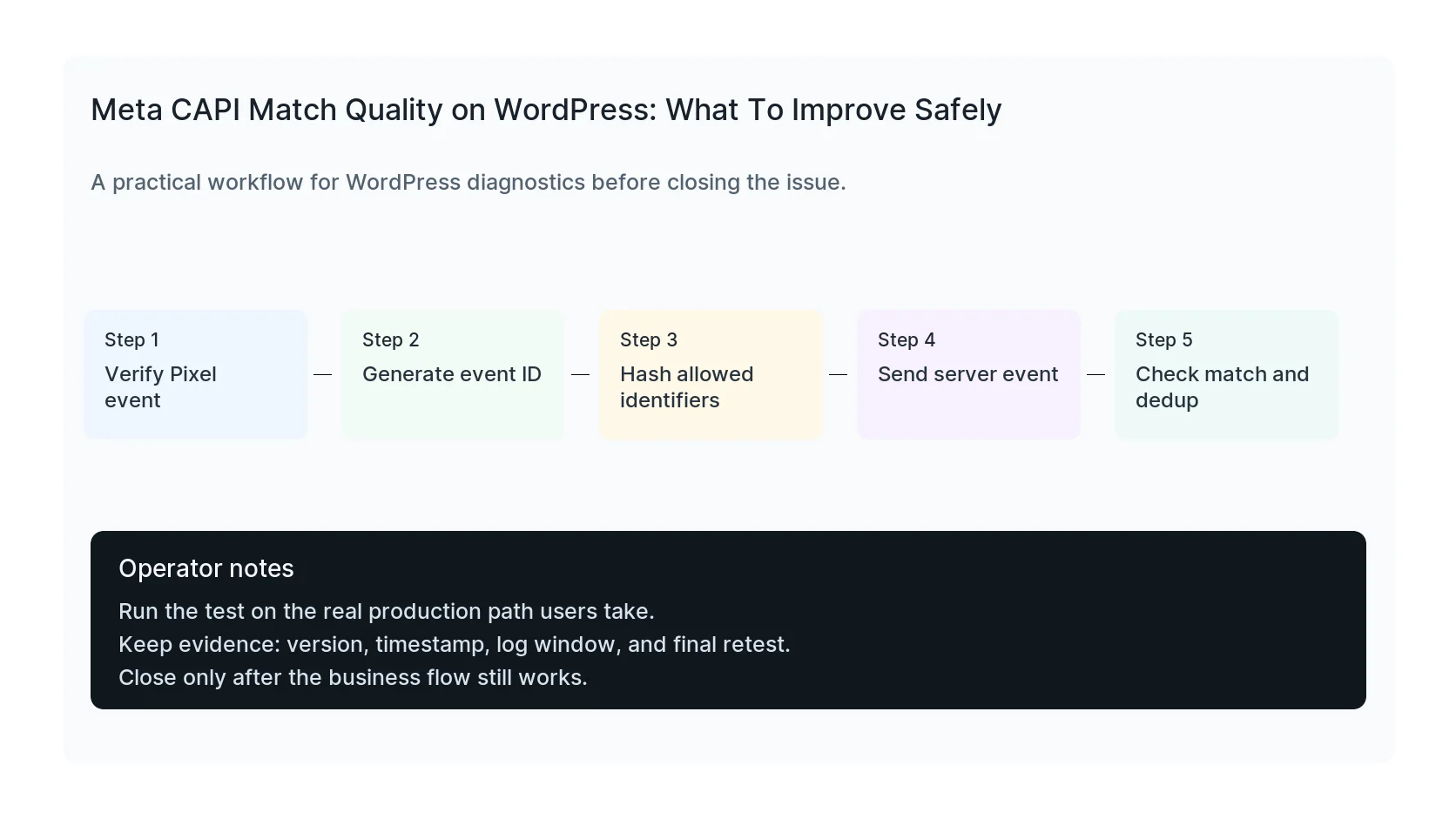
If Meta CAPI match quality is weak, do not immediately add every available field to the payload. First confirm the event name, event time, event source URL, action source, event ID, and browser/server deduplication.
A clean Lead event with stable deduplication is more useful than a noisy payload that double counts conversions or sends data the business should not share.
Use identifiers carefully
Allowed identifiers should be normalized and hashed before sending where required. Common examples include email, phone, first name, last name, city, state, ZIP, country, external ID, and client IP or user agent when appropriate.
Appropriate depends on consent, jurisdiction, industry, privacy policy, and the type of form. A healthcare appointment request, legal intake, or financial hardship form deserves stricter review than a simple ecommerce purchase.
Deduplicate before judging performance
If Pixel and CAPI both send the same conversion but event IDs do not match, Meta may count duplicates or discard useful signals. Match quality and event quality diagnostics become hard to interpret.
For WordPress forms, generate the event ID at the form submission moment and pass it to both the browser event and server request. For WooCommerce, use the order ID or a stable derived value where it fits the event model.
Monitor payloads after plugin updates
Meta tracking plugins, consent plugins, form plugins, and optimization plugins can all change when events fire. After updates, inspect Meta Test Events and compare against WordPress entries or WooCommerce orders.
Good monitoring catches both privacy risk and reporting drift. The question is not only whether CAPI fires. The question is whether it fires the right event with the right data at the right time.
Checklist to run before you close the issue
- Verify Pixel and CAPI event names match.
- Use matching event IDs for deduplication.
- Normalize and hash allowed identifiers.
- Exclude sensitive form contents.
- Respect consent and privacy policy limits.
- Compare Meta Test Events to WordPress records.
Useful command or test
Use this as a starting point, then adapt it to the hosting stack, plugin names, and access level you actually have.
event_name=Lead event_id={{submission_id}} action_source=website
When to get help
If this affects production traffic, paid ads, checkout, membership access, healthcare privacy, lead routing, or search visibility, do not leave the fix half-tested. HandL WP can trace the issue across WordPress, server logs, plugins, forms, tracking, and Search Console. If you want a senior engineer to check it, fix Meta tracking on WordPress.
Sources and further reading