Meta Pixel lead tracking on WordPress often fails quietly. Events Manager may show PageView, but the Lead event never fires when a visitor submits the form. That means Meta can retarget visitors but cannot optimize reliably for leads.
The fix is to connect the form success moment to a real Lead event, then verify it in Meta Test Events.
Quick diagnostic map
Use this map before changing tags or plugins. It keeps the investigation tied to the actual signal path instead of guessing inside dashboards.
| Signal | Meaning | First check |
|---|
| PageView | Start of the signal path | Open Test Events |
| ViewContent | Middle layer that often breaks | Submit real form |
| Lead | Conversion moment to verify | Check Lead event |
| Server Lead | Reporting destination | Compare browser and server |
Confirm the base pixel first
If PageView is missing, fix the base pixel before chasing lead events. Check the pixel ID, placement, consent behavior, and whether the site loads multiple pixels.
Multiple plugins can inject different pixels and make debugging harder.
Tie Lead to form success
Do not fire Lead on button click unless the form definitely submitted. Button clicks include validation failures, spam blocks, and accidental clicks. Use a thank-you page, plugin submit hook, dataLayer event, or AJAX success event.
The event should fire once per real lead.
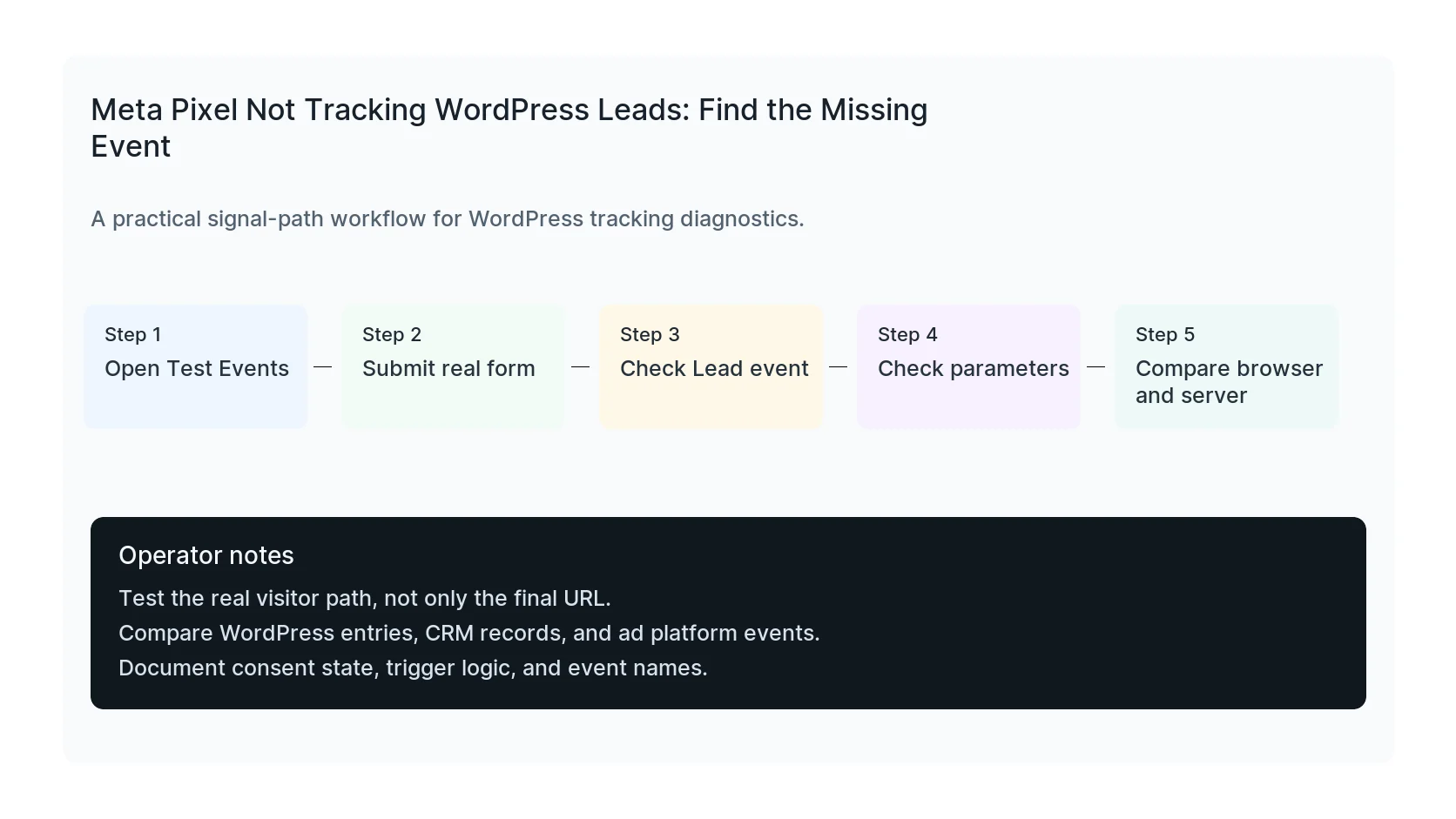
Use Events Manager and browser tools together
Meta Test Events shows whether Meta receives the event. The browser console and network tab show whether WordPress sent it. Use both so you know whether the problem is on the site, browser, consent layer, or Meta processing side.
WordPress-specific causes
- AJAX forms never reach a thank-you URL.
- Popup forms render after tracking scripts run.
- Cookie banners block marketing tags.
- Optimization plugins delay or move pixel scripts.
- CAPI sends events without matching browser event IDs.
Verification checklist
- PageView fires once.
- Lead fires only after successful submission.
- Lead appears in Test Events.
- Event source URL is correct.
- Duplicate event warnings are reviewed.
Useful test commands
Use browser tools and command-line checks together. Browser tools show client-side events. Server and API checks show what survives after WordPress handles the submission.
fbq('track', 'Lead')
When to get help
If the tracking path is tied to paid spend, lead routing, healthcare privacy, or CRM reporting, do not leave it half-tested. HandL WP can trace the path across WordPress, forms, GTM, pixels, server-side events, and CRM fields. If this is active on a production site, fix Meta Pixel lead tracking.
Helpful official references
Trace success, browser, server, and deduplication timing
Use the Meta Pixel form success callback and event ID timeline to prove one accepted lead triggers one logical browser and server event with a shared event ID.
Keep the original event ID through CAPI retries
Run the Meta CAPI retry original event ID contract test so timeouts, backoff, and recovery cannot turn one accepted lead into several logical events.
Prevent thank-you page revisits from creating new leads
Run the Meta Pixel thank-you revisit duplicate Lead test across refresh, history restore, duplicate tabs, direct visits, Pixel, and Conversions API deduplication.
Instrument Outbid.lol traffic before bidding
For trend-driven referral campaigns, start with the Outbid.lol campaign guide to verify the destination, tag one URL, preserve attribution, run a synthetic lead, and set a cost-per-qualified-action stop rule.