If Meta Pixel shows PageView but no Lead event, the base pixel is installed but the conversion event is not connected to the successful form action. This is one of the most common tracking failures on WordPress lead generation sites.
The important question is not whether the visitor clicked the button. The important question is whether the site confirmed a valid lead.
Quick diagnostic map
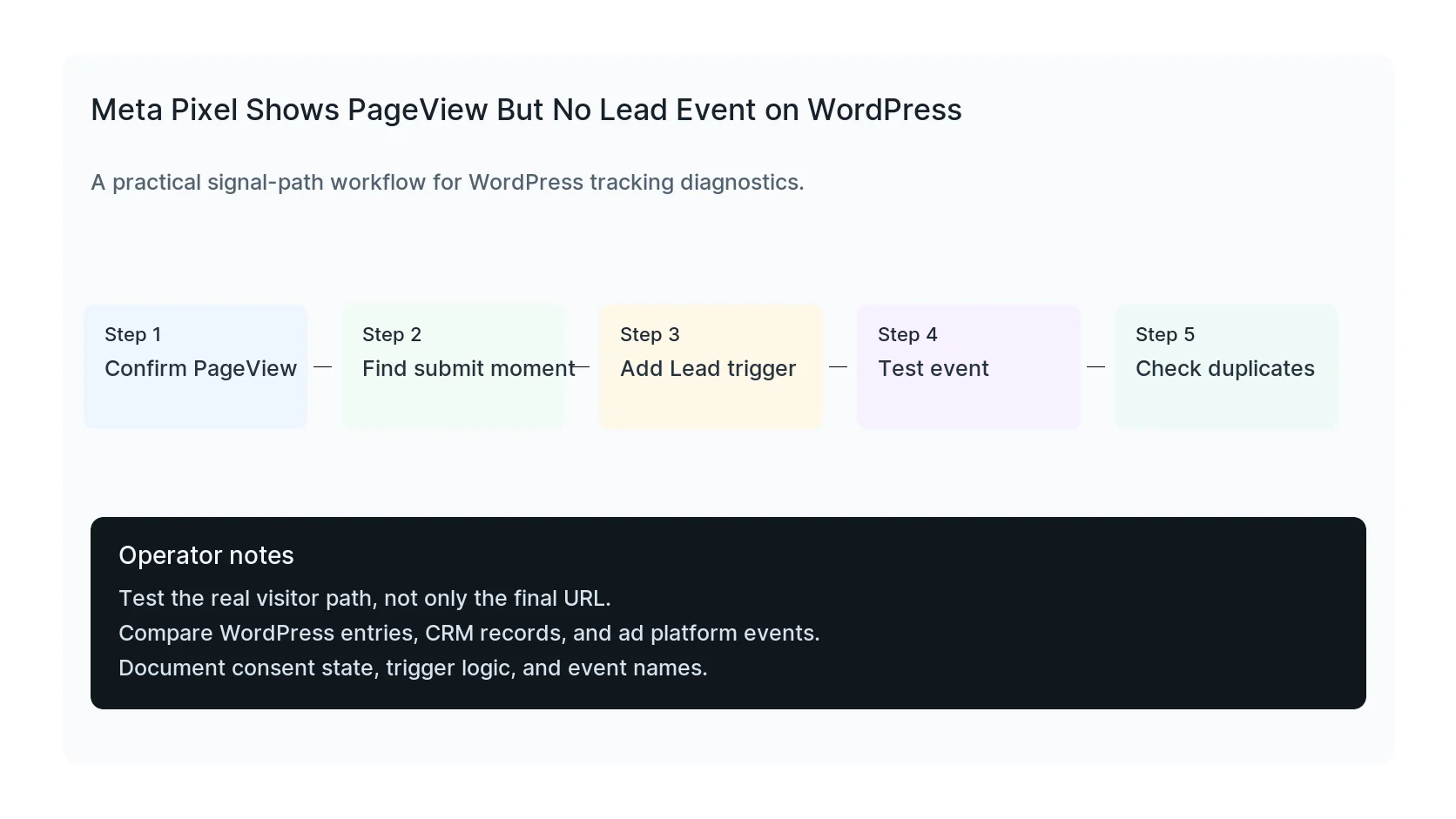
Use this map before changing tags or plugins. It keeps the investigation tied to the actual signal path instead of guessing inside dashboards.
| Signal | Meaning | First check |
|---|
| Browser loaded | Start of the signal path | Confirm PageView |
| Pixel base script | Middle layer that often breaks | Find submit moment |
| PageView event | Conversion moment to verify | Add Lead trigger |
| No conversion | Reporting destination | Check duplicates |
Do not use button clicks as the default
A click on Submit can happen before validation, before reCAPTCHA, before spam checks, and before the CRM receives anything. Counting clicks as leads inflates results and teaches Meta the wrong signal.
Use a real success signal whenever possible.
Pick the right success signal
For simple forms, a thank-you page may be enough. For AJAX forms, use the form plugin success callback, a dataLayer event, or a custom JavaScript event. For checkout or booking, use the completed order or booking confirmation.
The signal should fire once and only once.
Check naming and event quality
Meta expects standard event names such as Lead. Custom event names may appear but not optimize the same way if your campaign is configured for standard leads.
Include useful parameters when appropriate, but do not send sensitive form content.
Quick diagnostic table
- PageView works, Lead missing: no conversion trigger.
- Lead fires twice: browser and server not deduplicated.
- Lead fires on page load: trigger too broad.
- Lead fires in preview only: consent, cache, or environment mismatch.
What to document
- Pixel ID.
- Form plugin.
- Trigger type.
- Event name.
- Whether CAPI is enabled.
- Consent behavior.
Useful test commands
Use browser tools and command-line checks together. Browser tools show client-side events. Server and API checks show what survives after WordPress handles the submission.
Events Manager -> Test Events
When to get help
If the tracking path is tied to paid spend, lead routing, healthcare privacy, or CRM reporting, do not leave it half-tested. HandL WP can trace the path across WordPress, forms, GTM, pixels, server-side events, and CRM fields. If this is active on a production site, repair the Meta Lead event.
Helpful official references
Replay consent and Lead event order
Use the Meta Pixel consent update and event-order replay test to compare denied, granted-on-load, and late-grant paths while preserving confirmed success and browser-server deduplication.
If the same form also reports GA4 leads before submission succeeds, audit the success trigger separately: GA4 Counts a Lead When the Form Fails: Fix the Success Trigger.