OpenAI documents separate agents including OAI-SearchBot, GPTBot, and ChatGPT-User. A WordPress site can allow search visibility while blocking training crawls, but the WAF, CDN, security plugin, and robots.txt file need to agree.
Use this when ChatGPT search visibility matters, public WordPress pages should be discoverable, or the team is unsure whether bot blocks are enforcing policy or accidentally hiding content.
Quick answer
OAI-SearchBot WAF Log Check for WordPress Sites should be handled with a narrow evidence-first workflow: set policy, update robots.txt, add waf checks, then verify the result before making broader changes.
What to check first
- Decide whether public service pages, docs, and blog posts should allow OAI-SearchBot.
- Separate GPTBot training preferences from OAI-SearchBot search visibility in robots.txt.
- Use OpenAI's published IP ranges when creating WAF allow rules for search crawler access.
- Check whether ChatGPT-User requests are handled as user actions rather than normal scheduled crawling.
- Monitor logs after robots.txt changes because crawler systems can take time to adjust.
Diagnostic table
Use this table to keep the work practical. It connects the symptom to evidence and a verification step.
| Action | Evidence to collect | How to verify |
|---|
| Set policy | Decide whether public service pages, docs, and blog posts should allow OAI-SearchBot. | OAI-SearchBot can fetch public pages that should appear in search answers. |
| Update robots.txt | Separate GPTBot training preferences from OAI-SearchBot search visibility in robots.txt. | GPTBot policy matches the site's training preference. |
| Add WAF checks | Use OpenAI's published IP ranges when creating WAF allow rules for search crawler access. | WAF rules validate source IPs instead of trusting user-agent text alone. |
| Read logs | Check whether ChatGPT-User requests are handled as user actions rather than normal scheduled crawling. | Logs show 200 responses for allowed public pages and blocks for private areas. |
Useful command or data shape
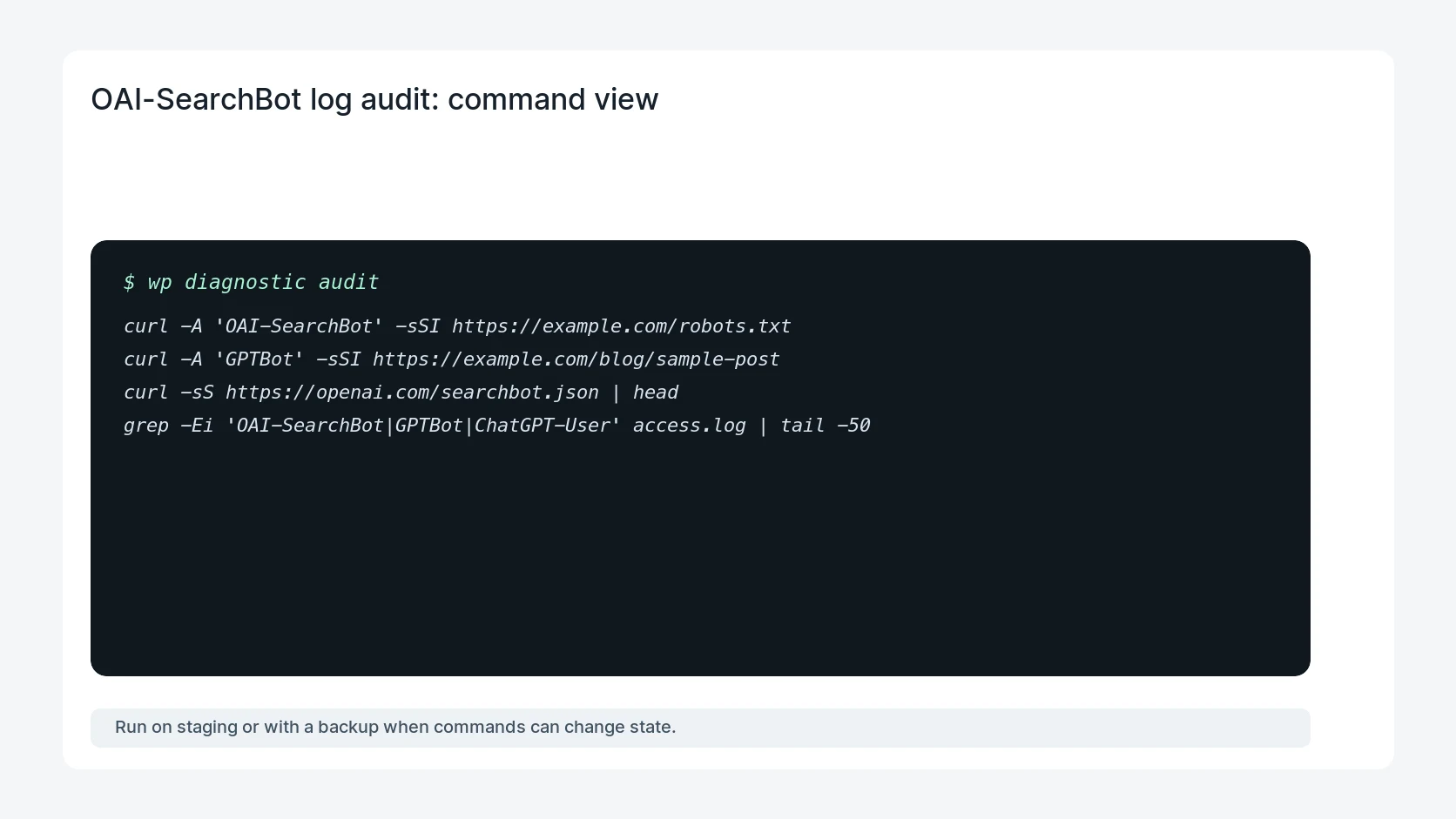
Adapt paths, IDs, and privacy handling to the site before running commands or storing data on production.
curl -A 'OAI-SearchBot' -sSI https://example.com/robots.txt
curl -A 'GPTBot' -sSI https://example.com/blog/sample-post
curl -sS https://openai.com/searchbot.json | head
grep -Ei 'OAI-SearchBot|GPTBot|ChatGPT-User' access.log | tail -50
Safe fix order
Do the work in a sequence that makes each result easy to prove. Stop if a step produces new evidence that changes the incident scope.
- Set policy
- Update robots.txt
- Add WAF checks
- Read logs
- Retest public URLs
Production verification checklist
- OAI-SearchBot can fetch public pages that should appear in search answers.
- GPTBot policy matches the site's training preference.
- WAF rules validate source IPs instead of trusting user-agent text alone.
- Logs show 200 responses for allowed public pages and blocks for private areas.
Mistakes to avoid
- Do not judge the fix by one browser or the homepage only.
- Do not delete evidence before recording usernames, file paths, timestamps, and response headers.
- Do not add a cache, security, or tracking plugin while the original problem is still unclear.
- Do not leave test users, temporary debug logs, or broad API keys active after verification.
When HandL WP should help
Bring in help when this affects leads, checkout, search visibility, malware risk, paid media reporting, or a client production site. HandL WP can trace the issue through WordPress, hosting, cache, tracking, and Search Console, then verify the workflow after the technical fix.
If this is active on a production site, set OpenAI crawler policy for WordPress.
Helpful references