Malicious CDN JavaScript may have run while a WordPress administrator was logged in. The visible plugin screen is not enough, because the reported backdoor can hide itself from wp-admin.
Use this if the site had OptinMonster, TrustPulse, or PushEngage active around June 12 to June 14, 2026, or if you are auditing a client site after the advisory.
Quick answer
Start with evidence, not a plugin setting. The first useful checks are: List administrator accounts from WP-CLI and compare them to the client-approved access list. Inspect the plugin folder on disk, not only the WordPress plugin screen. Search wp-content for known indicator strings and suspicious plugin shells. Keep every change small enough to reverse.
Fast diagnosis map
Use this map before changing production. It helps separate a real platform issue from a cached page, stale setting, or missing handoff.
| Signal | What it means | Useful next check |
|---|
| developer_api1 admin | Check access, users, or ownership first | Remove rogue admin accounts |
| dev_xxxxxx admin | Look for a configuration, plugin, or data mismatch | Quarantine hidden plugin folders |
| database-optimizer plugin | Inspect the layer most likely to be hidden from the normal UI | Replace changed plugin files |
| tidio.cc beacon | Prove whether the problem is still active | Rotate every credential |
What to check first
- List administrator accounts from WP-CLI and compare them to the client-approved access list.
- Inspect the plugin folder on disk, not only the WordPress plugin screen.
- Search wp-content for known indicator strings and suspicious plugin shells.
- Review access logs around the dates an administrator used wp-admin.
- Rotate admin passwords, salts, SFTP, hosting, and API keys if any indicator appears.
Run a focused check
These commands or fields give you a useful starting point. Adapt paths, IDs, and privacy handling to the site before running anything on production.
wp user list --role=administrator --fields=ID,user_login,user_email,user_registered
find wp-content/plugins -maxdepth 2 -type f | grep -Ei 'content-delivery-helper|database-optimizer|developer_api1'
grep -R "tidio.cc\|developer_api1\|WPM File Manager" wp-content -n
Safe fix order
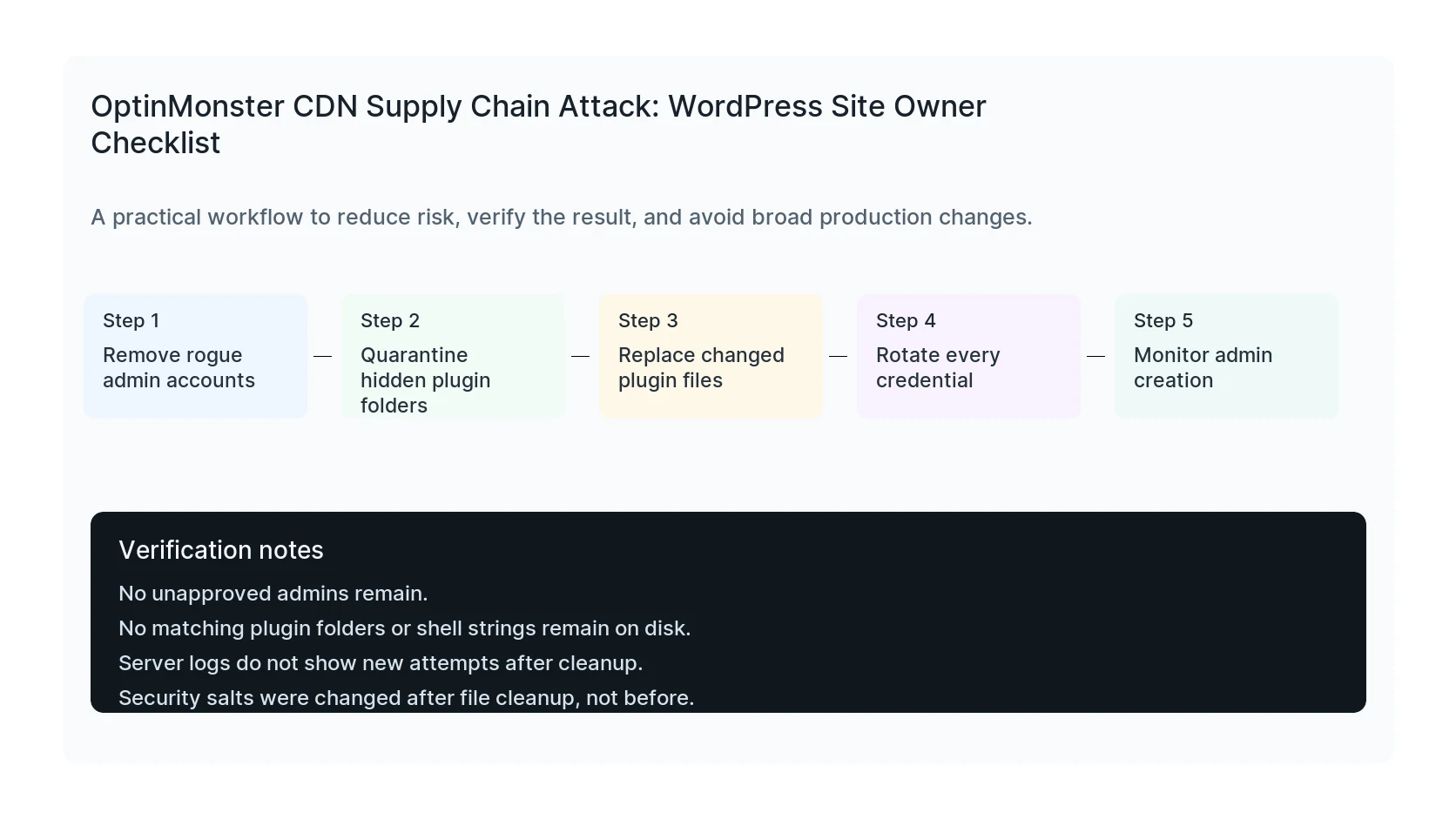
Do the work in this order so each result can be verified. If a step fails, stop and capture the evidence before making a broader change.
- Remove rogue admin accounts
- Quarantine hidden plugin folders
- Replace changed plugin files
- Rotate every credential
- Monitor admin creation
Verification checklist
The fix is not done when the warning disappears. Confirm the result from the visitor side, admin side, and reporting side.
- No unapproved admins remain.
- No matching plugin folders or shell strings remain on disk.
- Server logs do not show new attempts after cleanup.
- Security salts were changed after file cleanup, not before.
Mistakes to avoid
- Do not judge the result by the homepage only.
- Do not clear every cache layer until you know which layer affects the symptom.
- Do not delete evidence before copying filenames, timestamps, versions, and affected URLs.
- Do not make privacy or crawler decisions without writing down the business reason.
- Do not leave temporary debug settings, test accounts, or broad permissions in place.
When HandL WP should help
Bring in help when the issue affects leads, checkout, ads, malware risk, search visibility, or a client production site. HandL WP can trace the problem through WordPress, hosting, tracking, cache, and Search Console, then verify the business workflow after the technical fix.
If this is active on a production site, request a WordPress malware cleanup.
Helpful references