If you searched for "Search Console discovered not indexed WordPress", you probably need a practical decision path, not a generic WordPress article. The goal is to protect the site, preserve useful evidence, and keep the business workflow working.
This guide is written for WordPress sites publishing new service pages or blog posts. It focuses on the checks that prove whether the issue is contained, fixed, and safe to close.
Quick answer
| Check | What it tells you |
|---|
| Meaning | Google has discovered the URL but has not crawled or indexed it yet. |
| First checks | HTTP status, robots rules, canonical tag, sitemap entry, internal links, and whether the page returns real HTML to crawlers. |
| Content check | New pages need enough unique value and internal signals to be worth crawling. |
Discovered is not the same as indexed
When Search Console says Discovered, currently not indexed, Google knows the URL exists. The URL may come from a sitemap, an internal link, or an external reference, but Google has not completed crawling and indexing.
For a new WordPress post, this can be normal for a short time. If it stays that way, look at crawl quality, page quality, and site signals.
Check the technical basics first
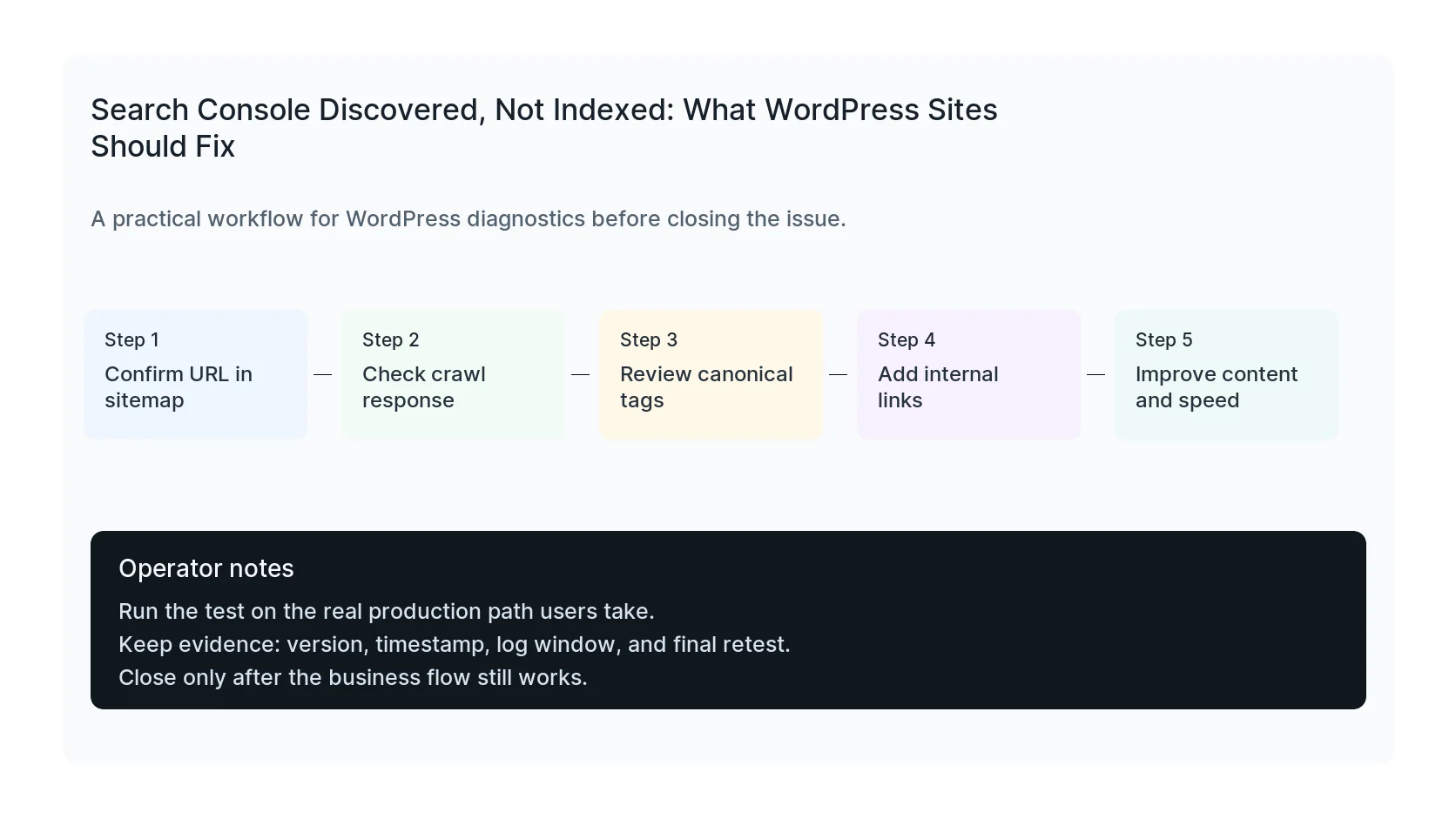
Confirm the URL returns `200 OK`, is not blocked by robots.txt, has a self-referencing canonical, appears in the sitemap, and returns complete HTML for crawlers.
For JavaScript-heavy sites, raw curl and rendered browser checks can differ. If crawlers only receive a shell with generic tags, the indexing signal is weaker.
Strengthen internal links and page value
A page with no internal links, thin content, duplicate structure, or weak topical fit is easier for Google to postpone. Add relevant internal links from service pages, related posts, category pages, and navigation where appropriate.
Improve the page itself too. Use a clear answer, helpful tables, images with real diagnostic value, cited sources, FAQs, and a specific next step.
Use URL Inspection as a snapshot, not a magic button
The URL Inspection API can show status, but individual request indexing is not broadly available through the public API for normal pages. Sitemap submission and strong crawl signals are the scalable path.
Track status over days, not minutes. Fresh pages often move from unknown to discovered before they are crawled and indexed.
Checklist to run before you close the issue
- Confirm 200 status and crawlable HTML.
- Check robots.txt and meta robots.
- Verify canonical URL.
- Confirm sitemap inclusion.
- Add internal links from relevant pages.
- Improve page usefulness and speed.
Useful command or test
Use this as a starting point and adapt it to the host, stack, plugin names, and access level you actually have.
curl -sS -I https://example.com/blog/post && curl -sS https://example.com/sitemap.xml | grep /blog/post
When to get help
If this affects production traffic, paid ads, checkout, membership access, healthcare privacy, lead routing, or search visibility, do not leave it half-tested. HandL WP can trace the issue across WordPress, server logs, plugins, forms, tracking, and Search Console. If you want a senior engineer to check it, review WordPress SEO indexing issues.
Sources and further reading
Triage discovered URLs as cohorts
Use the Search Console discovered currently not indexed cohort workflow to choose improvement, internal linking, consolidation, exclusion, or monitoring based on shared evidence.
Measure owner-link coverage for each new cohort
Use the Search Console owner-link coverage report to find technically valid new pages that still lack a contextual incoming link from an established indexed topic owner.
Before trying a bulk indexing plugin to resolve discovery delays, check the API eligibility boundary: Google Indexing API Quota Does Not Cover Blog Posts.