If you searched for "UpdraftPlus authentication bypass WordPress", you probably need a practical decision path, not a generic WordPress article. The goal is to protect the site, preserve useful evidence, and keep the business workflow working.
This guide is written for WordPress sites using UpdraftPlus free or premium backup plugins. It focuses on the checks that prove whether the issue is contained, fixed, and safe to close.
Quick answer
| Check | What it tells you |
|---|
| Affected versions | Wordfence lists UpdraftPlus free versions up to 1.26.4 and premium versions below 2.26.5 as affected. |
| Why backups matter | Backup archives can contain database dumps, wp-config.php values, user data, private content, and plugin secrets. |
| Do not stop at update | Check whether backups were downloaded or remote communication endpoints were probed. |
Backup plugins hold the keys to the site
An authentication bypass in a backup plugin deserves extra attention because backups can contain everything an attacker needs to clone, inspect, or compromise the site later.
After patching, ask what the plugin could expose in your configuration: database backups, file archives, remote storage links, UpdraftCentral communications, and logs.
Patch and verify the exact version
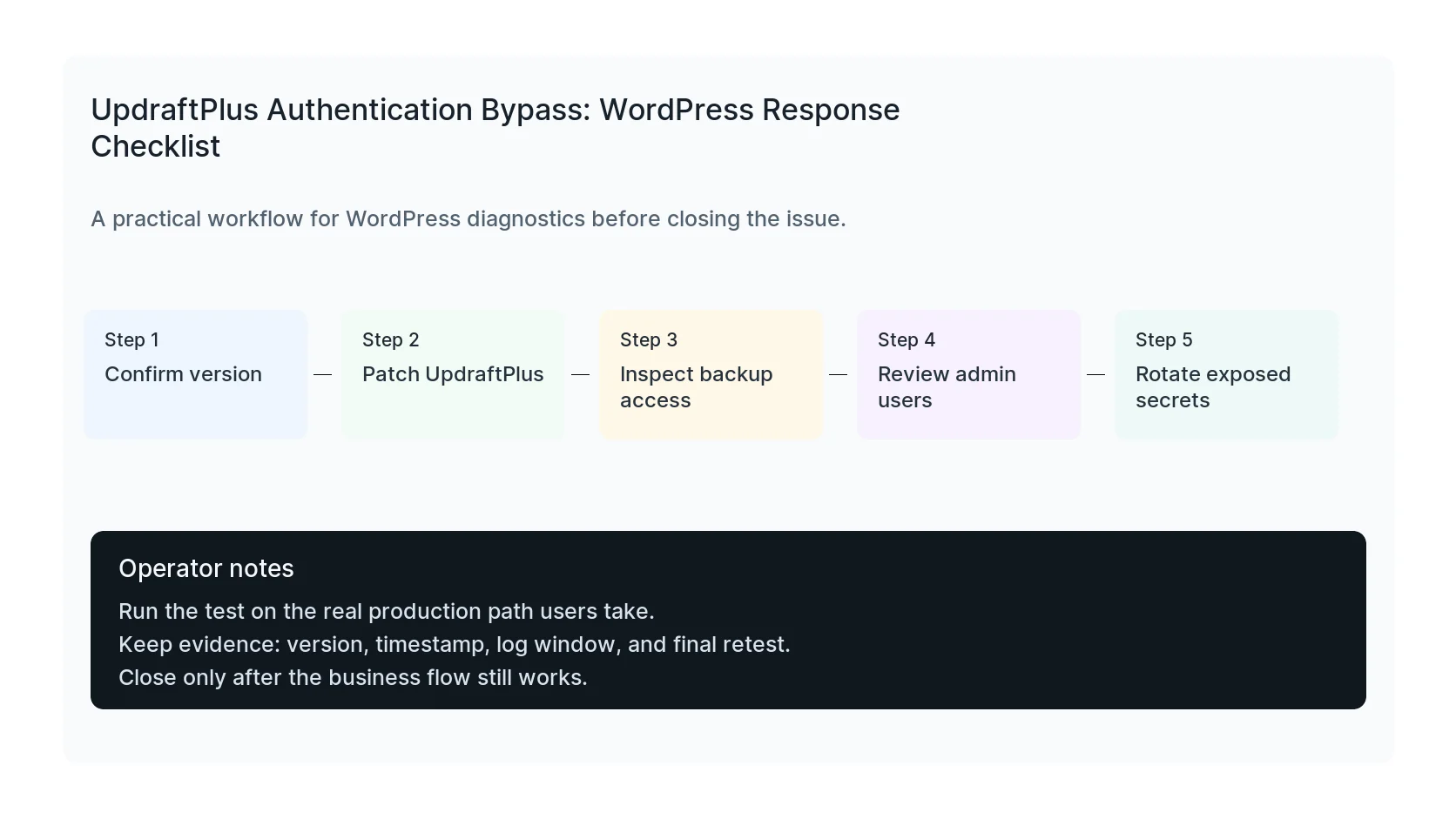
Confirm the installed UpdraftPlus version through WP-CLI or the plugin screen. Then patch to a safe version and confirm the update completed on production, staging, and any old clone that remains public.
If the site uses premium UpdraftPlus, check the premium version path too. Do not assume the free plugin version number tells the whole story.
Review backup storage and access logs
Check whether backup archives were created, downloaded, deleted, or sent to remote storage during the exposure window. Review server access logs for unusual plugin endpoint requests.
If backups contain wp-config.php or database exports and there is evidence of access, rotate database passwords, salts, admin passwords, SFTP credentials, and connected cloud storage keys.
Retest restore and scheduled backup behavior
After patching, run a controlled backup test and confirm scheduled backups still work. Also verify remote storage authentication, retention settings, and notification emails.
A backup plugin fix is not complete until backups are both secure and usable. A broken backup process is the kind of thing you only notice when the next emergency arrives.
Checklist to run before you close the issue
- Confirm UpdraftPlus free and premium versions.
- Patch every public install.
- Review backup download and remote storage logs.
- Inspect administrator users and application passwords.
- Rotate secrets if backup access is suspected.
- Run a fresh backup and restore test.
Useful command or test
Use this as a starting point and adapt it to the host, stack, plugin names, and access level you actually have.
wp plugin get updraftplus --fields=name,version,status,update && ls -lah wp-content/updraft
When to get help
If this affects production traffic, paid ads, checkout, membership access, healthcare privacy, lead routing, or search visibility, do not leave it half-tested. HandL WP can trace the issue across WordPress, server logs, plugins, forms, tracking, and Search Console. If you want a senior engineer to check it, review your UpdraftPlus exposure.
Sources and further reading