If you searched for "user registration membership vulnerability admin account", you probably do not need a generic WordPress article. You need a practical order of operations that protects the site, the business process, and the evidence you may need later.
This guide is written for membership sites, gated content sites, and ecommerce communities. It focuses on what to check first, what to avoid, and how to prove the issue is fixed before you move on.
Quick answer
| Check | What it tells you |
|---|
| Patch target | Wordfence lists User Registration and Membership 5.1.3 as the remediation version for CVE-2026-1492. |
| Primary risk | Unauthenticated visitors could create administrator accounts by supplying a role value in affected versions. |
| What to preserve | Registration logs, user IDs, email addresses, user_registered dates, and session data. |
A registration bug can become a full site takeover
Membership plugins sit on one of the most sensitive edges of a WordPress site: public account creation. If the server accepts a role value from registration without enforcing a safe allowlist, an ordinary signup path can become an administrator creation path.
That is why the first review after patching is the user table, not the front-end design. The site can look normal while an attacker keeps a valid login.
Patch and freeze risky registration changes
Update the plugin to a patched version before making new registration form changes. If the site is actively accepting signups, consider temporarily pausing membership registration while you check for suspicious users.
Do not delete evidence immediately. Export the user list, role assignments, and registration timestamps first. If you need to remove suspicious users, keep a record of what was removed and why.
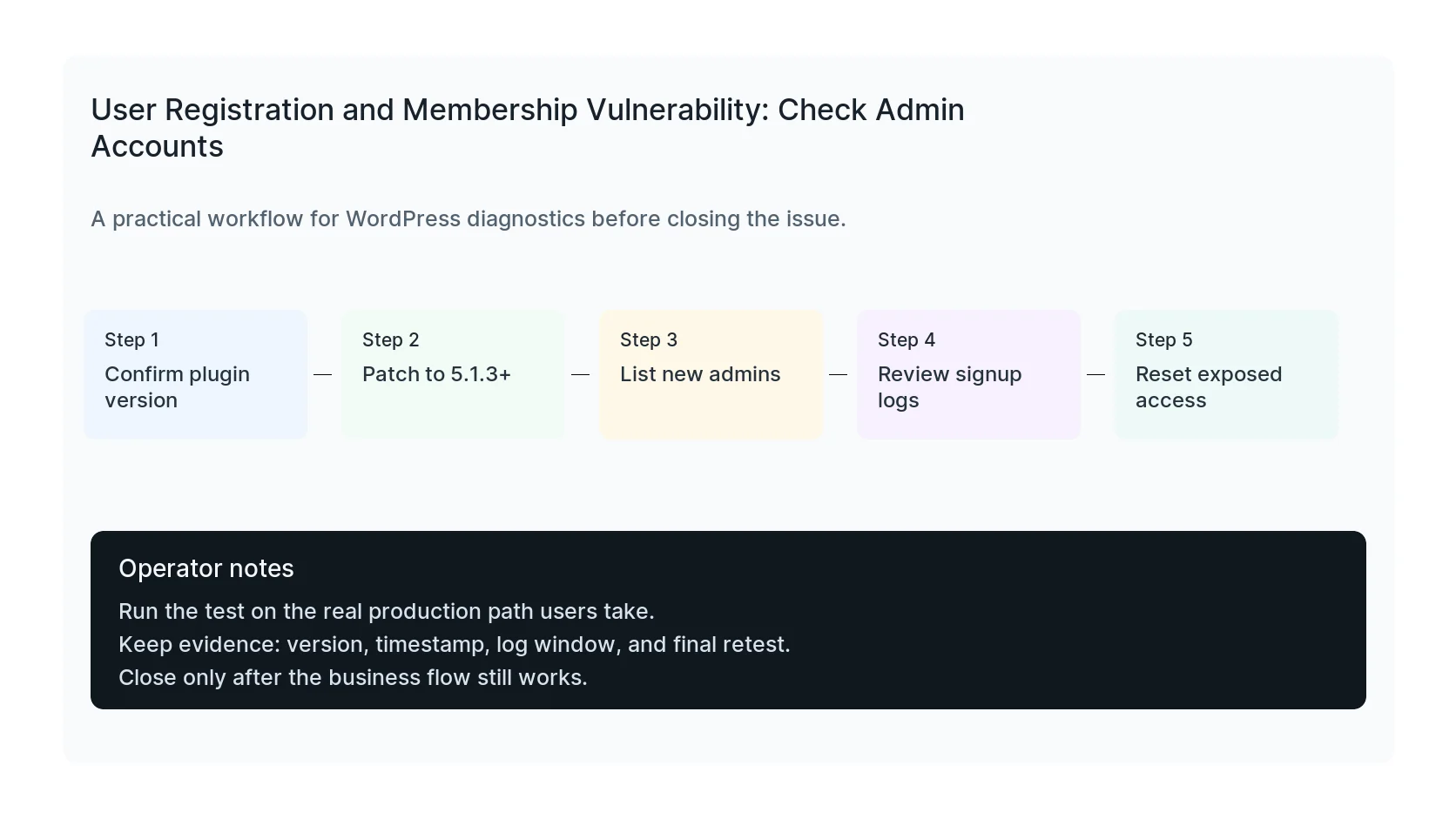
Audit roles, sessions, and application passwords
List administrators and sort by created date. Then check editors, shop managers, and custom roles that can install plugins, edit files, export users, or manage orders.
If WordPress application passwords are enabled, review them too. A malicious admin can create API access that survives password resets unless you revoke it.
Retest the membership experience
After cleanup, run a test registration, login, password reset, membership purchase, cancellation, and content access check. Membership systems often involve forms, emails, payments, roles, and protected content, so a narrow test is not enough.
If the site handles sensitive member data, also review privacy notices and logging retention. Security cleanup should not expose more data than necessary.
Checklist to run before you close the issue
- Patch User Registration and Membership to 5.1.3 or newer.
- Export users and sort by registration date.
- Check administrator, shop manager, and custom powerful roles.
- Review application passwords and active sessions.
- Test registration and protected content access.
- Rotate credentials if suspicious access is found.
Useful command or test
Use this as a starting point, then adapt it to the hosting stack, plugin names, and access level you actually have.
wp user list --orderby=registered --order=DESC --fields=ID,user_login,user_email,roles,user_registered
When to get help
If this affects production traffic, paid ads, checkout, membership access, healthcare privacy, lead routing, or search visibility, do not leave the fix half-tested. HandL WP can trace the issue across WordPress, server logs, plugins, forms, tracking, and Search Console. If you want a senior engineer to check it, review a membership site.
Sources and further reading
Add the WordPress 7.0.3 multisite registration audit
For registration-enabled networks, run the WordPress 7.0.3 multisite privilege escalation audit and reconcile recent sites, owners, memberships, capabilities, and provisioning logs.