WooCommerce 10.9.0 comments showed some store owners seeing release messaging before the update appeared normally in WordPress. A delay is not a reason to upload files blindly on a production store that depends on checkout, shipping, tax, subscriptions, or order emails.
Use this when WooCommerce announces a release, the plugin directory or wp-admin update screen looks delayed, or a client asks whether to manually upload the newest package.
Quick answer
WooCommerce 10.9 Update Delay Runbook for Store Owners should be handled with a narrow evidence-first workflow: confirm source, snapshot store, test staging, then verify the result before making broader changes.
What to check first
- Record the current WooCommerce version, database version, active extensions, and payment gateway versions.
- Check the official release page and the WordPress.org plugin page before downloading from any other source.
- Run the update on staging with the same checkout blocks, payment methods, tax rules, shipping zones, and email setup.
- Keep manual ZIP uploads for tested rollback paths, not as the first move on production.
- Schedule the live update when someone can watch logs, checkout, order emails, and payment gateway callbacks.
Diagnostic table
Use this table to keep the work practical. It connects the symptom to evidence and a verification step.
| Action | Evidence to collect | How to verify |
|---|
| Confirm source | Record the current WooCommerce version, database version, active extensions, and payment gateway versions. | The update package came from WooCommerce or WordPress.org. |
| Snapshot store | Check the official release page and the WordPress.org plugin page before downloading from any other source. | Staging completed a real test order before live update. |
| Test staging | Run the update on staging with the same checkout blocks, payment methods, tax rules, shipping zones, and email setup. | Live checkout, order emails, refunds, and admin order screens were checked. |
| Prepare rollback | Keep manual ZIP uploads for tested rollback paths, not as the first move on production. | Rollback notes include plugin version, database backup, and cache purge steps. |
Useful command or data shape
Adapt paths, IDs, and privacy handling to the site before running commands or storing data on production.
wp plugin list --status=active --fields=name,version,update
wp option get woocommerce_db_version
wp wc payment_gateway list --fields=id,enabled,title
wp wc shipping_zone list
wp cron event list --search=woocommerce
Safe fix order
Do the work in a sequence that makes each result easy to prove. Stop if a step produces new evidence that changes the incident scope.
- Confirm source
- Snapshot store
- Test staging
- Prepare rollback
- Watch live update
Production verification checklist
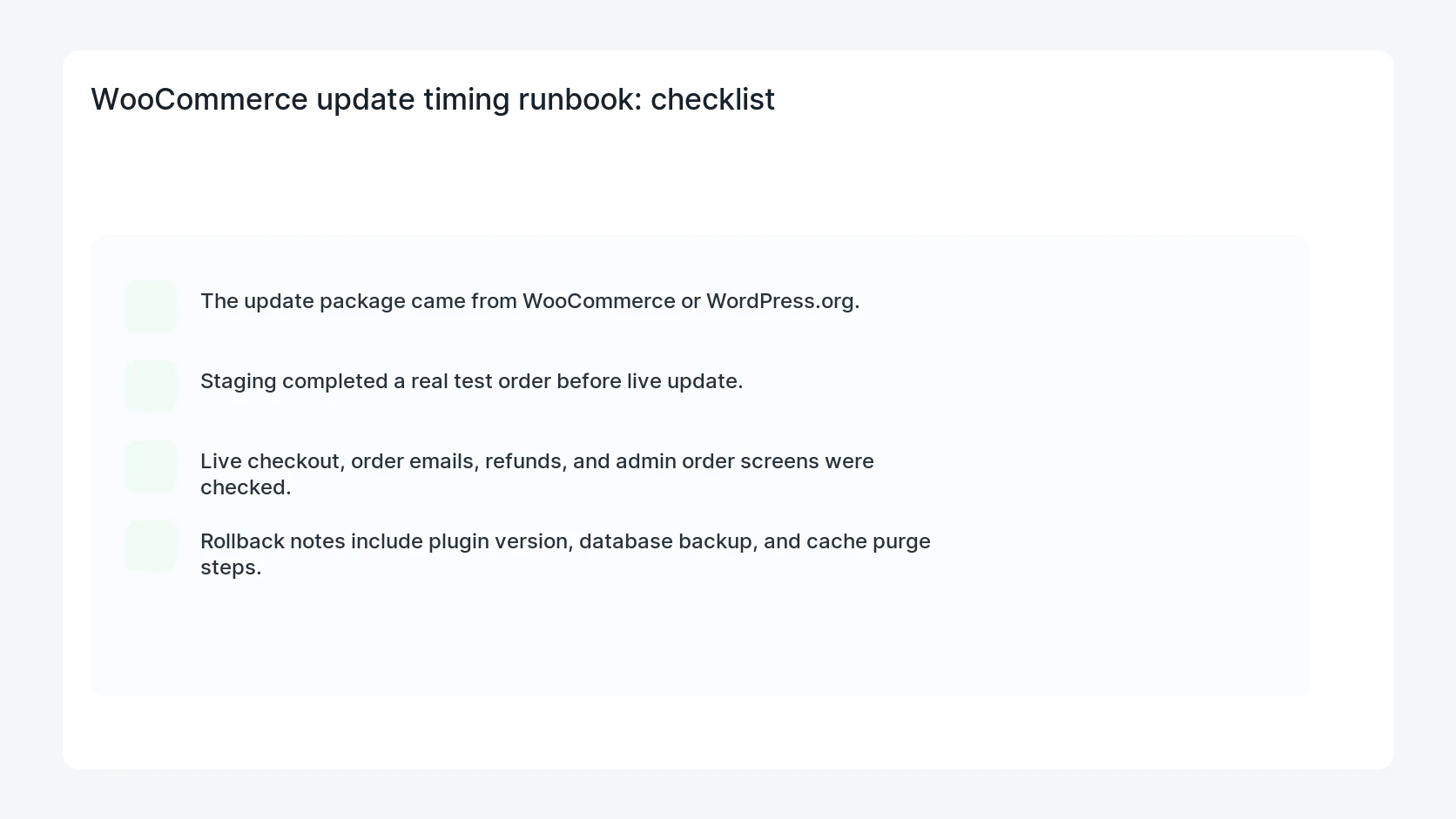
- The update package came from WooCommerce or WordPress.org.
- Staging completed a real test order before live update.
- Live checkout, order emails, refunds, and admin order screens were checked.
- Rollback notes include plugin version, database backup, and cache purge steps.
Mistakes to avoid
- Do not judge the fix by one browser or the homepage only.
- Do not delete evidence before recording usernames, file paths, timestamps, and response headers.
- Do not add a cache, security, or tracking plugin while the original problem is still unclear.
- Do not leave test users, temporary debug logs, or broad API keys active after verification.
When HandL WP should help
Bring in help when this affects leads, checkout, search visibility, malware risk, paid media reporting, or a client production site. HandL WP can trace the issue through WordPress, hosting, cache, tracking, and Search Console, then verify the workflow after the technical fix.
If this is active on a production site, manage WooCommerce updates safely.
Helpful references