HPOS changes how WooCommerce stores orders. Compatible plugins should use WooCommerce order APIs, but older custom code may still read wp_posts and wp_postmeta directly.
Use this before enabling HPOS on a store with payment gateways, fulfillment tools, subscriptions, custom reports, feeds, exports, or tracking snippets.
Quick answer
Start with evidence, not a plugin setting. The first useful checks are: Clone production to staging and update plugins there first. Create test orders for each payment method, coupon, shipping method, and tax state. Check order exports, fulfillment sync, email templates, refunds, and analytics. Keep every change small enough to reverse.
Fast diagnosis map
Use this map before changing production. It helps separate a real platform issue from a cached page, stale setting, or missing handoff.
| Signal | What it means | Useful next check |
|---|
| Order export empty | Check access, users, or ownership first | Clone to staging |
| Webhook missing order | Look for a configuration, plugin, or data mismatch | Enable HPOS test mode |
| Tracking plugin reads postmeta | Inspect the layer most likely to be hidden from the normal UI | Run order matrix |
| Fulfillment app stale | Prove whether the problem is still active | Fix direct queries |
What to check first
- Clone production to staging and update plugins there first.
- Create test orders for each payment method, coupon, shipping method, and tax state.
- Check order exports, fulfillment sync, email templates, refunds, and analytics.
- Review any custom plugin or theme code that queries shop_order posts directly.
- Keep compatibility mode or sync enabled until the test matrix passes.
Run a focused check
These commands or fields give you a useful starting point. Adapt paths, IDs, and privacy handling to the site before running anything on production.
wp option get woocommerce_custom_orders_table_enabled
wp option get woocommerce_custom_orders_table_data_sync_enabled
wp plugin list --status=active --fields=name,version,update

# Search custom code for direct order table assumptions
grep -R "shop_order\|_billing_email\|wp_posts" wp-content/themes wp-content/plugins -n
Safe fix order
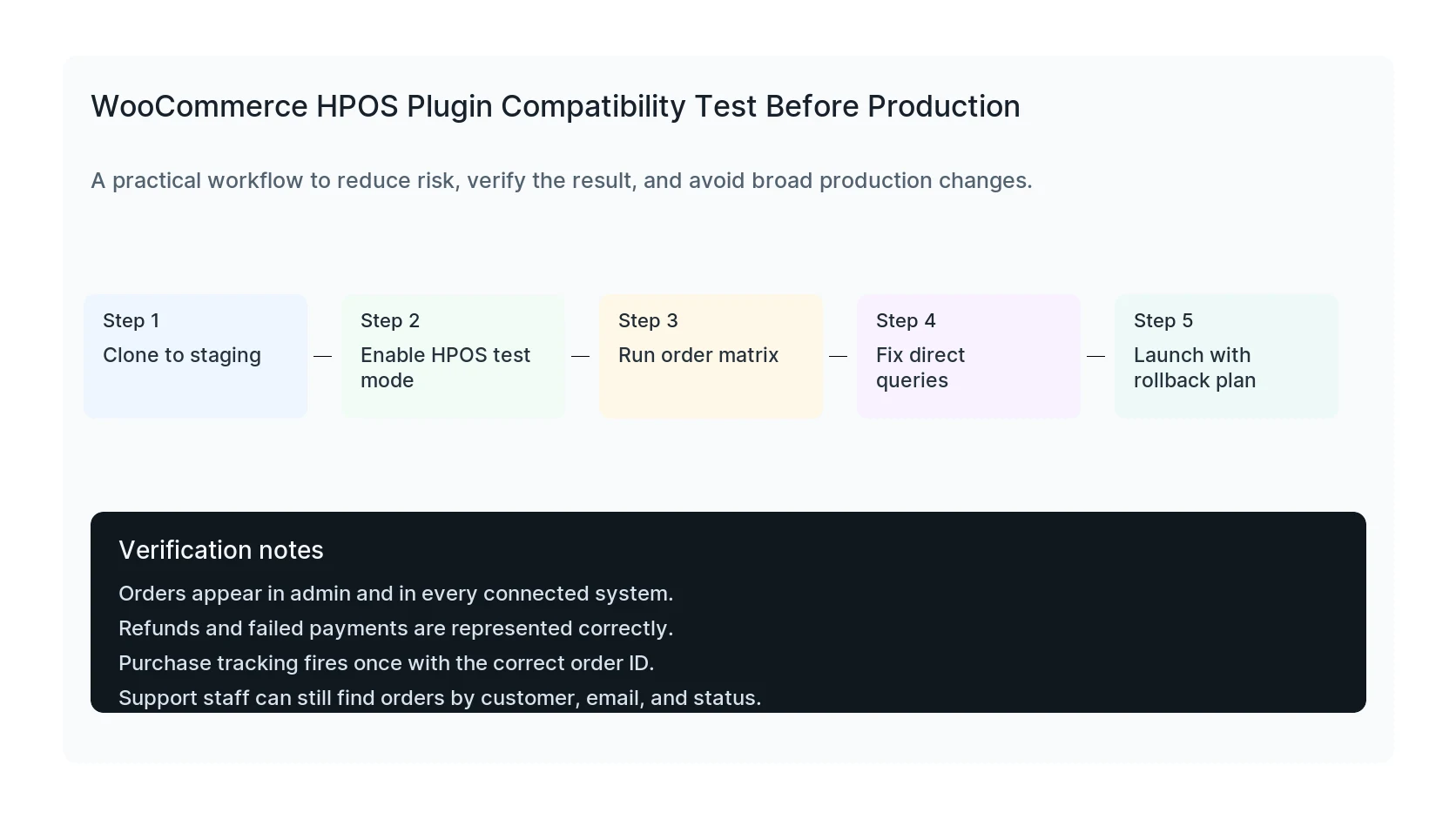
Do the work in this order so each result can be verified. If a step fails, stop and capture the evidence before making a broader change.
- Clone to staging
- Enable HPOS test mode
- Run order matrix
- Fix direct queries
- Launch with rollback plan
Verification checklist
The fix is not done when the warning disappears. Confirm the result from the visitor side, admin side, and reporting side.
- Orders appear in admin and in every connected system.
- Refunds and failed payments are represented correctly.
- Purchase tracking fires once with the correct order ID.
- Support staff can still find orders by customer, email, and status.
Mistakes to avoid
- Do not judge the result by the homepage only.
- Do not clear every cache layer until you know which layer affects the symptom.
- Do not delete evidence before copying filenames, timestamps, versions, and affected URLs.
- Do not make privacy or crawler decisions without writing down the business reason.
- Do not leave temporary debug settings, test accounts, or broad permissions in place.
When HandL WP should help
Bring in help when the issue affects leads, checkout, ads, malware risk, search visibility, or a client production site. HandL WP can trace the problem through WordPress, hosting, tracking, cache, and Search Console, then verify the business workflow after the technical fix.
If this is active on a production site, test WooCommerce HPOS safely.
Helpful references
A field can display correctly while its custom search integration still uses the old storage assumptions: WooCommerce HPOS Search Misses a Custom Order Field.