If you searched for "WooCommerce HPOS tracking migration checklist", you probably need a practical decision path, not a generic WordPress article. The goal is to protect the site, preserve useful evidence, and keep the business workflow working.
This guide is written for WooCommerce stores enabling High-Performance Order Storage with ad tracking. It focuses on the checks that prove whether the issue is contained, fixed, and safe to close.
Quick answer
| Check | What it tells you |
|---|
| Main change | WooCommerce HPOS stores orders in custom tables designed for ecommerce rather than relying only on posts and postmeta. |
| Tracking risk | Older snippets and plugins may read order data from the wrong place. |
| Best test | Place a real test order and compare WooCommerce, GA4, Google Ads, Meta, and CRM records. |
HPOS can expose old assumptions in tracking code
WooCommerce High-Performance Order Storage is good for order data architecture, but tracking code can break if it assumes every order behaves like a WordPress post with postmeta fields.
The safest migration includes a tracking test plan. Do not wait for the first reporting gap to learn that a purchase value, order ID, or product list is missing.
Check plugin compatibility before switching
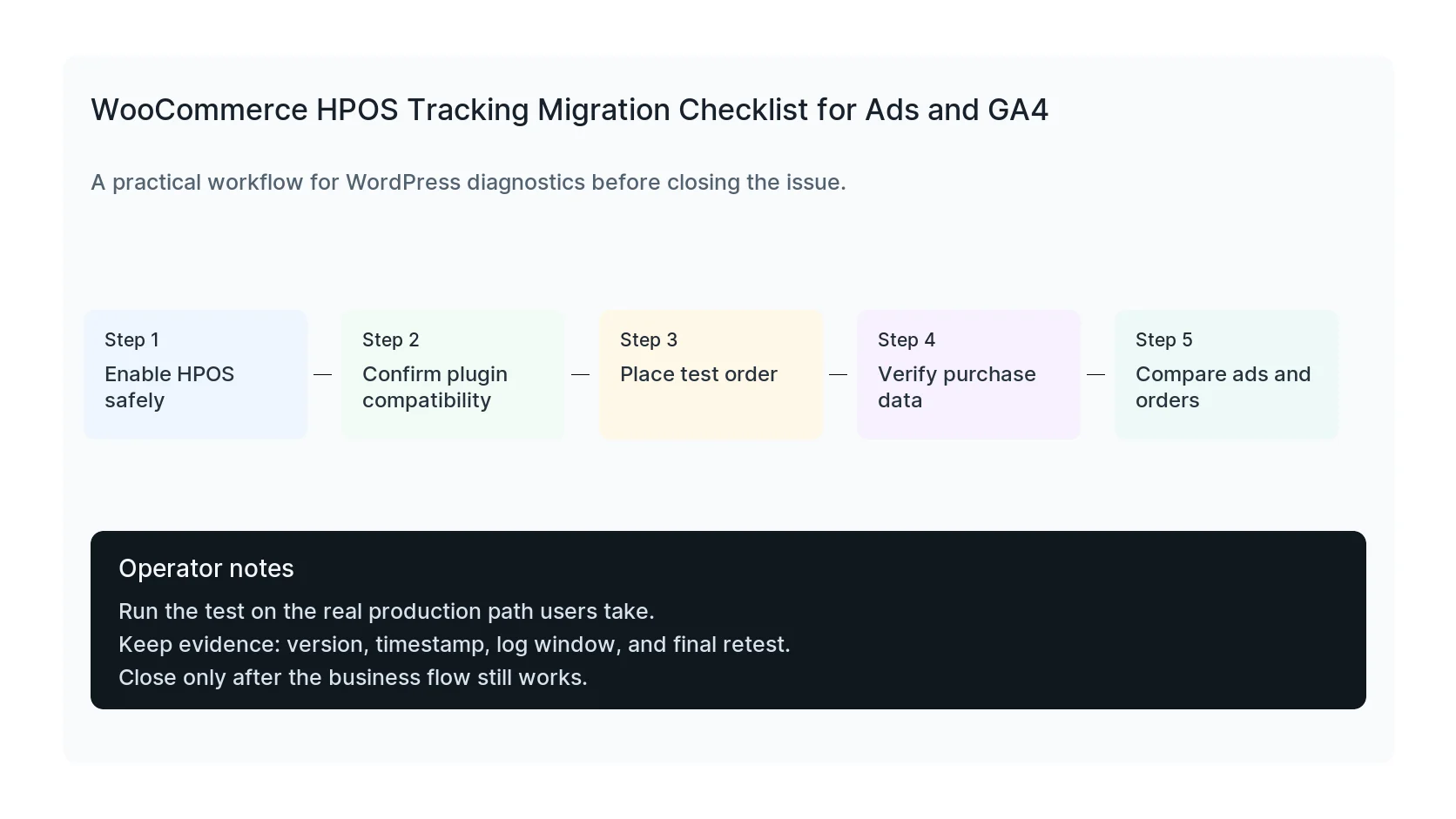
Review every plugin that touches checkout, thank-you pages, order exports, CRM sync, accounting, subscriptions, pixels, and analytics. Confirm HPOS compatibility and update plugins before enabling HPOS on production.
If compatibility mode or synchronization is enabled, understand whether a plugin is reading from legacy tables or WooCommerce CRUD methods.
Test the purchase event end to end
Place a test order and watch the order object, thank-you page, data layer, GA4 DebugView, Google Tag Assistant, Meta Test Events, and CRM record.
Check order ID, value, currency, tax, shipping, coupon, product IDs, product names, quantities, and event deduplication. One missing field can make reports look wrong even when the order completed.
Retest after checkout or payment updates
HPOS is not a one-time tracking check. Payment plugins, checkout blocks, subscriptions, and analytics plugins can change how purchase data is available.
Keep a lightweight regression test: place order, confirm thank-you page, confirm GA4 purchase, confirm Ads conversion, confirm Meta event, confirm CRM or email workflow.
Checklist to run before you close the issue
- Inventory tracking and checkout plugins.
- Confirm HPOS compatibility.
- Place a test order after enabling HPOS.
- Verify order ID, value, currency, and item data.
- Check GA4, Google Ads, Meta, and CRM records.
- Keep a post-update tracking regression test.
Useful command or test
Use this as a starting point and adapt it to the host, stack, plugin names, and access level you actually have.
wp eval 'var_dump(wc_get_order(123)->get_total());'
When to get help
If this affects production traffic, paid ads, checkout, membership access, healthcare privacy, lead routing, or search visibility, do not leave it half-tested. HandL WP can trace the issue across WordPress, server logs, plugins, forms, tracking, and Search Console. If you want a senior engineer to check it, check WooCommerce tracking after HPOS.
Sources and further reading