WooCommerce purchase events often duplicate when a thank-you page reloads, a cache serves stale data, a plugin sends both browser and server events, or separate snippets fire on the same order.
Use this if GA4, Google Ads, Meta, or reporting tools show more purchases than WooCommerce orders.
Quick answer
Start with evidence, not a plugin setting. The first useful checks are: Use a non-secret WooCommerce order identifier (never the order key) as the transaction ID across every purchase event. Send one browser purchase and one server purchase only if the platform supports deduplication. Use event_id for Meta browser and CAPI deduplication. Keep every change small enough to reverse.
Fast diagnosis map
Use this map before changing production. It helps separate a real platform issue from a cached page, stale setting, or missing handoff.
| Signal | What it means | Useful next check |
|---|
| Duplicate transaction_id | Check access, users, or ownership first | Choose one order identifier |
| Thank-you refresh fires again | Look for a configuration, plugin, or data mismatch | Deduplicate browser and server |
| Browser and server both send | Inspect the layer most likely to be hidden from the normal UI | Block reload duplicates |
| Order value doubled | Prove whether the problem is still active | Exclude cache mistakes |
What to check first
- Use a non-secret WooCommerce order identifier (never the order key) as the transaction ID across every purchase event.
- Send one browser purchase and one server purchase only if the platform supports deduplication.
- Use event_id for Meta browser and CAPI deduplication.
- Prevent purchase tags from firing on cached thank-you pages without order context.
- Compare platform revenue to WooCommerce net orders after refunds are accounted for.
Run a focused check
These commands or fields give you a useful starting point. Adapt paths, IDs, and privacy handling to the site before running anything on production.
dataLayer.push({
  event: 'purchase',
  ecommerce: {
    transaction_id: 'WC-1234',
    value: 149.00,
    currency: 'USD'
  },
  event_id: 'purchase-WC-1234'
});
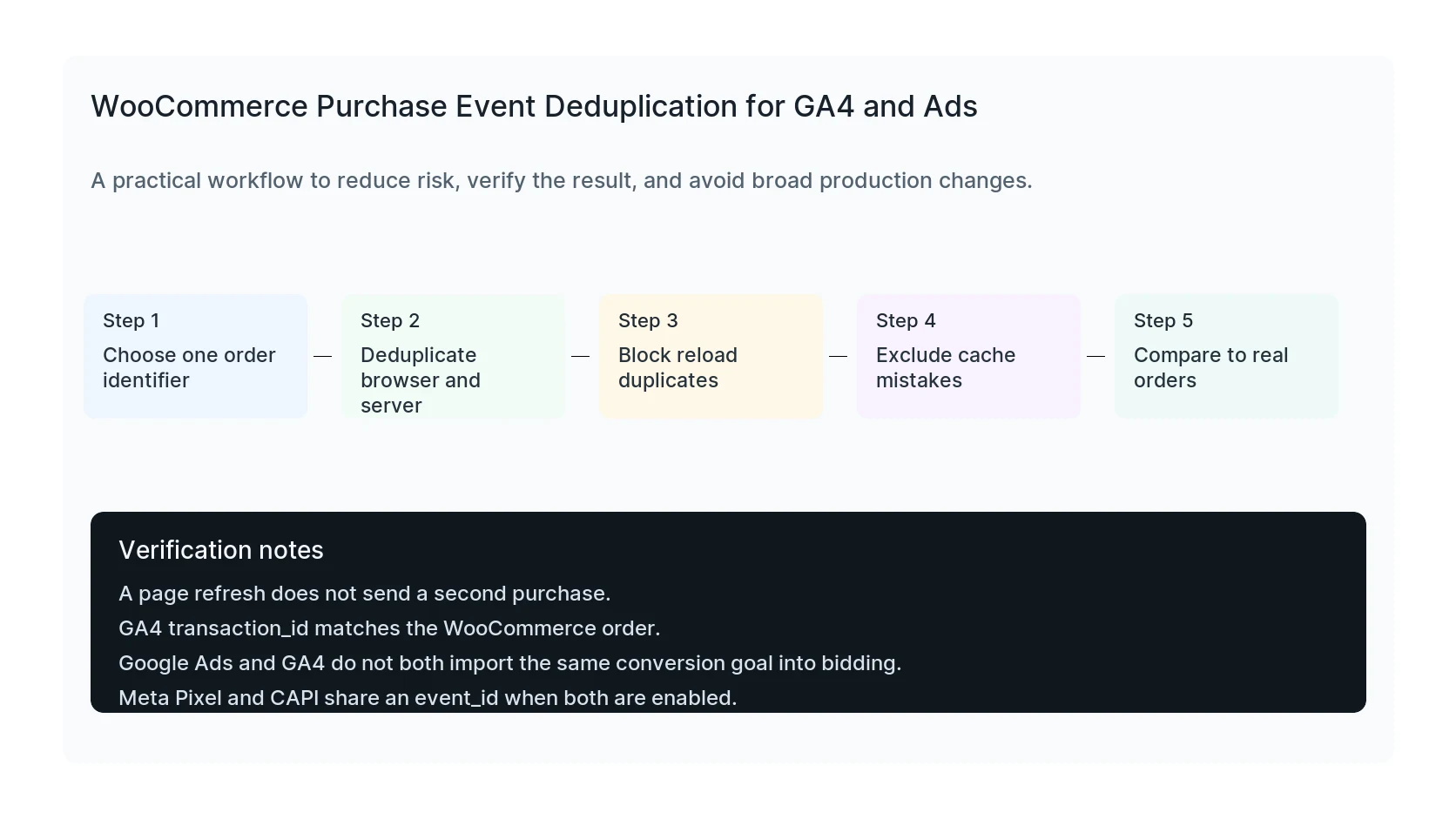
Safe fix order
Do the work in this order so each result can be verified. If a step fails, stop and capture the evidence before making a broader change.
- Choose one order identifier
- Deduplicate browser and server
- Block reload duplicates
- Exclude cache mistakes
- Compare to real orders
Verification checklist
The fix is not done when the warning disappears. Confirm the result from the visitor side, admin side, and reporting side.
- A page refresh does not send a second purchase.
- GA4 transaction_id matches the WooCommerce order.
- Google Ads and GA4 do not both import the same conversion goal into bidding.
- Meta Pixel and CAPI share an event_id when both are enabled.
Mistakes to avoid
- Do not judge the result by the homepage only.
- Do not clear every cache layer until you know which layer affects the symptom.
- Do not delete evidence before copying filenames, timestamps, versions, and affected URLs.
- Do not make privacy or crawler decisions without writing down the business reason.
- Do not leave temporary debug settings, test accounts, or broad permissions in place.
When HandL WP should help
Bring in help when the issue affects leads, checkout, ads, malware risk, search visibility, or a client production site. HandL WP can trace the problem through WordPress, hosting, tracking, cache, and Search Console, then verify the business workflow after the technical fix.
If this is active on a production site, fix WooCommerce purchase tracking.
Helpful references
Correct purchase counts can still have incorrect source attribution. For gateway referrals, see Payment Gateway Appears as a GA4 Referral: Fix WooCommerce Attribution.