WordPress 7.0 block and editor changes make it worth testing visibility rules, synced patterns, template parts, and mobile layouts before updating business-critical pages.
Use this before updating sites with block themes, landing pages, form blocks, WooCommerce blocks, or page sections hidden by viewport, role, campaign, or custom CSS.
Quick answer
WordPress 7.0 Block Visibility Device QA Checklist should be handled with a narrow evidence-first workflow: inventory visibility rules, test viewports, check forms and ctas, then verify the result before making broader changes.
What to check first
- List pages where blocks are hidden or changed by device, role, or campaign.
- Test desktop, tablet, and mobile widths with the same URL and query parameters.
- Confirm forms, checkout buttons, and phone CTAs remain visible where needed.
- Check synced patterns and template parts after the update.
- Compare screenshots before and after the WordPress 7.0 update.
Diagnostic table
Use this table to keep the work practical. It connects the symptom to evidence and a verification step.
| Action | Evidence to collect | How to verify |
|---|
| Inventory visibility rules | List pages where blocks are hidden or changed by device, role, or campaign. | Each critical page has desktop and mobile screenshots. |
| Test viewports | Test desktop, tablet, and mobile widths with the same URL and query parameters. | No primary CTA disappears at common breakpoints. |
| Check forms and CTAs | Confirm forms, checkout buttons, and phone CTAs remain visible where needed. | Synced patterns keep the expected content. |
| Review patterns | Check synced patterns and template parts after the update. | Rollback notes exist before production update. |
Useful command or data shape
Adapt paths, IDs, and privacy handling to the site before running commands or storing data on production.
wp core version
wp theme status
wp post list --post_type=wp_template --fields=ID,post_title,post_modified
wp post list --post_type=wp_block --fields=ID,post_title,post_modified
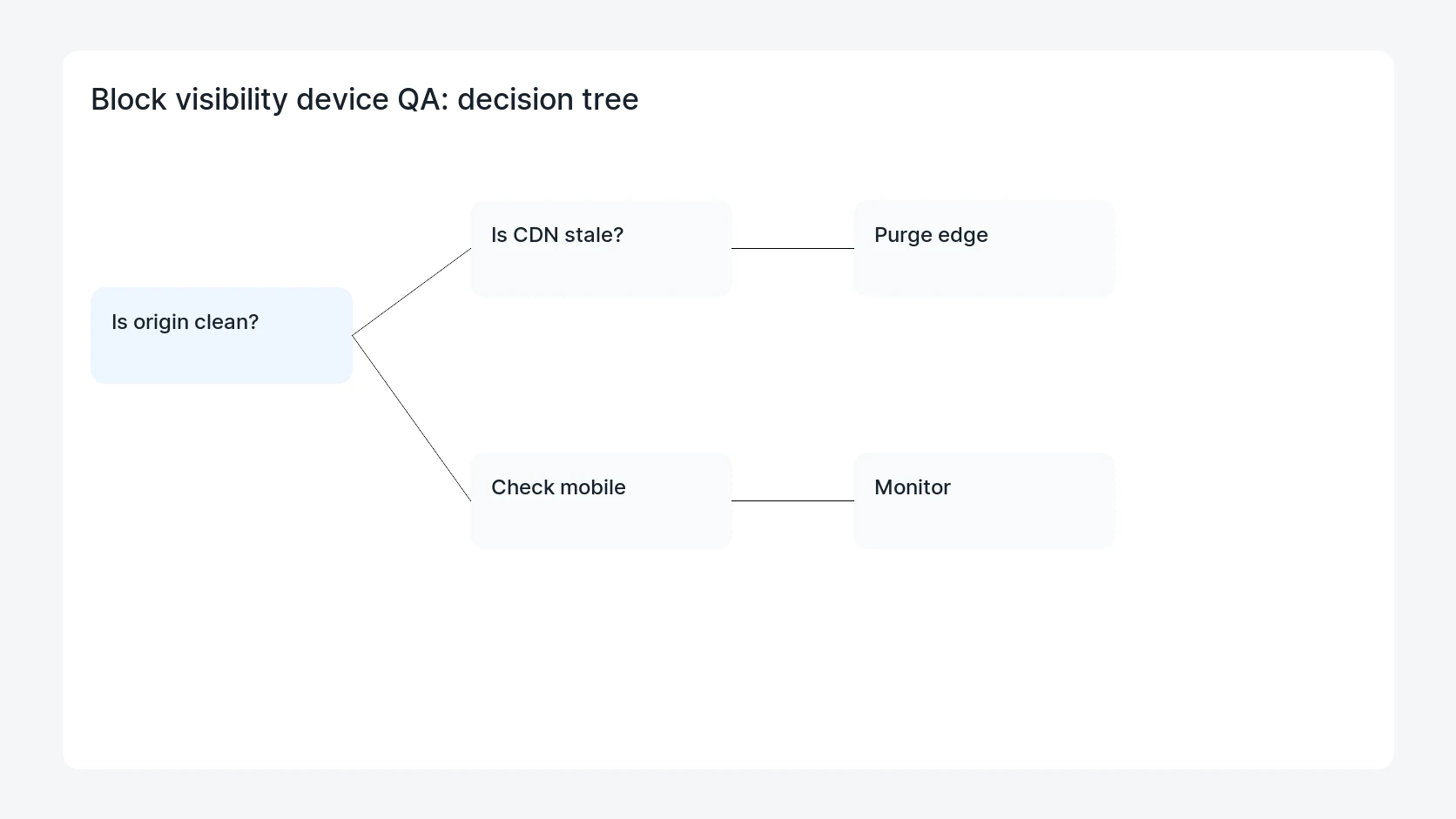
Safe fix order
Do the work in a sequence that makes each result easy to prove. Stop if a step produces new evidence that changes the incident scope.
- Inventory visibility rules
- Test viewports
- Check forms and CTAs
- Review patterns
- Compare screenshots
Production verification checklist
- Each critical page has desktop and mobile screenshots.
- No primary CTA disappears at common breakpoints.
- Synced patterns keep the expected content.
- Rollback notes exist before production update.
Mistakes to avoid
- Do not judge the fix by one browser or the homepage only.
- Do not delete evidence before recording usernames, file paths, timestamps, and response headers.
- Do not add a cache, security, or tracking plugin while the original problem is still unclear.
- Do not leave test users, temporary debug logs, or broad API keys active after verification.
When HandL WP should help
Bring in help when this affects leads, checkout, search visibility, malware risk, paid media reporting, or a client production site. HandL WP can trace the issue through WordPress, hosting, cache, tracking, and Search Console, then verify the workflow after the technical fix.
If this is active on a production site, test WordPress 7.0 updates.
Helpful references