The WordPress 7.1 roadmap describes a more organized command palette with recent, suggested, and matching commands. That can make admin work faster, but it can also hide risky actions behind a quick keyboard habit if teams have no training or role boundaries.
Use this for WordPress teams with editors, marketers, agencies, ecommerce staff, or support contractors who move through wp-admin quickly and may touch templates, navigation, reusable patterns, media, settings, or plugin screens.
Quick answer
WordPress 7.1 Command Palette Admin Training Checklist should be handled with a narrow evidence-first workflow: map commands, test roles, flag risky actions, then verify the result before making broader changes.
What to check first
- List the commands staff use most often and separate safe navigation shortcuts from actions that change content or settings.
- Test the command palette by role: administrator, editor, shop manager, SEO user, and any custom role.
- Document commands that should be used only on staging, such as template edits, plugin screens, and global style changes.
- Update support scripts and onboarding notes so staff can find the same screens consistently.
- Watch whether recent commands expose risky habits that should be replaced with a safer workflow.
Diagnostic table
Use this table to keep the work practical. It connects the symptom to evidence and a verification step.
| Action | Evidence to collect | How to verify |
|---|
| Map commands | List the commands staff use most often and separate safe navigation shortcuts from actions that change content or settings. | Each user role sees only commands that match its permissions. |
| Test roles | Test the command palette by role: administrator, editor, shop manager, SEO user, and any custom role. | Editors know which commands are navigation only and which can change production output. |
| Flag risky actions | Document commands that should be used only on staging, such as template edits, plugin screens, and global style changes. | Support documentation uses the same screen names as the command palette. |
| Update training | Update support scripts and onboarding notes so staff can find the same screens consistently. | Template and global style changes still require the normal approval path. |
Useful command or data shape
Adapt paths, IDs, and privacy handling to the site before running commands or storing data on production.
training_note:
  command: open site editor
  allowed_roles: administrator, agency_admin
  production_rule: view only unless change ticket exists
  staging_rule: edits allowed after backup
  rollback: export theme and record template ID
Safe fix order
Do the work in a sequence that makes each result easy to prove. Stop if a step produces new evidence that changes the incident scope.
- Map commands
- Test roles
- Flag risky actions
- Update training
- Review recent usage
Production verification checklist
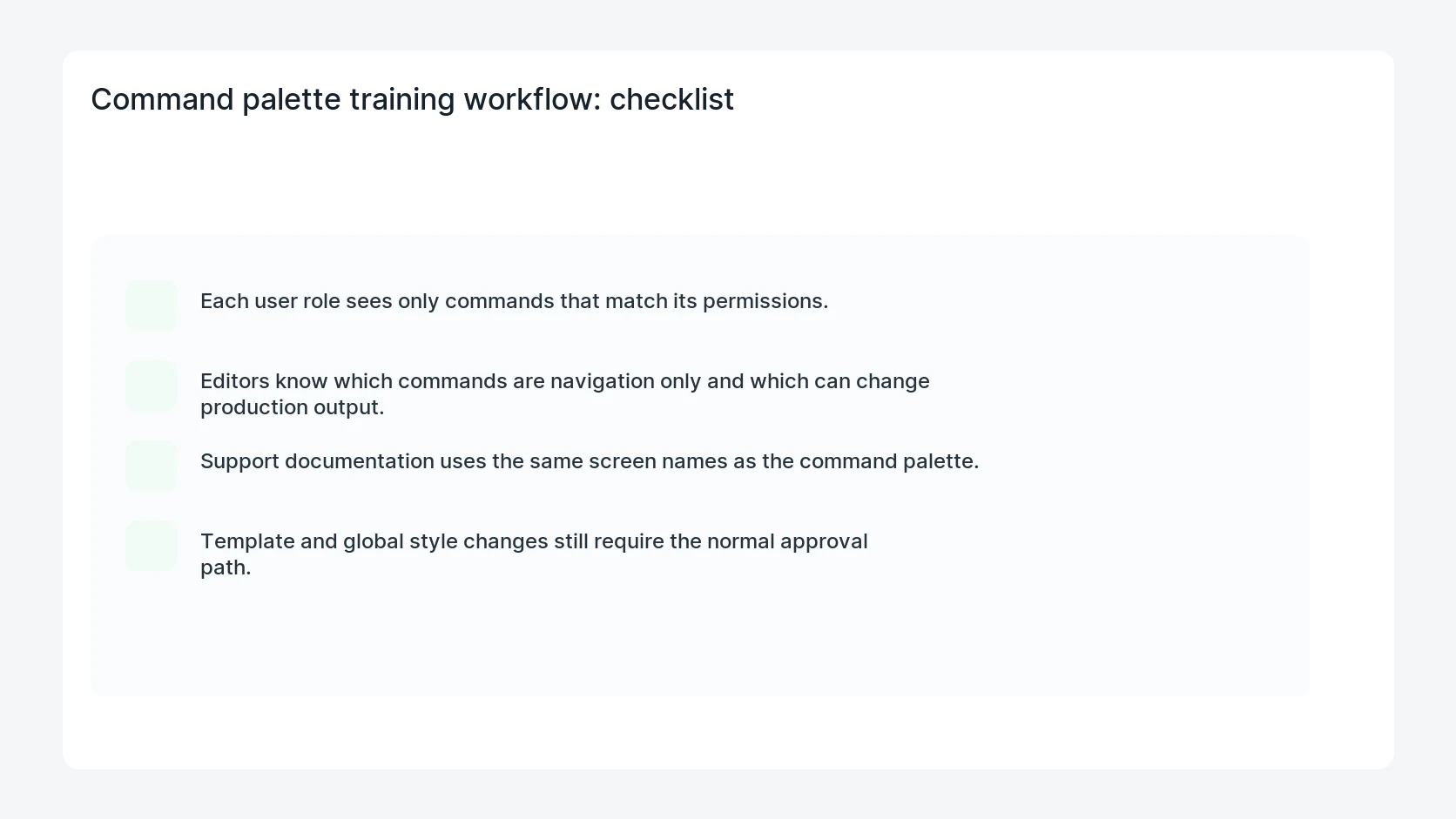
- Each user role sees only commands that match its permissions.
- Editors know which commands are navigation only and which can change production output.
- Support documentation uses the same screen names as the command palette.
- Template and global style changes still require the normal approval path.
Mistakes to avoid
- Do not judge the fix by one browser or the homepage only.
- Do not delete evidence before recording usernames, file paths, timestamps, and response headers.
- Do not add a cache, security, or tracking plugin while the original problem is still unclear.
- Do not leave test users, temporary debug logs, or broad API keys active after verification.
When HandL WP should help
Bring in help when this affects leads, checkout, search visibility, malware risk, paid media reporting, or a client production site. HandL WP can trace the issue through WordPress, hosting, cache, tracking, and Search Console, then verify the workflow after the technical fix.
If this is active on a production site, prepare WordPress admins for 7.1.
Helpful references