The WordPress 7.1 roadmap includes a Guidelines feature for storing editorial rules, brand voice, and content standards that can work with AI tooling. Business sites should turn scattered preferences into clear rules before the feature becomes part of the publishing workflow.
Use this for agencies, service businesses, medical or legal adjacent sites, ecommerce teams, and publishers that need consistent tone, claims, citations, offers, and approval rules across many editors.
Quick answer
WordPress 7.1 Guidelines Content Governance Checklist should be handled with a narrow evidence-first workflow: collect rules, classify severity, add source policy, then verify the result before making broader changes.
What to check first
- Collect existing brand voice, prohibited phrases, claim rules, compliance notes, and source requirements in one document.
- Separate hard rules from preferences so editors and AI tools know what cannot be changed.
- Define citation rules for technical, medical, legal, financial, security, and search-related claims.
- Plan import and export workflows so staging, production, and client sites do not drift.
- Test guidelines against real service pages, blog posts, FAQs, product pages, and support articles.
Diagnostic table
Use this table to keep the work practical. It connects the symptom to evidence and a verification step.
| Action | Evidence to collect | How to verify |
|---|
| Collect rules | Collect existing brand voice, prohibited phrases, claim rules, compliance notes, and source requirements in one document. | Editors can tell which rules are mandatory and which are style preferences. |
| Classify severity | Separate hard rules from preferences so editors and AI tools know what cannot be changed. | AI-assisted drafts include sources where the rules require them. |
| Add source policy | Define citation rules for technical, medical, legal, financial, security, and search-related claims. | The same guideline set can be moved from staging to production. |
| Test pages | Plan import and export workflows so staging, production, and client sites do not drift. | Content QA has an owner and a review cadence. |
Useful command or data shape
Adapt paths, IDs, and privacy handling to the site before running commands or storing data on production.
guideline:
  rule_id: claims-with-sources
  severity: hard
  applies_to: blog, service_pages, support_docs
  instruction: Cite official sources for security, Google, WordPress, and WooCommerce claims.
  review_owner: content_lead
Safe fix order
Do the work in a sequence that makes each result easy to prove. Stop if a step produces new evidence that changes the incident scope.
- Collect rules
- Classify severity
- Add source policy
- Test pages
- Assign owners
Production verification checklist
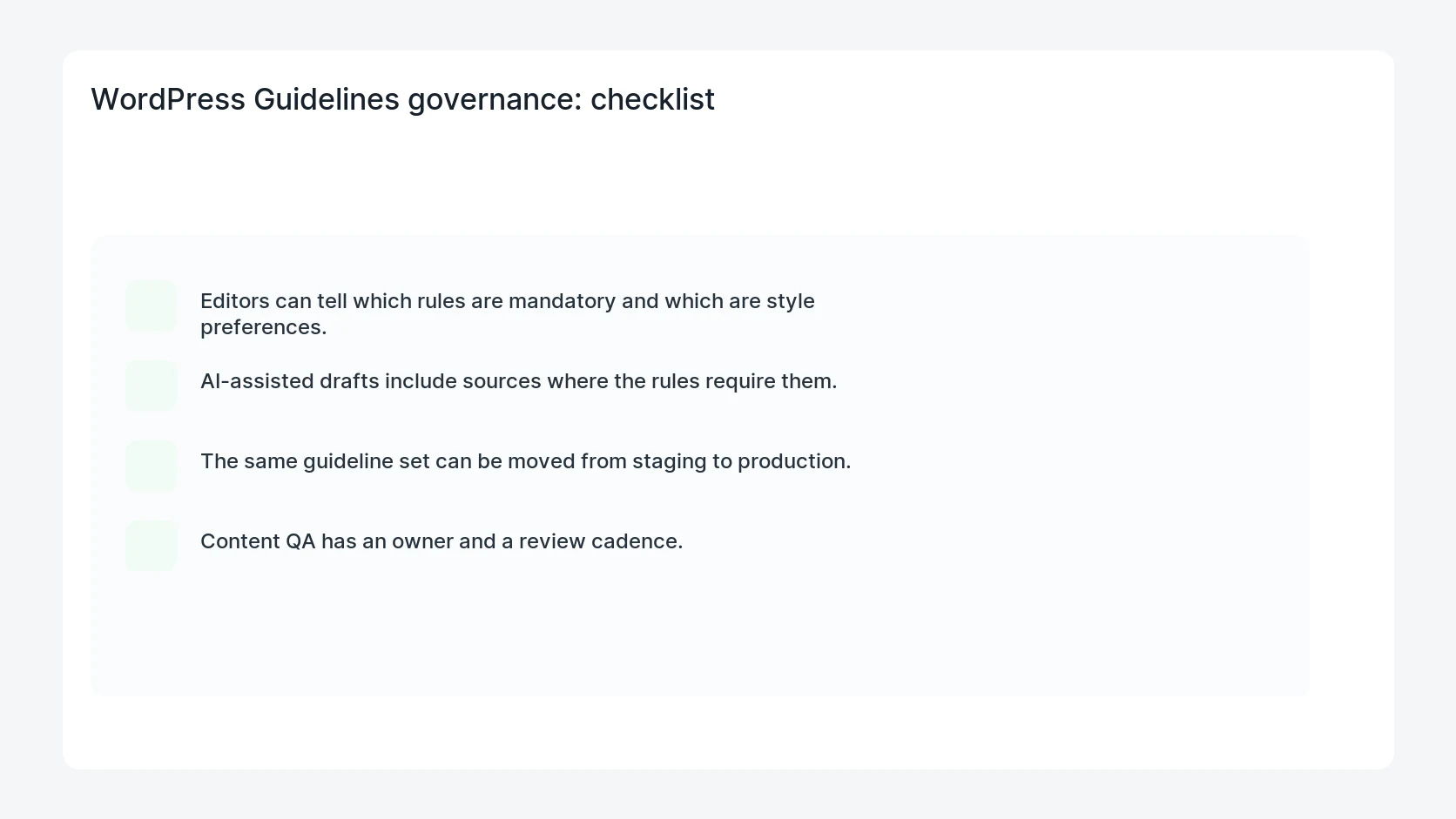
- Editors can tell which rules are mandatory and which are style preferences.
- AI-assisted drafts include sources where the rules require them.
- The same guideline set can be moved from staging to production.
- Content QA has an owner and a review cadence.
Mistakes to avoid
- Do not judge the fix by one browser or the homepage only.
- Do not delete evidence before recording usernames, file paths, timestamps, and response headers.
- Do not add a cache, security, or tracking plugin while the original problem is still unclear.
- Do not leave test users, temporary debug logs, or broad API keys active after verification.
When HandL WP should help
Bring in help when this affects leads, checkout, search visibility, malware risk, paid media reporting, or a client production site. HandL WP can trace the issue through WordPress, hosting, cache, tracking, and Search Console, then verify the workflow after the technical fix.
If this is active on a production site, prepare WordPress content for AI search.
Helpful references