robots.txt can manage crawler access, but it is not a security control and it is not the same as noindex. AI search adds more user agents, so WordPress owners need a clear policy.
Use this when deciding whether WordPress content should be available to AI search systems, training crawlers, or user-initiated fetchers.
Quick answer
Start with evidence, not a plugin setting. The first useful checks are: Separate search visibility from model-training preferences. Do not use robots.txt to hide private, paid, or sensitive pages. Allow normal search crawlers to fetch CSS, JavaScript, and public pages. Keep every change small enough to reverse.
Fast diagnosis map
Use this map before changing production. It helps separate a real platform issue from a cached page, stale setting, or missing handoff.
| Signal | What it means | Useful next check |
|---|
| GPTBot blocked | Check access, users, or ownership first | Define AI access policy |
| OAI-SearchBot unclear | Look for a configuration, plugin, or data mismatch | Update robots.txt |
| PerplexityBot blocked by WAF | Inspect the layer most likely to be hidden from the normal UI | Check WAF bot rules |
| Private pages exposed | Prove whether the problem is still active | Test public pages |
What to check first
- Separate search visibility from model-training preferences.
- Do not use robots.txt to hide private, paid, or sensitive pages.
- Allow normal search crawlers to fetch CSS, JavaScript, and public pages.
- Decide whether AI search bots should access service pages, docs, and blog posts.
- Verify WAF rules do not block allowed bots by accident.
Run a focused check
These commands or fields give you a useful starting point. Adapt paths, IDs, and privacy handling to the site before running anything on production.
User-agent: GPTBot
Disallow: /

User-agent: OAI-SearchBot
Allow: /

User-agent: PerplexityBot
Allow: /

User-agent: Googlebot
Allow: /

Sitemap: https://example.com/sitemap.xml
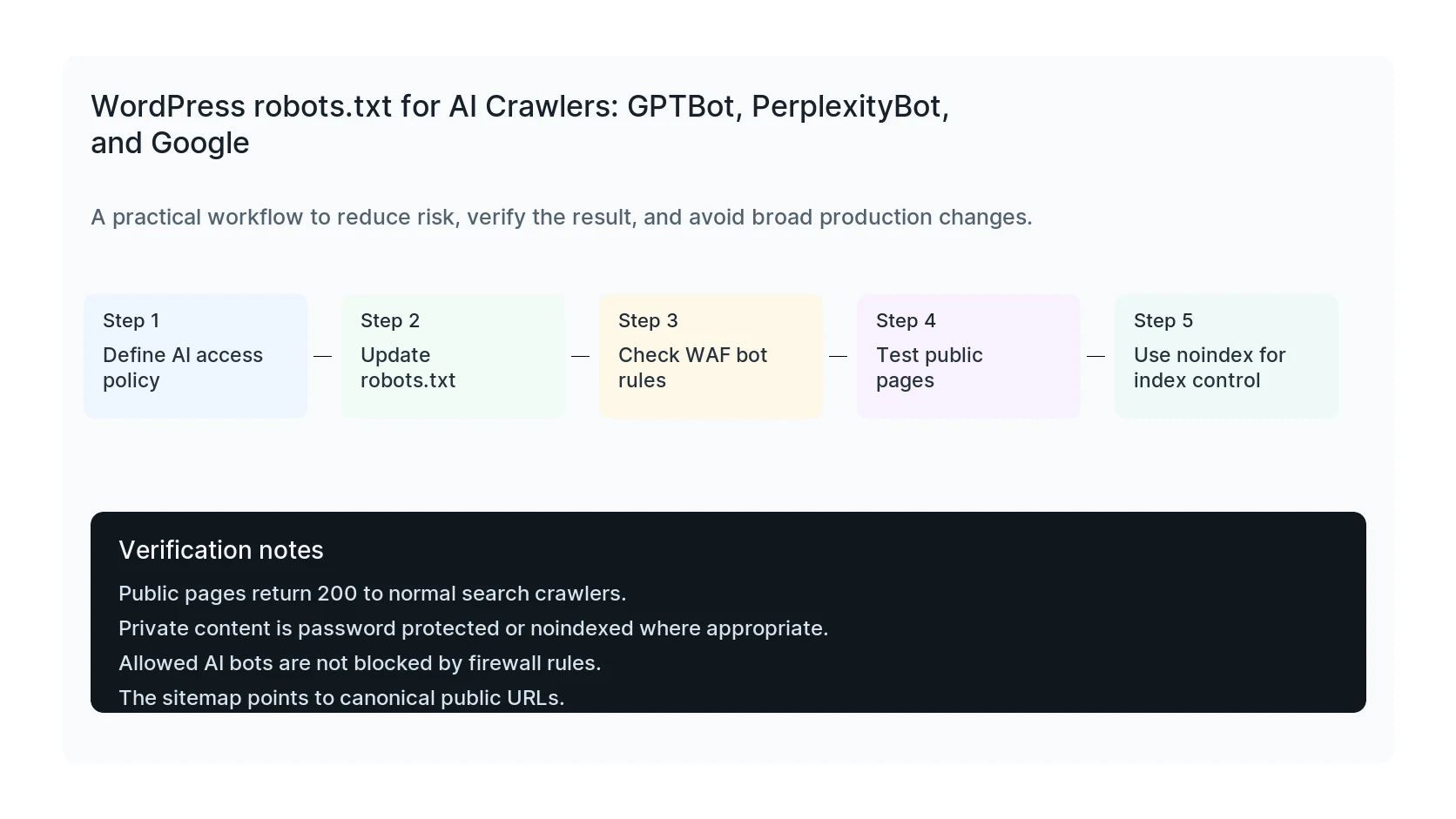
Safe fix order
Do the work in this order so each result can be verified. If a step fails, stop and capture the evidence before making a broader change.
- Define AI access policy
- Update robots.txt
- Check WAF bot rules
- Test public pages
- Use noindex for index control
Verification checklist
The fix is not done when the warning disappears. Confirm the result from the visitor side, admin side, and reporting side.
- Public pages return 200 to normal search crawlers.
- Private content is password protected or noindexed where appropriate.
- Allowed AI bots are not blocked by firewall rules.
- The sitemap points to canonical public URLs.
Mistakes to avoid
- Do not judge the result by the homepage only.
- Do not clear every cache layer until you know which layer affects the symptom.
- Do not delete evidence before copying filenames, timestamps, versions, and affected URLs.
- Do not make privacy or crawler decisions without writing down the business reason.
- Do not leave temporary debug settings, test accounts, or broad permissions in place.
When HandL WP should help
Bring in help when the issue affects leads, checkout, ads, malware risk, search visibility, or a client production site. HandL WP can trace the problem through WordPress, hosting, tracking, cache, and Search Console, then verify the business workflow after the technical fix.
If this is active on a production site, review WordPress crawl access.
Separate the .lol naming trend from crawler policy
The .lol domain trend explainer shows why memorable names and public mechanics spread while keeping registry, SEO, trust, and campaign measurement claims grounded in separate evidence.
Helpful references
If a crawler policy edit never appears at the public URL, identify which layer serves robots.txt: WordPress robots.txt Changes Are Not Updating: Find the Serving Layer.