WordPress application passwords give external tools revocable credentials for REST API access. They are safer than sharing a main password, but unknown, stale, or overprivileged credentials still deserve a regular security audit.
Use this for sites with Zapier, mobile apps, publishing tools, CRM integrations, automation scripts, headless frontends, or vendor tools that authenticate through the WordPress REST API.
Quick answer
WordPress Application Passwords Security Audit should be handled with a narrow evidence-first workflow: list credential owners, review last use, revoke stale keys, then verify the result before making broader changes.
What to check first
- List users that can create or hold application passwords.
- Review application password names, last-used dates, IPs, and owning integrations.
- Revoke credentials for vendors, scripts, and staff that no longer need access.
- Match user roles to what the integration actually needs.
- Rotate credentials after a compromise, staff change, or vendor handoff.
Diagnostic table
Use this table to keep the work practical. It connects the symptom to evidence and a verification step.
| Action | Evidence to collect | How to verify |
|---|
| List credential owners | List users that can create or hold application passwords. | Every application password maps to a named tool and owner. |
| Review last use | Review application password names, last-used dates, IPs, and owning integrations. | No former vendor or staff credential remains active. |
| Revoke stale keys | Revoke credentials for vendors, scripts, and staff that no longer need access. | User roles are limited to what the integration needs. |
| Match roles | Match user roles to what the integration actually needs. | REST API activity looks normal after revocation and rotation. |
Useful command or data shape
Adapt paths, IDs, and privacy handling to the site before running commands or storing data on production.
wp user list --fields=ID,user_login,user_email,roles
wp user application-password list 12
wp user application-password delete 12 app-password-uuid
# Review REST API logs or security plugin logs for recent authenticated requests.
Safe fix order
Do the work in a sequence that makes each result easy to prove. Stop if a step produces new evidence that changes the incident scope.
- List credential owners
- Review last use
- Revoke stale keys
- Match roles
- Rotate after incidents
Production verification checklist
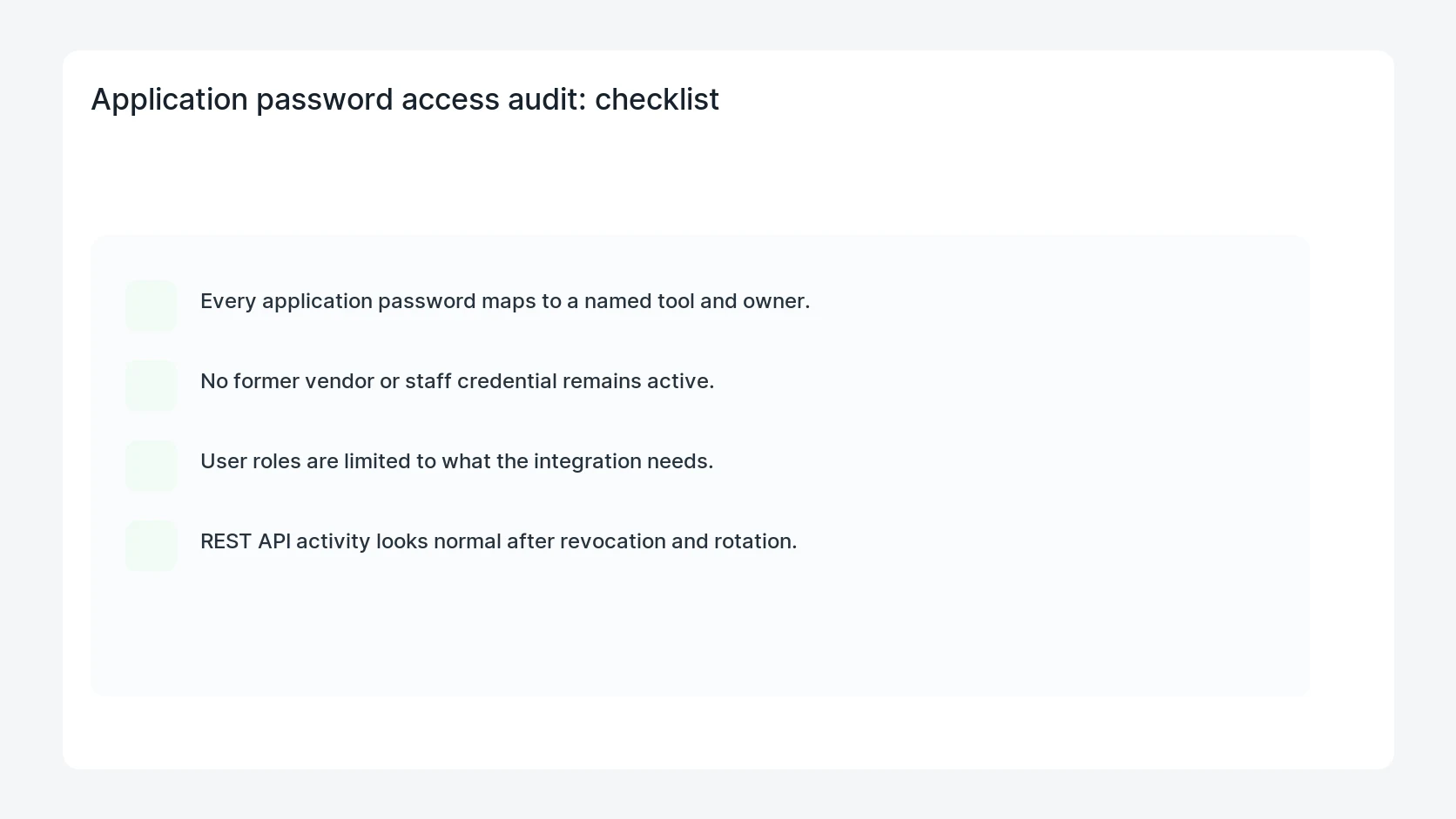
- Every application password maps to a named tool and owner.
- No former vendor or staff credential remains active.
- User roles are limited to what the integration needs.
- REST API activity looks normal after revocation and rotation.
Mistakes to avoid
- Do not judge the fix by one browser or the homepage only.
- Do not delete evidence before recording usernames, file paths, timestamps, and response headers.
- Do not add a cache, security, or tracking plugin while the original problem is still unclear.
- Do not leave test users, temporary debug logs, or broad API keys active after verification.
When HandL WP should help
Bring in help when this affects leads, checkout, search visibility, malware risk, paid media reporting, or a client production site. HandL WP can trace the issue through WordPress, hosting, cache, tracking, and Search Console, then verify the workflow after the technical fix.
If this is active on a production site, audit WordPress application passwords.
Test recovery tokens and credential revocation together
Use the WordPress 7.0.3 password reset token and session revocation test to check stale links, browser sessions, application passwords, and owner alerts.
For a related task: Rotate a WordPress Application Password Across Multiple Workers. Changing one secret setting does not prove every worker uses it. Track credential ownership and verify the cutover with safe requests.
For a related task: A Revoked WordPress Application Password Still Works? Check the Test. A successful public request does not prove authentication. Test an authenticated endpoint without other credentials before judging revocation.
Helpful references