A WordPress backup ZIP, SQL dump, migration installer, or full-site archive in the public web root can expose database credentials, plugin code, uploads, customer data, and private settings. Removing the file is only the first step.
Use this when a backup ZIP, installer.php file, .sql export, .wpress archive, or migration package is found under public_html, htdocs, www, or a public S3 bucket path.
Quick answer
WordPress Backup ZIP Found in the Web Root should be handled with a narrow evidence-first workflow: preserve evidence, remove public copy, check logs, then verify the result before making broader changes.
What to check first
- Record filename, path, size, timestamp, and whether the file was reachable by URL.
- Move the file outside the web root before deleting the public copy.
- Check access logs for downloads, range requests, and suspicious user agents.
- Rotate database, SFTP, hosting, admin, and API credentials if exposure is likely.
- Search for other archives, installers, dumps, and staging leftovers.
Diagnostic table
Use this table to keep the work practical. It connects the symptom to evidence and a verification step.
| Action | Evidence to collect | How to verify |
|---|
| Preserve evidence | Record filename, path, size, timestamp, and whether the file was reachable by URL. | No backup, installer, or database dump is reachable by public URL. |
| Remove public copy | Move the file outside the web root before deleting the public copy. | Access logs were reviewed for the exposed file path. |
| Check logs | Check access logs for downloads, range requests, and suspicious user agents. | Credentials were rotated when exposure could include wp-config.php or SQL data. |
| Rotate secrets | Rotate database, SFTP, hosting, admin, and API credentials if exposure is likely. | The backup process now stores archives outside the public web root. |
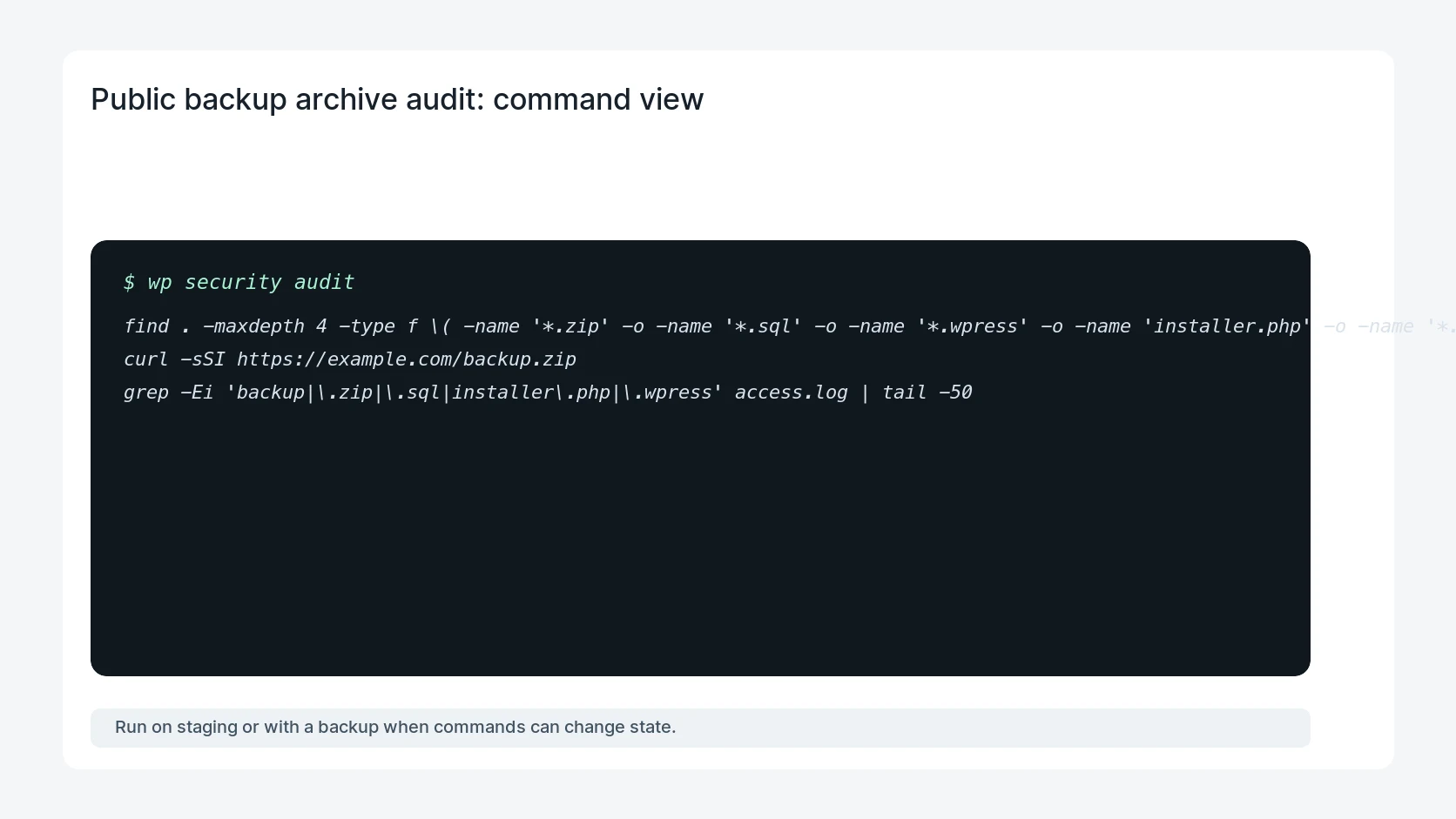
Useful command or data shape
Adapt paths, IDs, and privacy handling to the site before running commands or storing data on production.
find . -maxdepth 4 -type f \( -name '*.zip' -o -name '*.sql' -o -name '*.wpress' -o -name 'installer.php' -o -name '*.tar.gz' \) -print
curl -sSI https://example.com/backup.zip
grep -Ei 'backup|\.zip|\.sql|installer\.php|\.wpress' access.log | tail -50
Safe fix order
Do the work in a sequence that makes each result easy to prove. Stop if a step produces new evidence that changes the incident scope.
- Preserve evidence
- Remove public copy
- Check logs
- Rotate secrets
- Scan for leftovers
Production verification checklist
- No backup, installer, or database dump is reachable by public URL.
- Access logs were reviewed for the exposed file path.
- Credentials were rotated when exposure could include wp-config.php or SQL data.
- The backup process now stores archives outside the public web root.
Mistakes to avoid
- Do not judge the fix by one browser or the homepage only.
- Do not delete evidence before recording usernames, file paths, timestamps, and response headers.
- Do not add a cache, security, or tracking plugin while the original problem is still unclear.
- Do not leave test users, temporary debug logs, or broad API keys active after verification.
When HandL WP should help
Bring in help when this affects leads, checkout, search visibility, malware risk, paid media reporting, or a client production site. HandL WP can trace the issue through WordPress, hosting, cache, tracking, and Search Console, then verify the workflow after the technical fix.
If this is active on a production site, review exposed WordPress backup files.
Verify the backup is gone from CloudFront
After removing the origin file, complete the WordPress backup ZIP CloudFront cache exposure audit across exact keys, alternate hosts, edge locations, access evidence, and secret rotation.
Test encoded and alternate CloudFront archive keys
Complete the CloudFront encoded backup archive key scan after deleting the obvious object so percent encoding, host aliases, cache keys, and normalization cannot expose another route.
Block backup artifacts before an S3 deployment
Add the WordPress S3 backup-extension deny policy so archives, dumps, logs, source maps, and temporary files fail the manifest gate before CloudFront can serve them.
Respond to the WordPress 7.0.4 media processing security release
If upload-capable accounts or server image tools are in scope, use the WordPress 7.0.4 Imagick and Ghostscript response checklist to patch every origin, review roles, preserve upload and process evidence, check persistence, and verify normal media handling.
Keep backup exclusions from hiding a public incident
Use the Wordfence archive exclusion review before adding a broad wildcard. If Wordfence reports a publicly reachable file ending in .suspected, use the public quarantine file response checklist to block reachability, preserve evidence, identify the source, and rotate exposed secrets.
Rotate every credential class inside the archive
After containment, follow the exposed backup ZIP credential-rotation checklist to inventory secrets and personal data, revoke old values at their owning systems, invalidate sessions, search for copies, and document the exposure window.
Helpful references