After a WordPress malware cleanup, the origin server may be clean while a CDN, page cache, browser cache, or optimization plugin still serves injected JavaScript or spam content.
Use this when a site looks clean in SFTP but visitors, Google, or mobile tests still see redirects, popups, spam titles, or injected scripts.
Quick answer
WordPress CDN Cache Purge After a Malware Injection should be handled with a narrow evidence-first workflow: clean origin first, purge page cache, purge cdn edges, then verify the result before making broader changes.
What to check first
- Check the origin server and CDN URL separately if the host allows it.
- Purge page cache, CDN cache, object cache, and optimization plugin cache in the right order.
- Test with cache-busting query strings and a fresh browser profile.
- Compare desktop, mobile, logged-in, logged-out, and Googlebot-style requests.
- Keep the list of purged paths and cache providers in the incident record.
Diagnostic table
Use this table to keep the work practical. It connects the symptom to evidence and a verification step.
| Action | Evidence to collect | How to verify |
|---|
| Clean origin first | Check the origin server and CDN URL separately if the host allows it. | The origin and CDN responses contain the same clean source. |
| Purge page cache | Purge page cache, CDN cache, object cache, and optimization plugin cache in the right order. | Mobile and desktop receive the same clean content unless intentionally different. |
| Purge CDN edges | Test with cache-busting query strings and a fresh browser profile. | A cache-busted request does not show old injected code. |
| Retest variants | Compare desktop, mobile, logged-in, logged-out, and Googlebot-style requests. | Search Console or malware scanners no longer see stale injected URLs. |
Useful command or data shape
Adapt paths, IDs, and privacy handling to the site before running commands or storing data on production.
curl -sSI https://example.com/
curl -sS 'https://example.com/?cache-check=2026-06-20' | grep -Ei 'script|iframe|location|eval'
curl -A 'Mozilla/5.0 (iPhone; CPU iPhone OS 17_0 like Mac OS X)' -sS https://example.com/ | grep -Ei 'script|iframe|location|eval'
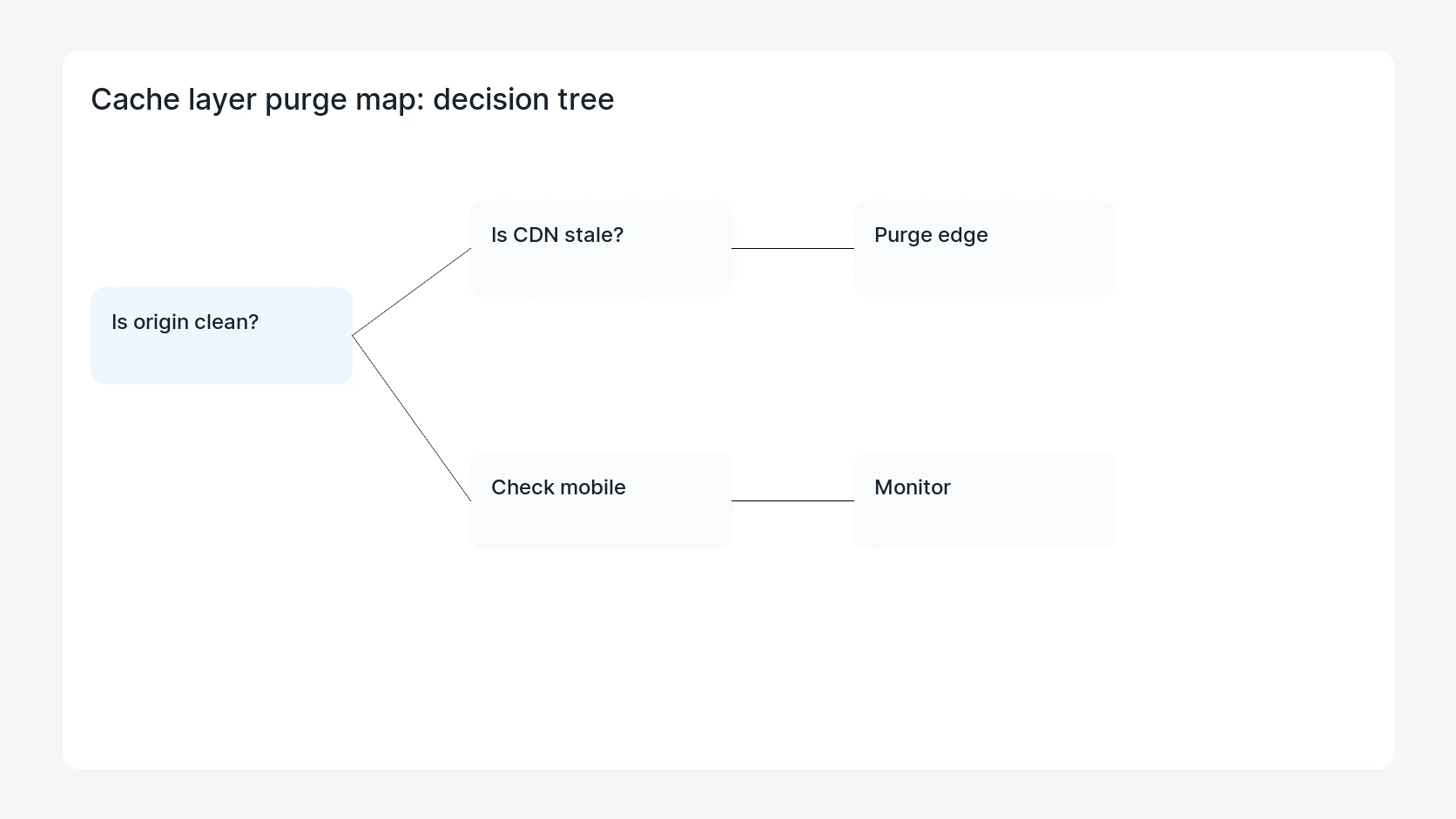
Safe fix order
Do the work in a sequence that makes each result easy to prove. Stop if a step produces new evidence that changes the incident scope.
- Clean origin first
- Purge page cache
- Purge CDN edges
- Retest variants
- Monitor recache
Production verification checklist
- The origin and CDN responses contain the same clean source.
- Mobile and desktop receive the same clean content unless intentionally different.
- A cache-busted request does not show old injected code.
- Search Console or malware scanners no longer see stale injected URLs.
Mistakes to avoid
- Do not judge the fix by one browser or the homepage only.
- Do not delete evidence before recording usernames, file paths, timestamps, and response headers.
- Do not add a cache, security, or tracking plugin while the original problem is still unclear.
- Do not leave test users, temporary debug logs, or broad API keys active after verification.
When HandL WP should help
Bring in help when this affects leads, checkout, search visibility, malware risk, paid media reporting, or a client production site. HandL WP can trace the issue through WordPress, hosting, cache, tracking, and Search Console, then verify the workflow after the technical fix.
If this is active on a production site, clean and verify a WordPress malware incident.
Helpful references