If you searched for "fake wordpress admin user added", you probably do not need a generic WordPress article. You need a practical order of operations that protects the site, the business process, and the evidence you may need later.
This guide is written for site owners who found an unknown administrator account. It focuses on what to check first, what to avoid, and how to prove the issue is fixed before you move on.
Quick answer
| Check | What it tells you |
|---|
| First rule | Do not only delete the user. Find how it was created. |
| Likely causes | Vulnerable plugin, stolen admin password, exposed hosting account, compromised database, or malicious code already on the site. |
| Cleanup proof | No unknown admins, no suspicious recently modified PHP files, clean malware scan, rotated credentials, and normal business flow tests. |
Treat a fake admin as evidence, not the whole problem
If an unknown administrator appears in WordPress, assume the site had a path that allowed privileged access. Deleting the account may remove one door, but it does not prove the attacker cannot come back.
The right response is to preserve the details, remove active access, and then trace the entry point. That entry point may be a vulnerable plugin, stolen password, database access, hosting panel compromise, or existing malware.
Preserve the account details before deletion
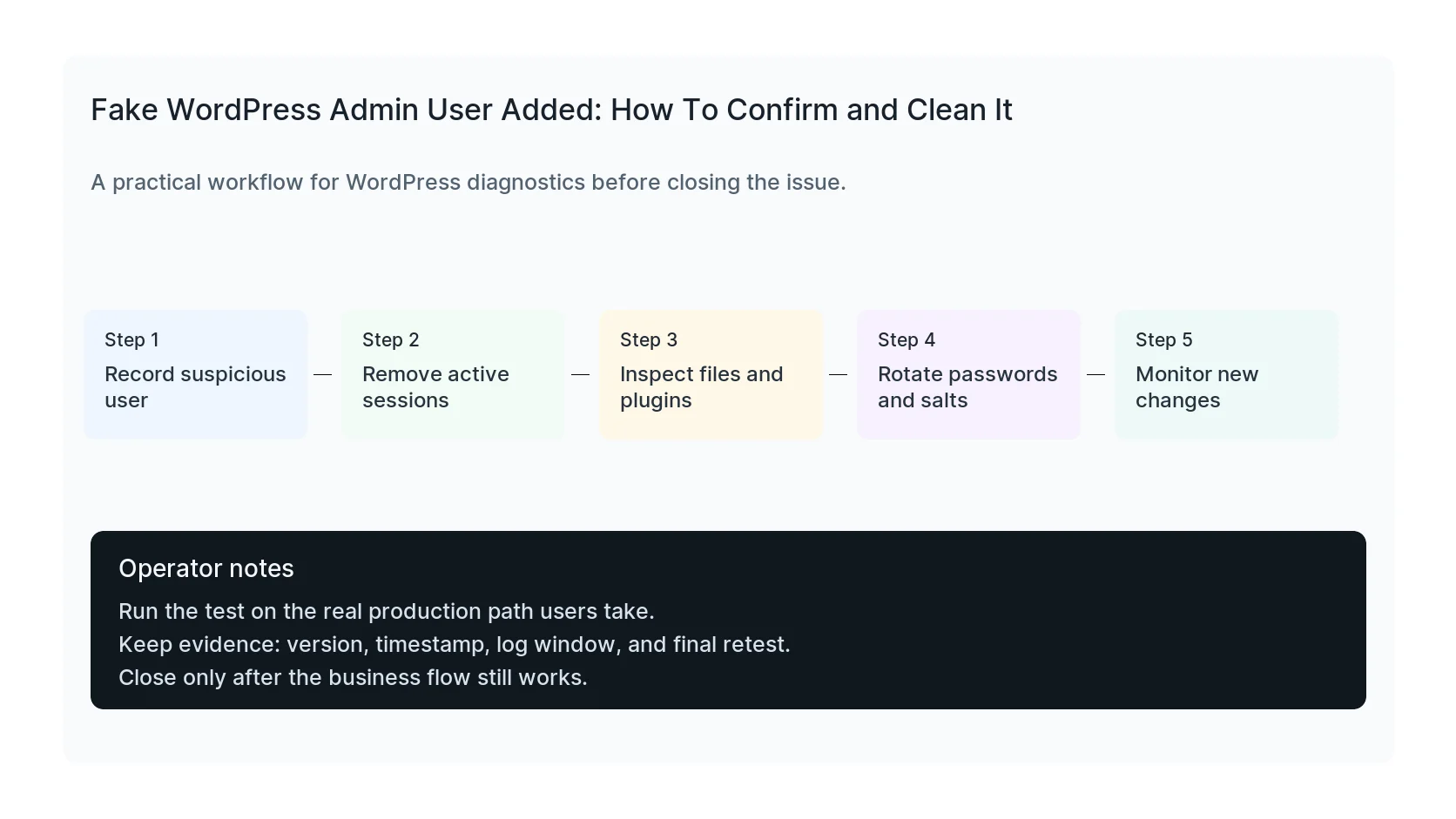
Record the user ID, username, email, display name, registration date, roles, application passwords, and any recent activity logs. If the user created posts, plugins, files, or options, you need to know before you remove the record.
Then revoke sessions and remove the account. If there are multiple suspicious users, remove the access in one controlled pass and keep a clear list of what changed.
Search for persistence mechanisms
Attackers often add more than one way back in. Check mu-plugins, new plugin folders, recently modified theme files, upload directories containing PHP, wp-config.php changes, cron events, and suspicious database options.
Also check for redirects that only affect Googlebot, mobile visitors, or users coming from search. A site can look clean to the owner and still serve spam to the audience that matters most.
Rotate credentials after the cause is understood
Rotate WordPress admin passwords, database passwords, salts, SFTP keys, hosting control panel passwords, and API credentials that the admin could access. If you rotate too early and leave the backdoor, the attacker may simply capture the new secrets.
After cleanup, monitor new admin creation, file changes, login attempts, and search index symptoms for at least a few days.
Checklist to run before you close the issue
- Export unknown administrator details.
- Revoke sessions and remove suspicious users.
- Inspect recently modified PHP files.
- Check mu-plugins, uploads, and cron events.
- Look for conditional redirects and SEO spam.
- Rotate credentials and salts after cleanup.
Useful command or test
Use this as a starting point, then adapt it to the hosting stack, plugin names, and access level you actually have.
wp user list --role=administrator --fields=ID,user_login,user_email,user_registered && wp cron event list
When to get help
If this affects production traffic, paid ads, checkout, membership access, healthcare privacy, lead routing, or search visibility, do not leave the fix half-tested. HandL WP can trace the issue across WordPress, server logs, plugins, forms, tracking, and Search Console. If you want a senior engineer to check it, start a hacked site cleanup.
Sources and further reading