A hidden WordPress plugin backdoor can live in a normal plugin folder, a mu-plugin, uploads, a cache folder, or a renamed helper directory. The admin plugin screen is useful, but it is not a full file audit.
Use this when a cleanup removed one obvious file but the site still creates admin users, redirects visitors, or changes files again.
Quick answer
Hidden WordPress Plugin Backdoor Detection Checklist should be handled with a narrow evidence-first workflow: map load paths, verify checksums, quarantine unknown php, then verify the result before making broader changes.
What to check first
- List plugin folders from the file system, not only from wp-admin.
- Compare public plugin checksums where WP-CLI supports them.
- Review mu-plugins because they load automatically and may not look like normal plugins.
- Search uploads and cache folders for executable PHP files.
- Check recent file modification times around the first known compromise.
Diagnostic table
Use this table to keep the work practical. It connects the symptom to evidence and a verification step.
| Action | Evidence to collect | How to verify |
|---|
| Map load paths | List plugin folders from the file system, not only from wp-admin. | The plugin folder list on disk matches the approved plugin inventory. |
| Verify checksums | Compare public plugin checksums where WP-CLI supports them. | No executable PHP remains in uploads unless there is a documented reason. |
| Quarantine unknown PHP | Review mu-plugins because they load automatically and may not look like normal plugins. | Core and public plugin checksums pass or have approved exceptions. |
| Replace from clean source | Search uploads and cache folders for executable PHP files. | The site stays clean after cache purge and one full login cycle. |
Useful command or data shape
Adapt paths, IDs, and privacy handling to the site before running commands or storing data on production.
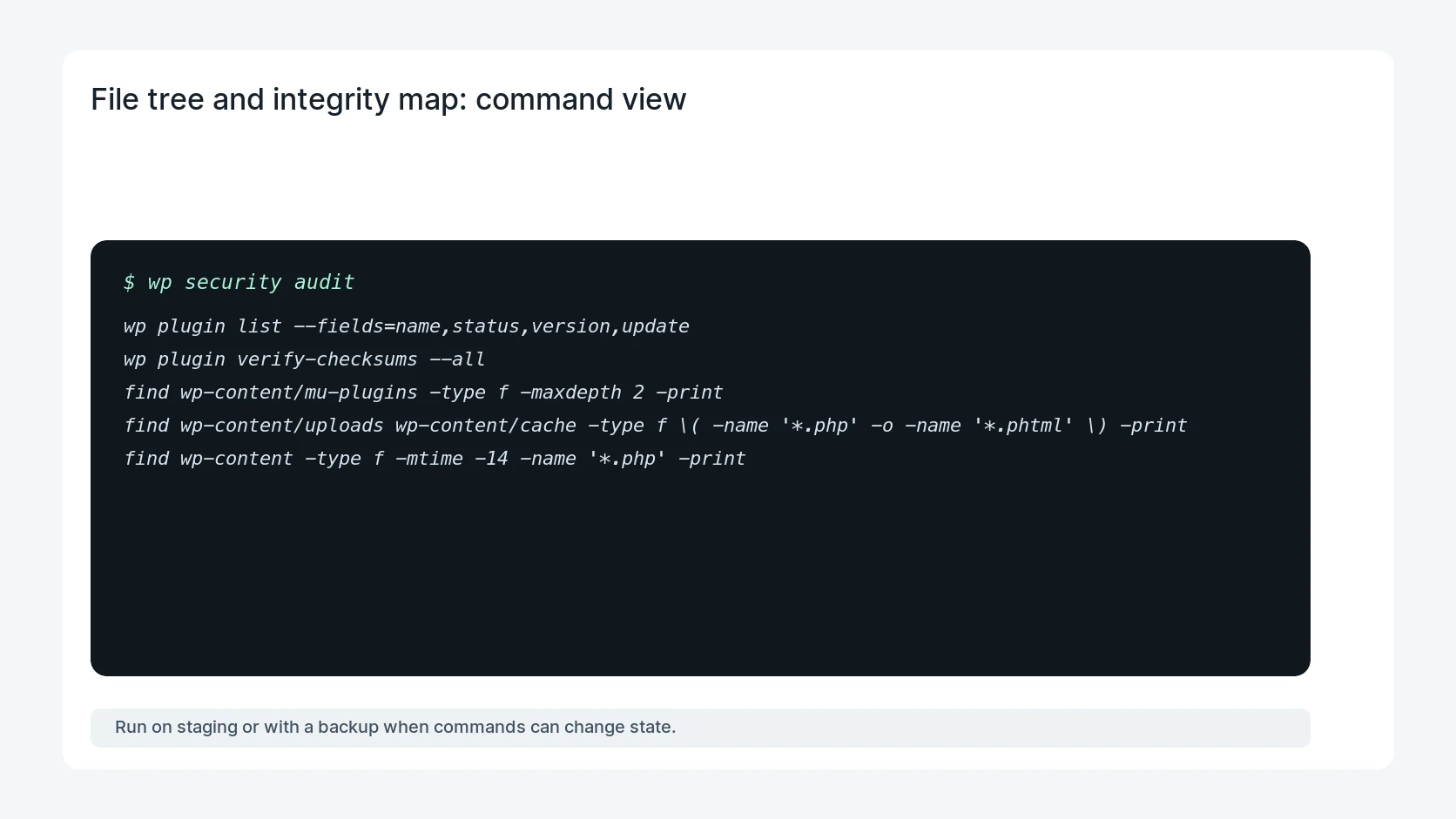
wp plugin list --fields=name,status,version,update
wp plugin verify-checksums --all
find wp-content/mu-plugins -type f -maxdepth 2 -print
find wp-content/uploads wp-content/cache -type f \( -name '*.php' -o -name '*.phtml' \) -print
find wp-content -type f -mtime -14 -name '*.php' -print
Safe fix order
Do the work in a sequence that makes each result easy to prove. Stop if a step produces new evidence that changes the incident scope.
- Map load paths
- Verify checksums
- Quarantine unknown PHP
- Replace from clean source
- Monitor recurrence
Production verification checklist
- The plugin folder list on disk matches the approved plugin inventory.
- No executable PHP remains in uploads unless there is a documented reason.
- Core and public plugin checksums pass or have approved exceptions.
- The site stays clean after cache purge and one full login cycle.
Mistakes to avoid
- Do not judge the fix by one browser or the homepage only.
- Do not delete evidence before recording usernames, file paths, timestamps, and response headers.
- Do not add a cache, security, or tracking plugin while the original problem is still unclear.
- Do not leave test users, temporary debug logs, or broad API keys active after verification.
When HandL WP should help
Bring in help when this affects leads, checkout, search visibility, malware risk, paid media reporting, or a client production site. HandL WP can trace the issue through WordPress, hosting, cache, tracking, and Search Console, then verify the workflow after the technical fix.
If this is active on a production site, inspect a hidden WordPress backdoor.
Helpful references