If you searched for "WordPress llms.txt service pages", you probably need a practical decision path, not a generic WordPress article. The goal is to protect the site, preserve useful evidence, and keep the business workflow working.
This guide is written for WordPress service businesses planning AI search and answer engine visibility. It focuses on the checks that prove whether the issue is contained, fixed, and safe to close.
Quick answer
| Check | What it tells you |
|---|
| What it is | A plain Markdown-style navigation file that can point AI tools to important public pages. |
| What it is not | It is not a robots.txt replacement and not a guaranteed Google ranking factor. |
| Best use | Use it to summarize canonical service pages, high-quality guides, author context, and proof pages. |
Use llms.txt as a clarity file, not a trick
A useful llms.txt file helps tools understand which pages matter most. It should not promise rankings, block crawlers, or stuff keywords into a file no human would trust.
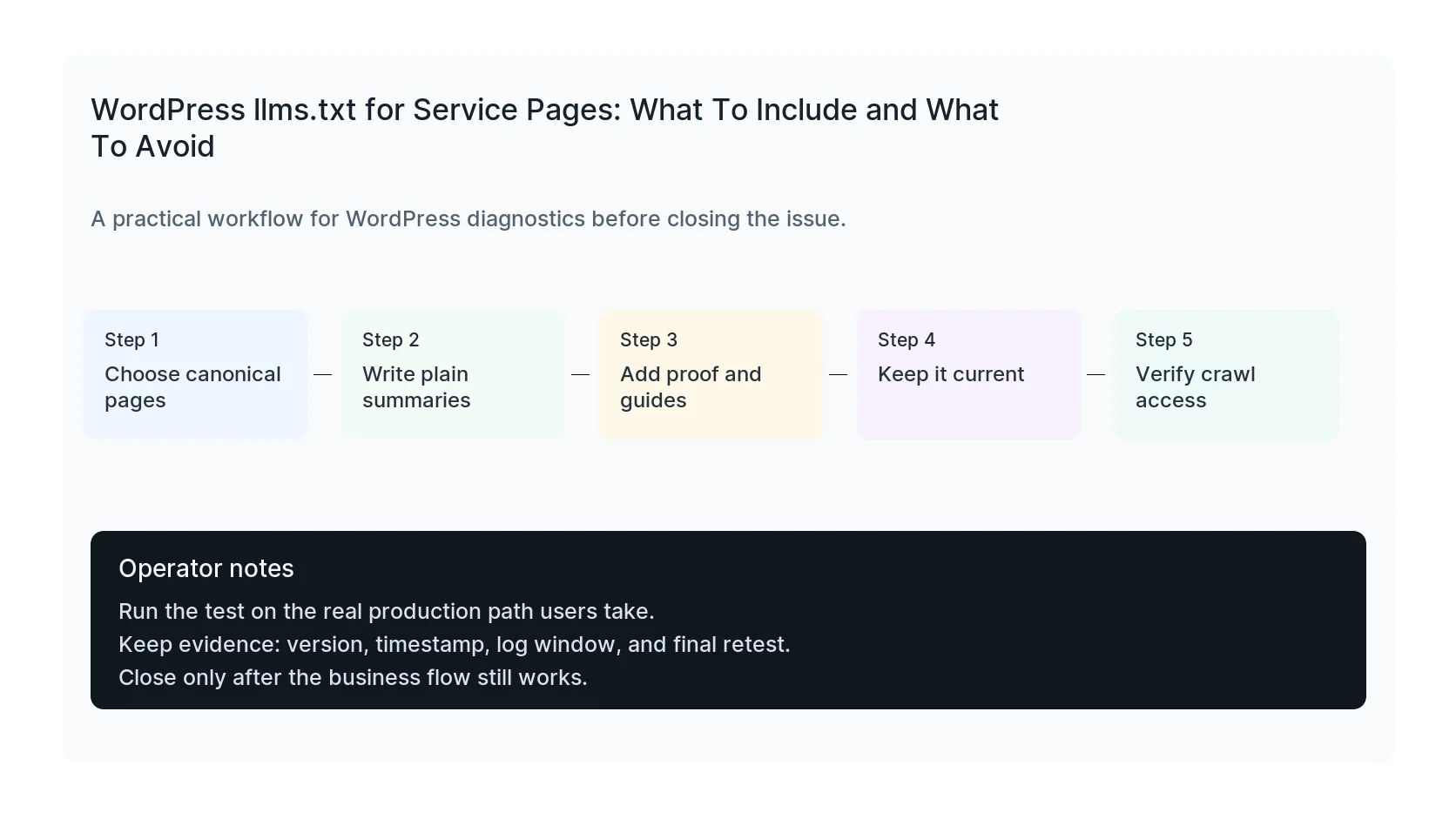
For a WordPress service business, the best entries are canonical service pages, high-quality support guides, case studies, pricing or process pages, and author or company context.
Start with service pages and proof
List the pages that define what the company does and who it helps. Then add the supporting posts that prove topical depth, such as troubleshooting guides, comparison pages, checklists, and technical explainers.
Keep summaries short and factual. AI systems and agentic browsers do not need sales copy. They need clean context and URLs that return useful HTML.
Do not confuse llms.txt with crawler control
robots.txt, meta robots, x-robots headers, and firewall rules control access. llms.txt is a guide, not a permission system.
If you want AI tools to cite or understand your service pages, make sure those pages are crawlable, internally linked, schema-supported, and useful without JavaScript-only rendering.
Refresh it when the service architecture changes
An outdated llms.txt can point tools toward old offers or weak pages. Update it when service pages change, new guides go live, or old pages are redirected.
A quarterly review is enough for most sites. Fast-moving content programs may review it monthly along with sitemap and internal link updates.
Checklist to run before you close the issue
- List canonical service URLs.
- Add concise page summaries.
- Include proof pages and high-quality guides.
- Avoid keyword stuffing and unsupported claims.
- Do not use llms.txt as crawler control.
- Review after service or content changes.
Useful command or test
Use this as a starting point and adapt it to the host, stack, plugin names, and access level you actually have.
curl -sS https://example.com/llms.txt && curl -sS -I https://example.com/services/wordpress-security
When to get help
If this affects production traffic, paid ads, checkout, membership access, healthcare privacy, lead routing, or search visibility, do not leave it half-tested. HandL WP can trace the issue across WordPress, server logs, plugins, forms, tracking, and Search Console. If you want a senior engineer to check it, plan WordPress AI search visibility.
Sources and further reading