If you searched for "WordPress redirects only on mobile", you probably need a practical decision path, not a generic WordPress article. The goal is to protect the site, preserve useful evidence, and keep the business workflow working.
This guide is written for site owners whose visitors report redirects that staff cannot reproduce. It focuses on the checks that prove whether the issue is contained, fixed, and safe to close.
Quick answer
| Check | What it tells you |
|---|
| Why owners miss it | The malware may only redirect mobile users, search visitors, first-time visitors, or specific countries. |
| First test | Compare desktop curl, mobile user agent curl, browser mobile emulation, and Google Search result click behavior. |
| Common hiding places | Injected JavaScript, database options, mu-plugins, theme files, fake plugins, and server rewrite rules. |
Conditional redirects are designed to waste your time
A WordPress site can look clean to the owner while redirecting mobile visitors to spam, phishing, or app install pages. The malware checks who is visiting before deciding what to show.
That is why testing from one desktop browser is not enough. You need to vary user agent, referrer, cookies, location, and cache state.
Reproduce the redirect with controlled tests
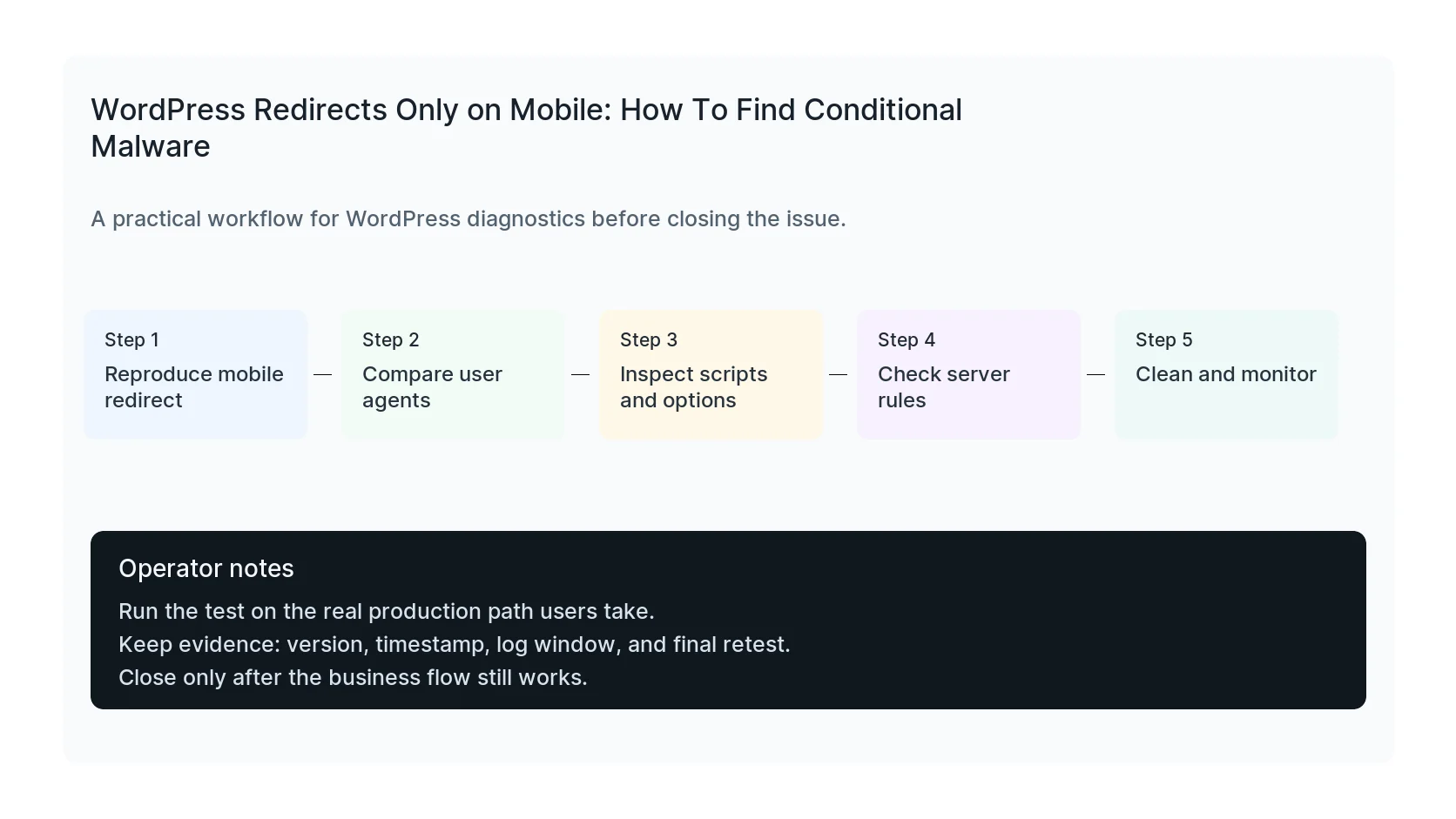
Start with a clean browser profile and a mobile device. Then test curl with a mobile user agent, a search referrer, and no cookies. Compare the response headers, final URL, and HTML.
If a CDN or cache is involved, test bypass headers or a cache purge. Some redirects are cached, and some only happen before cache stores the clean version.
Inspect the usual hiding places
Look in theme header files, functions.php, mu-plugins, suspicious plugin folders, wp_options autoloaded values, injected posts, widgets, tag manager containers, and server rewrite files.
Also inspect third-party scripts. Not every mobile redirect comes from WordPress files. A compromised tag manager, ad script, or external JavaScript dependency can produce the same symptom.
Monitor after cleanup
After removing the redirect, monitor with multiple user agents for several days. Conditional malware often includes reinfection code that restores the redirect after a delay.
Close the issue only when mobile, desktop, search referrer, direct traffic, and Googlebot-style tests return stable clean results.
Checklist to run before you close the issue
- Test desktop and mobile user agents.
- Test search referrer and clean-cookie visits.
- Inspect scripts, options, mu-plugins, and server rules.
- Check tag manager and external scripts.
- Remove persistence and rotate credentials.
- Monitor multiple visitor conditions after cleanup.
Useful command or test
Use this as a starting point and adapt it to the host, stack, plugin names, and access level you actually have.
curl -sS -I -A 'Mozilla/5.0 (iPhone; CPU iPhone OS 17_0 like Mac OS X)' -e 'https://www.google.com/' https://example.com
When to get help
If this affects production traffic, paid ads, checkout, membership access, healthcare privacy, lead routing, or search visibility, do not leave it half-tested. HandL WP can trace the issue across WordPress, server logs, plugins, forms, tracking, and Search Console. If you want a senior engineer to check it, start a conditional malware cleanup.
Sources and further reading