WordPress caching can improve performance, but sitemap XML is a freshness signal. If object cache, page cache, CDN, or a sitemap plugin serves stale XML, Google may not discover or revisit important URLs quickly.
Use this when new WordPress posts are published, API data is correct, but `sitemap.xml` still omits new URLs or shows old `lastmod` values.
Quick answer
WordPress Object Cache Stale Sitemap Fix should be handled with a narrow evidence-first workflow: compare sitemap layers, flush in order, check plugin cache, then verify the result before making broader changes.
What to check first
- Compare the public sitemap, origin sitemap, and sitemap plugin output if available.
- Flush object cache before page cache and CDN when sitemap data is generated from WordPress queries.
- Check whether the sitemap plugin, SEO plugin, or custom prerender process stores its own cache.
- Verify `lastmod` reflects real page updates and not the cache rebuild time.
- Submit the refreshed sitemap and inspect a sample URL in Search Console.
Diagnostic table
Use this table to keep the work practical. It connects the symptom to evidence and a verification step.
| Action | Evidence to collect | How to verify |
|---|
| Compare sitemap layers | Compare the public sitemap, origin sitemap, and sitemap plugin output if available. | The public sitemap includes the new URL and expected lastmod value. |
| Flush in order | Flush object cache before page cache and CDN when sitemap data is generated from WordPress queries. | Object cache and page cache do not reintroduce the stale sitemap. |
| Check plugin cache | Check whether the sitemap plugin, SEO plugin, or custom prerender process stores its own cache. | The clean URL returns crawlable article HTML. |
| Verify lastmod | Verify `lastmod` reflects real page updates and not the cache rebuild time. | Search Console sitemap status shows no errors or warnings. |
Useful command or data shape
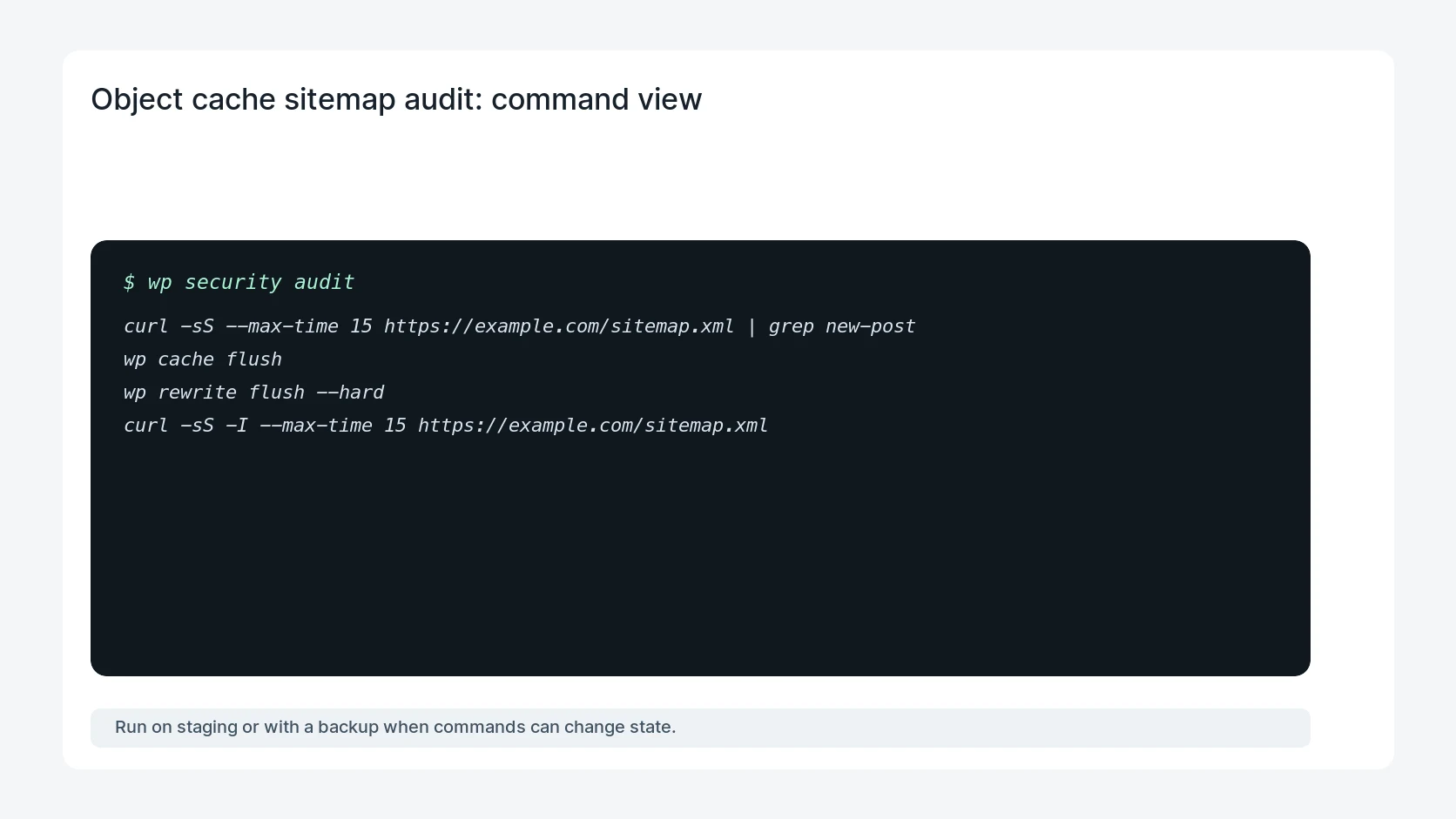
Adapt paths, IDs, and privacy handling to the site before running commands or storing data on production.
curl -sS --max-time 15 https://example.com/sitemap.xml | grep new-post
wp cache flush
wp rewrite flush --hard
curl -sS -I --max-time 15 https://example.com/sitemap.xml
Safe fix order
Do the work in a sequence that makes each result easy to prove. Stop if a step produces new evidence that changes the incident scope.
- Compare sitemap layers
- Flush in order
- Check plugin cache
- Verify lastmod
- Submit sitemap
Production verification checklist
- The public sitemap includes the new URL and expected lastmod value.
- Object cache and page cache do not reintroduce the stale sitemap.
- The clean URL returns crawlable article HTML.
- Search Console sitemap status shows no errors or warnings.
Mistakes to avoid
- Do not judge the fix by one browser or the homepage only.
- Do not delete evidence before recording usernames, file paths, timestamps, and response headers.
- Do not add a cache, security, or tracking plugin while the original problem is still unclear.
- Do not leave test users, temporary debug logs, or broad API keys active after verification.
When HandL WP should help
Bring in help when this affects leads, checkout, search visibility, malware risk, paid media reporting, or a client production site. HandL WP can trace the issue through WordPress, hosting, cache, tracking, and Search Console, then verify the workflow after the technical fix.
If this is active on a production site, fix stale WordPress sitemaps.
Helpful references