WordPress.org Protect the Shire work has renewed attention on plugin update timing and supply chain safety. A plugin ownership change, unusual maintainer activity, or sudden large release should trigger a short security audit before auto-update moves code into production.
Use this for agencies, ecommerce stores, membership sites, publishers, and business sites that rely on many third-party plugins and cannot afford an unexpected backdoor, tracking script, checkout break, or admin compromise.
Quick answer
WordPress Plugin Ownership Change Security Audit should be handled with a narrow evidence-first workflow: flag trust change, review release, diff risky files, then verify the result before making broader changes.
What to check first
- Identify plugins with recent ownership, maintainer, support, or release pattern changes.
- Read changelogs and compare changed files when a release touches login, REST API, uploads, admin, checkout, JavaScript, or remote requests.
- Use the auto-update cooldown window to test high-risk plugins on staging before production.
- Check for new remote domains, obfuscated code, admin notices, unexpected options, or new scheduled tasks.
- Keep backups, rollback ZIPs, WAF monitoring, and admin-user monitoring active during the live update.
Diagnostic table
Use this table to keep the work practical. It connects the symptom to evidence and a verification step.
| Action | Evidence to collect | How to verify |
|---|
| Flag trust change | Identify plugins with recent ownership, maintainer, support, or release pattern changes. | The plugin update source, maintainer, and release intent look consistent. |
| Review release | Read changelogs and compare changed files when a release touches login, REST API, uploads, admin, checkout, JavaScript, or remote requests. | No unexpected remote script, user creation, upload handler, or cron action appears after update. |
| Diff risky files | Use the auto-update cooldown window to test high-risk plugins on staging before production. | Staging tests cover the plugin's real production workflow. |
| Test staging | Check for new remote domains, obfuscated code, admin notices, unexpected options, or new scheduled tasks. | Rollback files and database backup are ready before live deployment. |
Useful command or data shape
Adapt paths, IDs, and privacy handling to the site before running commands or storing data on production.
wp plugin list --fields=name,version,update,auto_update
find wp-content/plugins/contact-widget -type f -mtime -2 -print
grep -R "base64_decode\|eval\|wp_remote_post\|add_user\|admin_init" wp-content/plugins/contact-widget -n
wp cron event list --fields=hook,next_run,recurrence
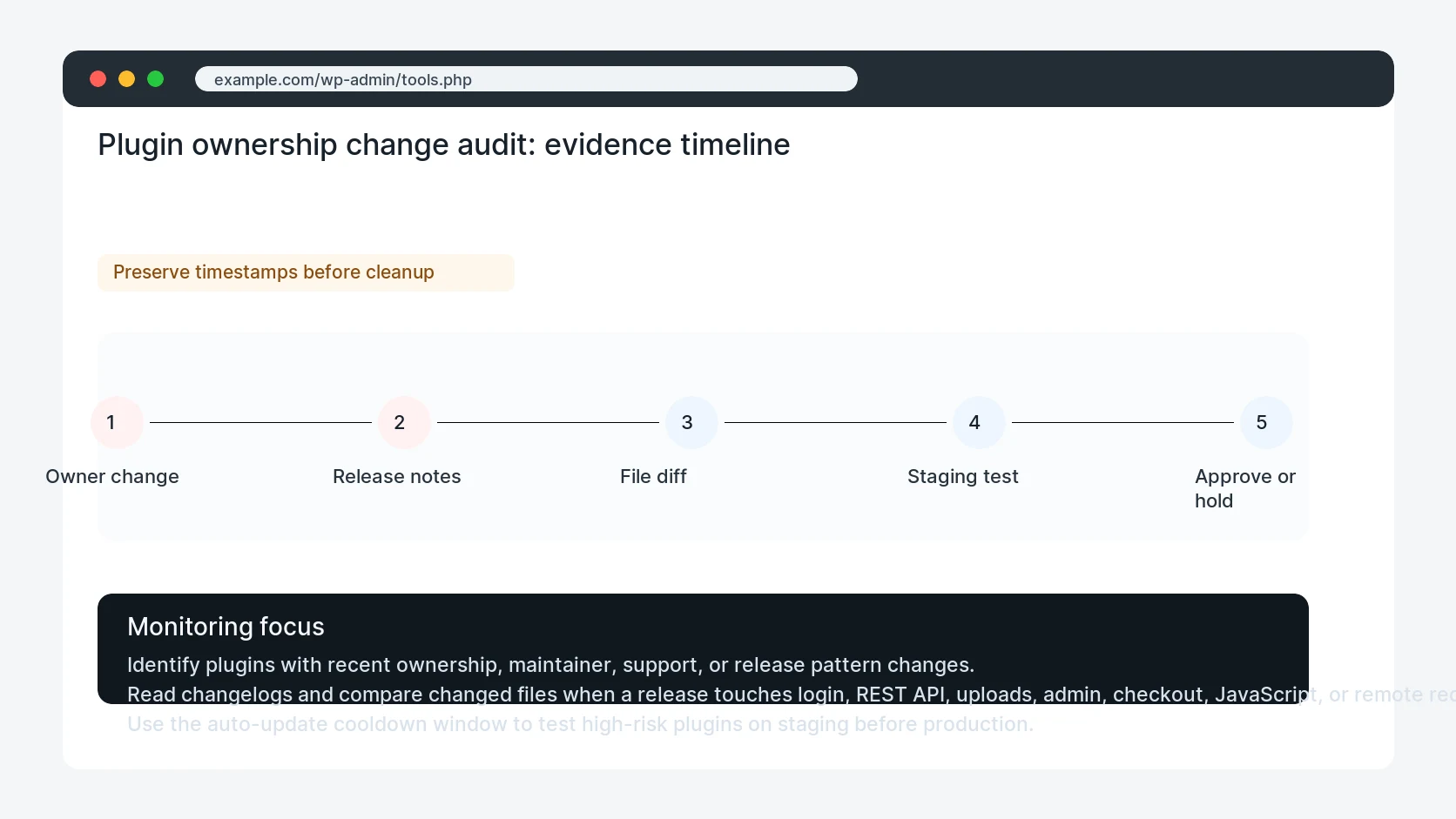
Safe fix order
Do the work in a sequence that makes each result easy to prove. Stop if a step produces new evidence that changes the incident scope.
- Flag trust change
- Review release
- Diff risky files
- Test staging
- Approve or hold
Production verification checklist
- The plugin update source, maintainer, and release intent look consistent.
- No unexpected remote script, user creation, upload handler, or cron action appears after update.
- Staging tests cover the plugin's real production workflow.
- Rollback files and database backup are ready before live deployment.
Mistakes to avoid
- Do not judge the fix by one browser or the homepage only.
- Do not delete evidence before recording usernames, file paths, timestamps, and response headers.
- Do not add a cache, security, or tracking plugin while the original problem is still unclear.
- Do not leave test users, temporary debug logs, or broad API keys active after verification.
When HandL WP should help
Bring in help when this affects leads, checkout, search visibility, malware risk, paid media reporting, or a client production site. HandL WP can trace the issue through WordPress, hosting, cache, tracking, and Search Console, then verify the workflow after the technical fix.
If this is active on a production site, review plugin supply chain risk.
Helpful references