When you find a rogue WordPress administrator, deletion is only the first visible action. The more important question is how the account was created and whether the same path can create another one.
Use this for hacked WordPress sites, agency handoffs, membership sites, and any business site where an unapproved admin account appears.
Quick answer
Rogue WordPress Admin Account Forensics should be handled with a narrow evidence-first workflow: preserve user evidence, find creation path, remove access, then verify the result before making broader changes.
What to check first
- Record the username, email, user ID, registered date, and role before deleting anything.
- Check recent plugin installs, theme edits, application passwords, and admin logins around the same time.
- Review hosting, SFTP, database, and control panel access because the entry point may not be WordPress.
- Check whether the email domain or username matches known indicators from a current incident.
- Rotate sessions and salts after the file and user review is complete.
Diagnostic table
Use this table to keep the work practical. It connects the symptom to evidence and a verification step.
| Action | Evidence to collect | How to verify |
|---|
| Preserve user evidence | Record the username, email, user ID, registered date, and role before deleting anything. | Every current admin has a named owner and business reason. |
| Find creation path | Check recent plugin installs, theme edits, application passwords, and admin logins around the same time. | Application passwords and sessions were reviewed, not only user rows. |
| Remove access | Review hosting, SFTP, database, and control panel access because the entry point may not be WordPress. | No new admin appears after salts and passwords are rotated. |
| Rotate sessions | Check whether the email domain or username matches known indicators from a current incident. | The incident note explains whether the entry point was plugin, credential, hosting, or unknown. |
Useful command or data shape
Adapt paths, IDs, and privacy handling to the site before running commands or storing data on production.
wp user list --role=administrator --fields=ID,user_login,user_email,user_registered,roles
wp user session list 12
wp option get active_plugins
wp rewrite flush --hard
wp config shuffle-salts
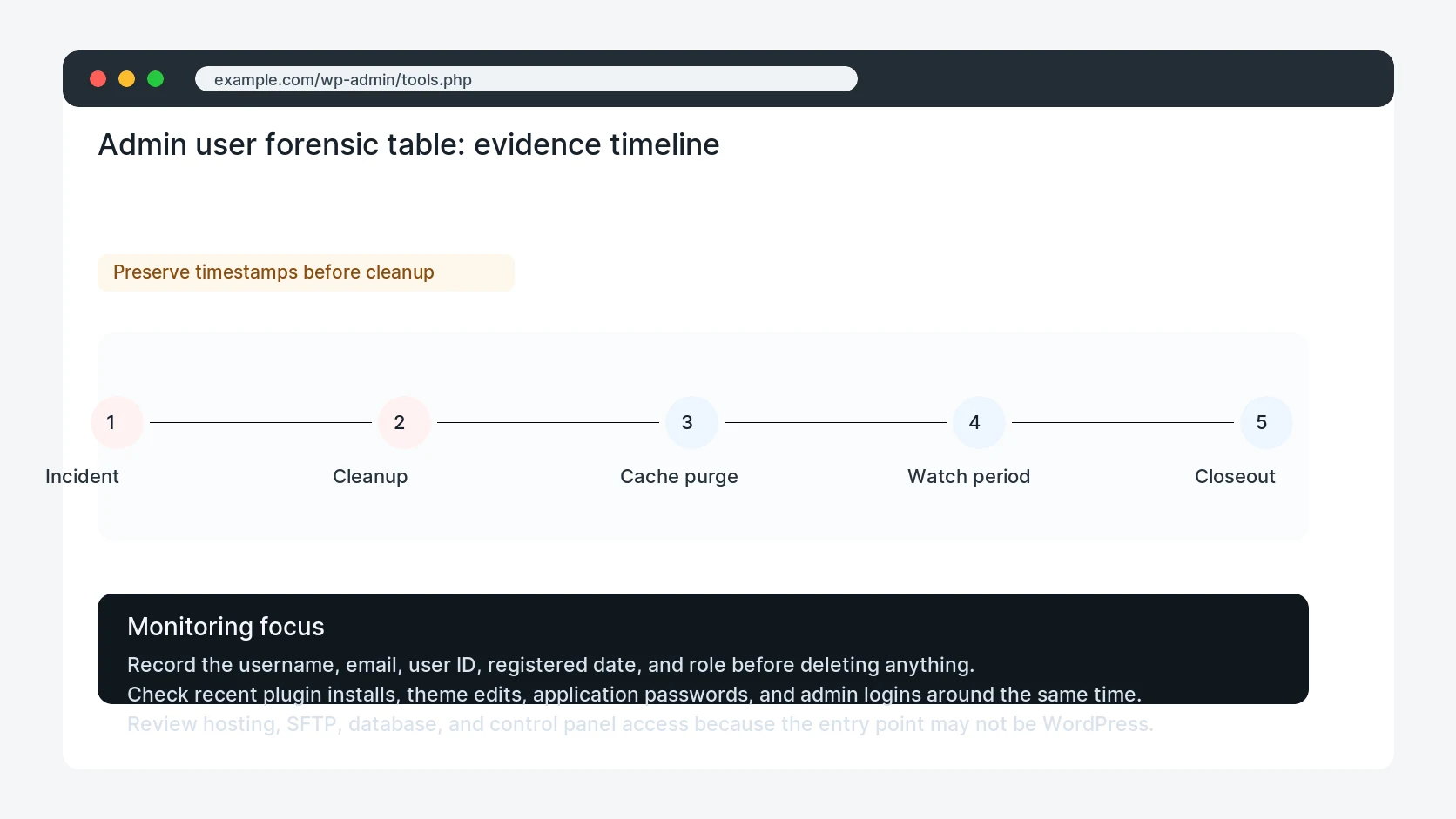
Safe fix order
Do the work in a sequence that makes each result easy to prove. Stop if a step produces new evidence that changes the incident scope.
- Preserve user evidence
- Find creation path
- Remove access
- Rotate sessions
- Watch new admins
Production verification checklist
- Every current admin has a named owner and business reason.
- Application passwords and sessions were reviewed, not only user rows.
- No new admin appears after salts and passwords are rotated.
- The incident note explains whether the entry point was plugin, credential, hosting, or unknown.
Mistakes to avoid
- Do not judge the fix by one browser or the homepage only.
- Do not delete evidence before recording usernames, file paths, timestamps, and response headers.
- Do not add a cache, security, or tracking plugin while the original problem is still unclear.
- Do not leave test users, temporary debug logs, or broad API keys active after verification.
When HandL WP should help
Bring in help when this affects leads, checkout, search visibility, malware risk, paid media reporting, or a client production site. HandL WP can trace the issue through WordPress, hosting, cache, tracking, and Search Console, then verify the workflow after the technical fix.
If this is active on a production site, investigate a hacked WordPress site.
Helpful references