Wordfence Intelligence publishes weekly WordPress vulnerability reports, and the June 15 to June 21, 2026 report is a reminder that agencies need a repeatable way to decide which client sites need action first.
Use this for agencies, maintenance teams, and site owners managing multiple WordPress installs with different plugin stacks, revenue risk, user roles, and update windows.
Quick answer
WordPress Vulnerability Report Triage for Agencies should be handled with a narrow evidence-first workflow: match inventory, score severity, check patches, then verify the result before making broader changes.
What to check first
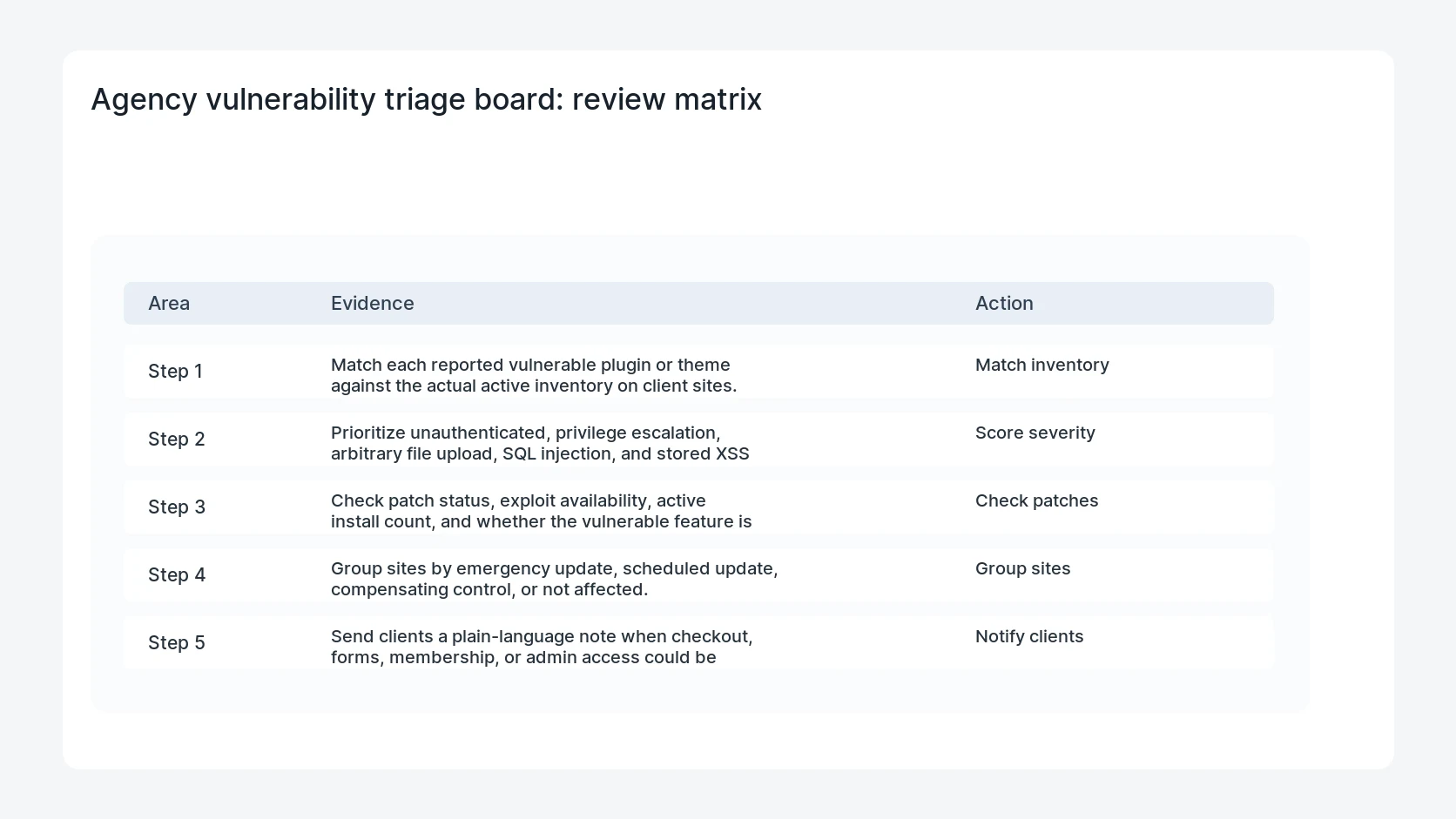
- Match each reported vulnerable plugin or theme against the actual active inventory on client sites.
- Prioritize unauthenticated, privilege escalation, arbitrary file upload, SQL injection, and stored XSS issues before low-impact bugs.
- Check patch status, exploit availability, active install count, and whether the vulnerable feature is enabled.
- Group sites by emergency update, scheduled update, compensating control, or not affected.
- Send clients a plain-language note when checkout, forms, membership, or admin access could be affected.
Diagnostic table
Use this table to keep the work practical. It connects the symptom to evidence and a verification step.
| Action | Evidence to collect | How to verify |
|---|
| Match inventory | Match each reported vulnerable plugin or theme against the actual active inventory on client sites. | Only sites with the affected component are marked at risk. |
| Score severity | Prioritize unauthenticated, privilege escalation, arbitrary file upload, SQL injection, and stored XSS issues before low-impact bugs. | Emergency updates are tested on staging or backed by a restore point. |
| Check patches | Check patch status, exploit availability, active install count, and whether the vulnerable feature is enabled. | Compensating controls have an owner and an expiration date. |
| Group sites | Group sites by emergency update, scheduled update, compensating control, or not affected. | Client notes explain business impact instead of copying CVE language. |
Useful command or data shape
Adapt paths, IDs, and privacy handling to the site before running commands or storing data on production.
triage_row:
  plugin: example-form-plugin
  installed_on: 14 sites
  affected_sites: 3
  risk: unauthenticated upload
  patch_status: available
  action: emergency staging update then live update
Safe fix order
Do the work in a sequence that makes each result easy to prove. Stop if a step produces new evidence that changes the incident scope.
- Match inventory
- Score severity
- Check patches
- Group sites
- Notify clients
Production verification checklist
- Only sites with the affected component are marked at risk.
- Emergency updates are tested on staging or backed by a restore point.
- Compensating controls have an owner and an expiration date.
- Client notes explain business impact instead of copying CVE language.
Mistakes to avoid
- Do not judge the fix by one browser or the homepage only.
- Do not delete evidence before recording usernames, file paths, timestamps, and response headers.
- Do not add a cache, security, or tracking plugin while the original problem is still unclear.
- Do not leave test users, temporary debug logs, or broad API keys active after verification.
When HandL WP should help
Bring in help when this affects leads, checkout, search visibility, malware risk, paid media reporting, or a client production site. HandL WP can trace the issue through WordPress, hosting, cache, tracking, and Search Console, then verify the workflow after the technical fix.
If this is active on a production site, triage WordPress vulnerabilities.
Helpful references