Many WordPress sites set a thoughtful robots.txt policy, then accidentally block AI search bots at the WAF, CDN, security plugin, or hosting layer. That means the crawler never reaches the file that explains the policy.
Use this when ChatGPT search, Perplexity, Bing, Googlebot, or other allowed crawlers seem unable to fetch public WordPress pages.
Quick answer
WordPress WAF Rules for AI Search Bots should be handled with a narrow evidence-first workflow: compare policy layers, read waf logs, tune rate limits, then verify the result before making broader changes.
What to check first
- Compare robots.txt policy against WAF, CDN, and security plugin bot settings.
- Review access logs for 403, 429, challenge, or captcha responses to allowed bots.
- Do not whitelist by user agent alone without rate limits and behavior checks.
- Check whether cached pages, images, and JavaScript are reachable to normal crawlers.
- Document the difference between security blocks and AI-training preferences.
Diagnostic table
Use this table to keep the work practical. It connects the symptom to evidence and a verification step.
| Action | Evidence to collect | How to verify |
|---|
| Compare policy layers | Compare robots.txt policy against WAF, CDN, and security plugin bot settings. | Allowed bots receive 200 responses for public pages and sitemap files. |
| Read WAF logs | Review access logs for 403, 429, challenge, or captcha responses to allowed bots. | Blocked bots match the written business policy. |
| Tune rate limits | Do not whitelist by user agent alone without rate limits and behavior checks. | Rate limits stop abuse without blocking normal crawler fetches. |
| Retest crawlers | Check whether cached pages, images, and JavaScript are reachable to normal crawlers. | Security logs show the reason for each exception. |
Useful command or data shape
Adapt paths, IDs, and privacy handling to the site before running commands or storing data on production.
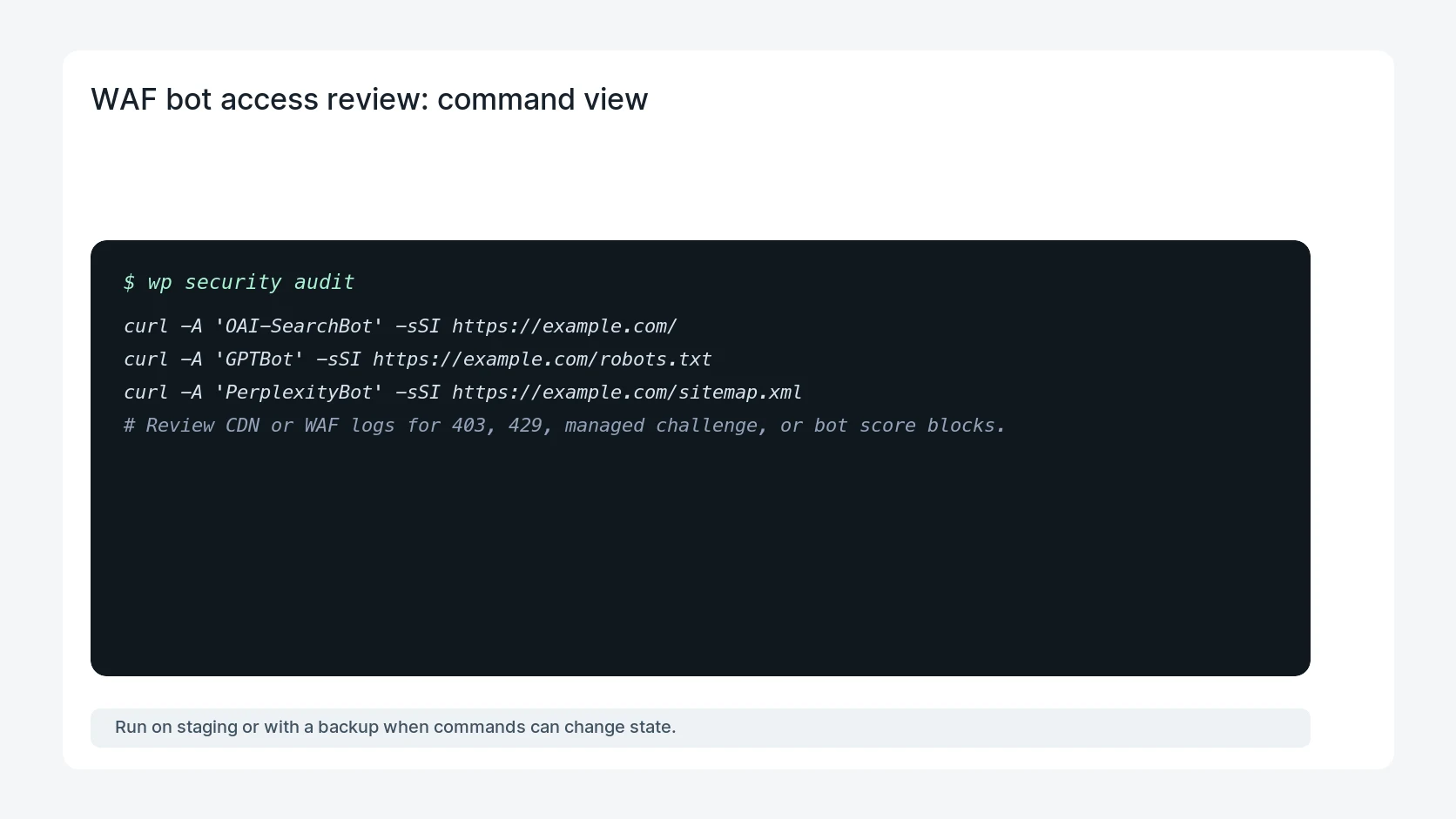
curl -A 'OAI-SearchBot' -sSI https://example.com/
curl -A 'GPTBot' -sSI https://example.com/robots.txt
curl -A 'PerplexityBot' -sSI https://example.com/sitemap.xml
# Review CDN or WAF logs for 403, 429, managed challenge, or bot score blocks.
Safe fix order
Do the work in a sequence that makes each result easy to prove. Stop if a step produces new evidence that changes the incident scope.
- Compare policy layers
- Read WAF logs
- Tune rate limits
- Retest crawlers
- Record exceptions
Production verification checklist
- Allowed bots receive 200 responses for public pages and sitemap files.
- Blocked bots match the written business policy.
- Rate limits stop abuse without blocking normal crawler fetches.
- Security logs show the reason for each exception.
Mistakes to avoid
- Do not judge the fix by one browser or the homepage only.
- Do not delete evidence before recording usernames, file paths, timestamps, and response headers.
- Do not add a cache, security, or tracking plugin while the original problem is still unclear.
- Do not leave test users, temporary debug logs, or broad API keys active after verification.
When HandL WP should help
Bring in help when this affects leads, checkout, search visibility, malware risk, paid media reporting, or a client production site. HandL WP can trace the issue through WordPress, hosting, cache, tracking, and Search Console, then verify the workflow after the technical fix.
If this is active on a production site, review WordPress crawler access.
Audit the Preferred Sources script policy and fallback
Before allowing another external publisher script, run the Preferred Sources button CSP and privacy audit for a narrow policy, blocker behavior, stable layout, privacy claims, and an accessible deeplink fallback.
Treat stealth model access as a temporary route
The stealth AI model preview guide explains which metadata is reliable, how anonymous tests differ from production dependencies, and why every preview needs privacy, budget, tool, availability, and fallback gates.
Helpful references