A WordPress site behind CloudFront can accidentally let both www and apex hosts appear in search. The fix needs header evidence, canonical tags, sitemap URLs, and public page checks.
Use this for WordPress, headless WordPress, S3, CloudFront, or React frontends where Search Console shows www URLs, duplicate hosts, or inconsistent canonical behavior.
Quick answer
WordPress www to Apex CloudFront SEO Redirect Check should be handled with a narrow evidence-first workflow: check www headers, confirm apex canonical, clean sitemap host, then verify the result before making broader changes.
What to check first
- Fetch a www URL and confirm it returns a 301 to the same path on the apex host.
- Fetch the apex URL and confirm it returns 200 with the correct canonical tag.
- Confirm sitemap URLs use the preferred host only.
- Check CloudFront function, distribution behavior, and viewer request ordering.
- Watch Search Console for old www pages until Google consolidates the signals.
Diagnostic table
Use this table to keep the work practical. It connects the symptom to evidence and a verification step.
| Action | Evidence to collect | How to verify |
|---|
| Check www headers | Fetch a www URL and confirm it returns a 301 to the same path on the apex host. | www URLs return 301 to apex with the same path. |
| Confirm apex canonical | Fetch the apex URL and confirm it returns 200 with the correct canonical tag. | Apex URLs return 200 and self-canonical metadata. |
| Clean sitemap host | Confirm sitemap URLs use the preferred host only. | The sitemap lists only preferred host URLs. |
| Verify edge function | Check CloudFront function, distribution behavior, and viewer request ordering. | Search Console stops surfacing new www pages after recrawl. |
Useful command or data shape
Adapt paths, IDs, and privacy handling to the site before running commands or storing data on production.
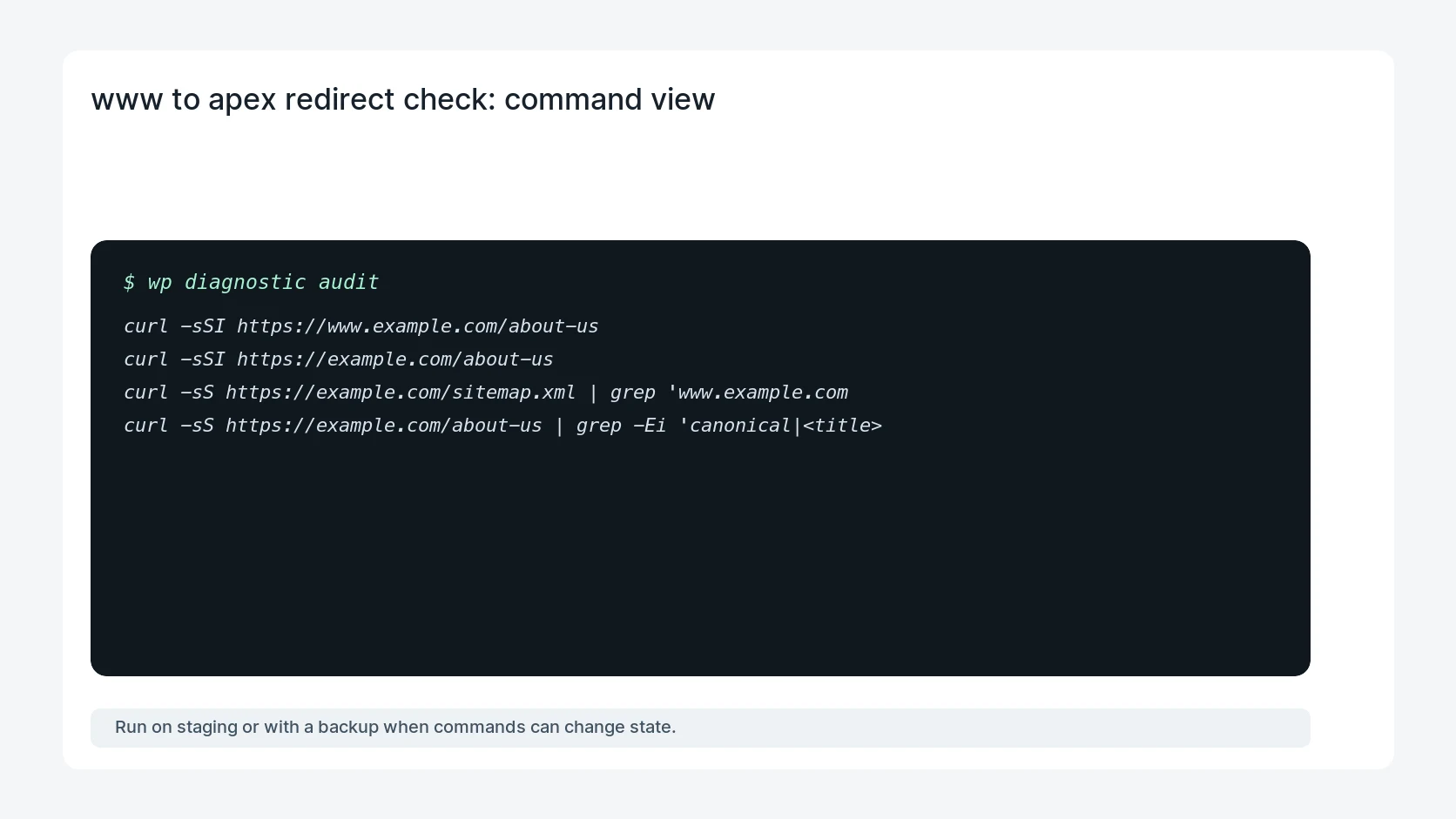
curl -sSI https://www.example.com/about-us
curl -sSI https://example.com/about-us
curl -sS https://example.com/sitemap.xml | grep 'www.example.com'
curl -sS https://example.com/about-us | grep -Ei 'canonical|<title>'
Safe fix order
Do the work in a sequence that makes each result easy to prove. Stop if a step produces new evidence that changes the incident scope.
- Check www headers
- Confirm apex canonical
- Clean sitemap host
- Verify edge function
- Monitor Search Console
Production verification checklist
- www URLs return 301 to apex with the same path.
- Apex URLs return 200 and self-canonical metadata.
- The sitemap lists only preferred host URLs.
- Search Console stops surfacing new www pages after recrawl.
Mistakes to avoid
- Do not judge the fix by one browser or the homepage only.
- Do not delete evidence before recording usernames, file paths, timestamps, and response headers.
- Do not add a cache, security, or tracking plugin while the original problem is still unclear.
- Do not leave test users, temporary debug logs, or broad API keys active after verification.
When HandL WP should help
Bring in help when this affects leads, checkout, search visibility, malware risk, paid media reporting, or a client production site. HandL WP can trace the issue through WordPress, hosting, cache, tracking, and Search Console, then verify the workflow after the technical fix.
If this is active on a production site, fix WordPress host canonicalization.
Related HandL WP guides
Use these related guides when the same issue touches tracking, security, checkout, or crawler visibility.
Helpful references
Focused Diagnostic Guides
Host normalization is only one part of a migration. Map old content paths to their intended destinations: