If you searched for "wp-config.php exposed what to rotate", you probably need a practical decision path, not a generic WordPress article. The goal is to protect the site, preserve useful evidence, and keep the business workflow working.
This guide is written for site owners responding to arbitrary file read, path traversal, or backup exposure incidents. It focuses on the checks that prove whether the issue is contained, fixed, and safe to close.
Quick answer
| Check | What it tells you |
|---|
| First rule | Do not rotate secrets while the original exposure path is still open. |
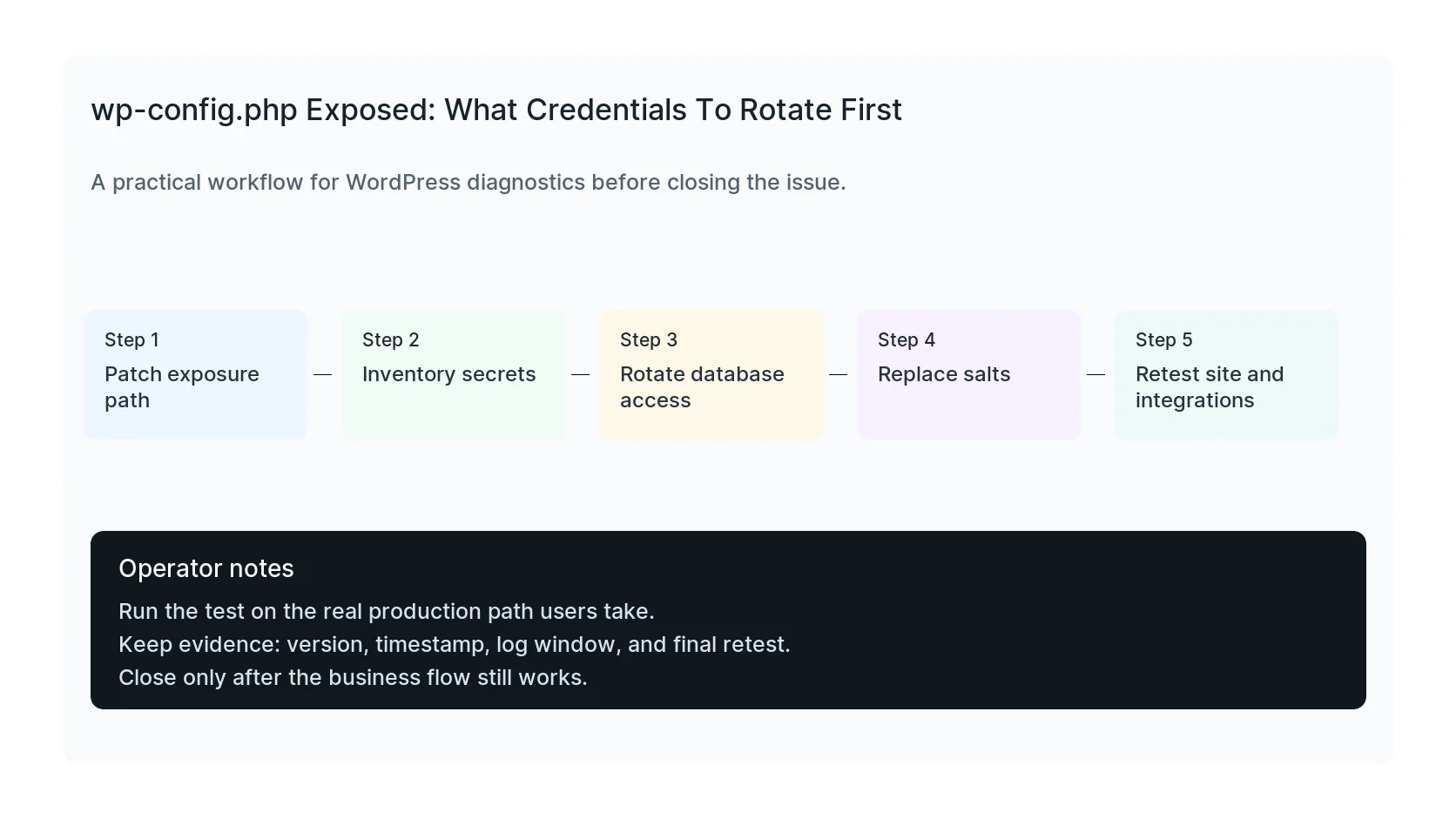
| Usually first | Patch the file exposure, snapshot the site, rotate database credentials, replace salts, and revoke exposed API keys. |
| Retest needed | Database changes, SMTP changes, and API key changes can break forms, checkout, email, CRM, and backups. |
Patch the leak before rotating secrets
If wp-config.php may have been exposed, the first step is to close the path that made it readable. Otherwise new credentials can be exposed the same way.
Once the leak is closed, take a backup and make a rotation plan. Credential rotation is safer when you know which systems depend on each secret.
Rotate database access carefully
The database name, username, password, and host are usually present in wp-config.php. Change the database password or create a new database user, update wp-config.php, and confirm WordPress can still read and write.
If you suspect direct database access, review new admin users, suspicious options, injected posts, and plugin files. A database credential leak can lead to changes that survive file cleanup.
Replace salts and revoke tokens
WordPress authentication salts invalidate existing sessions when replaced. This is useful after exposure because it forces users and admins to log in again.
Then look for SMTP passwords, payment keys, CRM tokens, analytics secrets, object cache credentials, cloud storage keys, and custom constants added by plugins or developers.
Retest every connected workflow
After rotation, test login, admin access, forms, email delivery, checkout, webhooks, backups, object cache, cron, and CRM sync. Secrets tend to connect more systems than people remember.
Document what changed. The next person should know which credentials were rotated, where they live, and what tests passed.
Checklist to run before you close the issue
- Close the file exposure path first.
- Back up files and database.
- Rotate database credentials.
- Replace WordPress salts.
- Revoke exposed API and SMTP keys.
- Retest login, email, forms, checkout, backups, and webhooks.
Useful command or test
Use this as a starting point and adapt it to the host, stack, plugin names, and access level you actually have.
wp config shuffle-salts && wp cache flush
When to get help
If this affects production traffic, paid ads, checkout, membership access, healthcare privacy, lead routing, or search visibility, do not leave it half-tested. HandL WP can trace the issue across WordPress, server logs, plugins, forms, tracking, and Search Console. If you want a senior engineer to check it, get credential rotation help.
Sources and further reading