Action Scheduler 4.0 introduces a default cleanup path for old failed actions. That can help busy WooCommerce databases, but stores should still decide what evidence they need before old failures disappear, especially when payment, email, subscription, CRM, or fulfillment jobs use the queue.
Use this for WooCommerce stores with large action scheduler tables, delayed emails, recurring payments, webhooks, or extensions that schedule background jobs.
Quick answer
Action Scheduler 4.0 Failed Action Cleanup Monitoring should be handled with a narrow evidence-first workflow: measure tables, export failed actions, choose retention, then verify the result before making broader changes.
What to check first
- Measure current action and log table size before testing Action Scheduler 4.0.
- Export a sample of failed actions by hook, extension, scheduled date, and error message.
- Confirm whether the default failed-action retention window fits support and accounting needs.
- Check retry behavior for email, payment, subscription, webhook, and CRM sync jobs.
- Monitor cleanup jobs after update so database size falls without hiding active failures.
Diagnostic table
Use this table to keep the work practical. It connects the symptom to evidence and a verification step.
| Action | Evidence to collect | How to verify |
|---|
| Measure tables | Measure current action and log table size before testing Action Scheduler 4.0. | Failed action volume is documented before and after cleanup. |
| Export failed actions | Export a sample of failed actions by hook, extension, scheduled date, and error message. | Important failure evidence is exported before it expires. |
| Choose retention | Confirm whether the default failed-action retention window fits support and accounting needs. | Active payment, email, webhook, and CRM jobs still retry correctly. |
| Test retries | Check retry behavior for email, payment, subscription, webhook, and CRM sync jobs. | The database shrinks without new queue errors. |
Why this usually happens
- Failed queue rows can accumulate for months on high-volume stores.
- Some failed actions are harmless, while others represent lost email, fulfillment, or payment work.
- Changing retention without a report can remove useful clues before a support case is closed.
- Extensions that bundle Action Scheduler need compatibility checks around major versions.
Field notes
- Export failed action counts before cleanup so the client can see what changed.
- Group by hook name first. It usually identifies the plugin or integration owner.
- Set a longer retention window only when someone will actually review the older failures.
Useful command or data shape
Adapt paths, IDs, and privacy handling to the site before running commands or storing data on production.
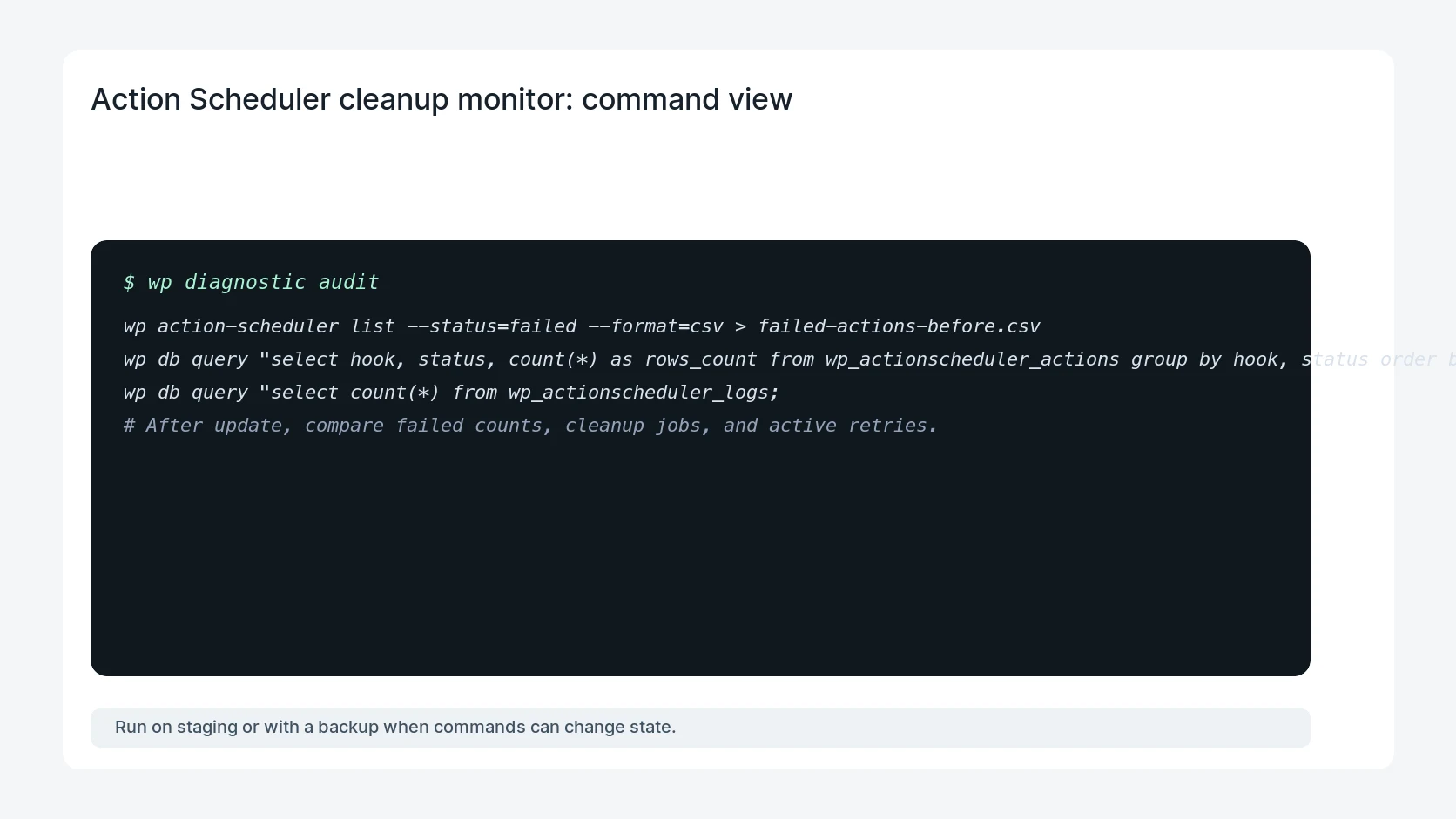
wp action-scheduler list --status=failed --format=csv > failed-actions-before.csv
wp db query "select hook, status, count(*) as rows_count from wp_actionscheduler_actions group by hook, status order by rows_count desc limit 30;"
wp db query "select count(*) from wp_actionscheduler_logs;"
# After update, compare failed counts, cleanup jobs, and active retries.
Safe fix order
Do the work in a sequence that makes each result easy to prove. Stop if a step produces new evidence that changes the incident scope.
- Measure tables
- Export failed actions
- Choose retention
- Test retries
- Monitor cleanup
What to tell the client or owner
Explain which failed hooks were noisy, which were business-critical, what retention setting is active, and when the next queue review should happen.
Production verification checklist
- Failed action volume is documented before and after cleanup.
- Important failure evidence is exported before it expires.
- Active payment, email, webhook, and CRM jobs still retry correctly.
- The database shrinks without new queue errors.
Mistakes to avoid
- Do not judge the fix by one browser or the homepage only.
- Do not delete evidence before recording usernames, file paths, timestamps, and response headers.
- Do not add a cache, security, or tracking plugin while the original problem is still unclear.
- Do not leave test users, temporary debug logs, or broad API keys active after verification.
When HandL WP should help
Bring in help when this affects leads, checkout, search visibility, malware risk, paid media reporting, or a client production site. HandL WP can trace the issue through WordPress, hosting, cache, tracking, and Search Console, then verify the workflow after the technical fix.
If this is active on a production site, monitor WooCommerce background jobs.
Related HandL WP guides
Use these related guides when the same issue touches tracking, security, checkout, or crawler visibility.
Helpful references