A WordPress site can allow AI search visibility for public content while still protecting admin, account, checkout, staging, and client paths. The WAF log should prove which crawler requests were allowed, blocked, challenged, or authenticated.
Use this for WordPress sites balancing AI search visibility with client privacy, membership content, staging protection, ecommerce paths, and security plugin rules.
Quick answer
AI Crawler Private Path WAF Log Review should be handled with a narrow evidence-first workflow: list path policy, filter waf logs, test public pages, then verify the result before making broader changes.
What to check first
- List public AI-search pages and private paths before reviewing logs.
- Filter WAF logs by user agent, URL path, response status, bot score, and rule ID.
- Check whether allowed crawlers can fetch public blog and service pages.
- Confirm private paths require authentication or return the intended protected response.
- Do not trust user agent strings alone for sensitive path decisions.
Diagnostic table
Use this table to keep the work practical. It connects the symptom to evidence and a verification step.
| Action | Evidence to collect | How to verify |
|---|
| List path policy | List public AI-search pages and private paths before reviewing logs. | Public service and blog pages are reachable to approved crawlers. |
| Filter WAF logs | Filter WAF logs by user agent, URL path, response status, bot score, and rule ID. | Private paths are protected by authentication or server-side rules. |
| Test public pages | Check whether allowed crawlers can fetch public blog and service pages. | WAF logs show allow, block, and challenge decisions clearly. |
| Test private paths | Confirm private paths require authentication or return the intended protected response. | Crawler policy is written separately from private content protection. |
Useful command or data shape
Adapt paths, IDs, and privacy handling to the site before running commands or storing data on production.
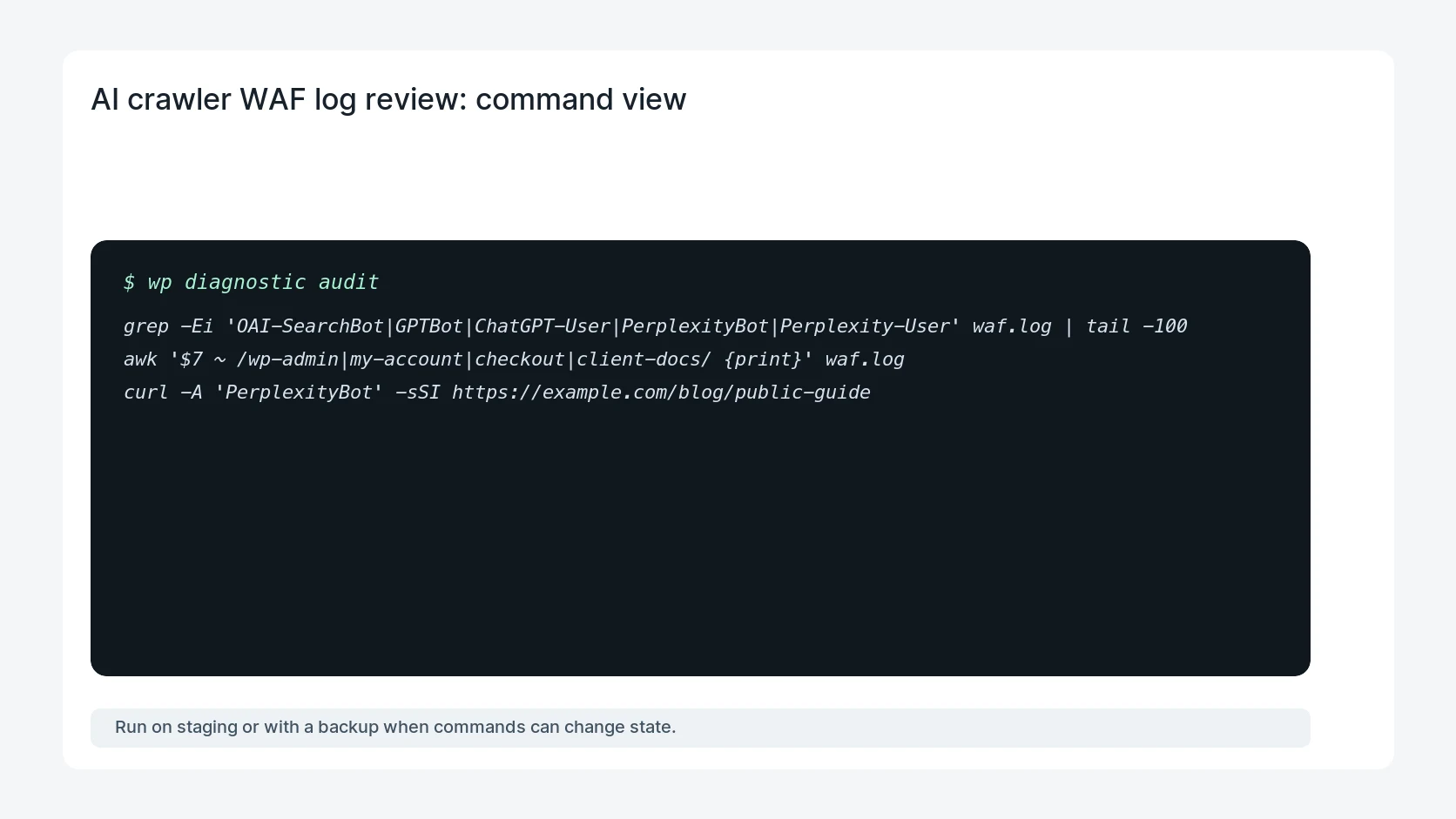
grep -Ei 'OAI-SearchBot|GPTBot|ChatGPT-User|PerplexityBot|Perplexity-User' waf.log | tail -100
awk '$7 ~ /wp-admin|my-account|checkout|client-docs/ {print}' waf.log
curl -A 'PerplexityBot' -sSI https://example.com/blog/public-guide
Safe fix order
Do the work in a sequence that makes each result easy to prove. Stop if a step produces new evidence that changes the incident scope.
- List path policy
- Filter WAF logs
- Test public pages
- Test private paths
- Record rule IDs
Production verification checklist
- Public service and blog pages are reachable to approved crawlers.
- Private paths are protected by authentication or server-side rules.
- WAF logs show allow, block, and challenge decisions clearly.
- Crawler policy is written separately from private content protection.
Mistakes to avoid
- Do not judge the fix by one browser or the homepage only.
- Do not delete evidence before recording usernames, file paths, timestamps, and response headers.
- Do not add a cache, security, or tracking plugin while the original problem is still unclear.
- Do not leave test users, temporary debug logs, or broad API keys active after verification.
When HandL WP should help
Bring in help when this affects leads, checkout, search visibility, malware risk, paid media reporting, or a client production site. HandL WP can trace the issue through WordPress, hosting, cache, tracking, and Search Console, then verify the workflow after the technical fix.
If this is active on a production site, review WordPress AI crawler access.
Related HandL WP guides
Use these related guides when the same issue touches tracking, security, checkout, or crawler visibility.
Helpful references