When Google Ads conversion tracking stops working on WordPress, the ad account may look broken even while leads are still arriving. The problem is usually somewhere between the click, the landing page, the form submission, the thank-you page, and the Ads conversion action.
Do not start by rebuilding campaigns. First prove whether the conversion signal is firing, whether consent changes tag behavior, and whether the form or checkout path carries the click data long enough to report it.
Quick diagnostic map
Use this map before changing tags or plugins. It keeps the investigation tied to the actual signal path instead of guessing inside dashboards.
| Signal | Meaning | First check |
|---|
| Ad click with GCLID | Start of the signal path | Confirm conversion action |
| Landing page loads tag | Middle layer that often breaks | Test tag firing |
| Form or checkout completes | Conversion moment to verify | Check consent mode |
| Conversion sent | Reporting destination | Compare Ads to CRM |
Map the conversion you expect
Name the exact conversion action in Google Ads before editing tags. A form lead, phone click, booking, purchase, and thank-you page visit are different signals. If the wrong conversion action is imported or marked primary, campaign reporting can look wrong even when the tag fires.
Check the conversion ID, conversion label, counting method, attribution setting, and whether the action is primary or secondary.
Use GTM Preview on the real form path
Open Tag Manager Preview and complete the real visitor path. Watch whether the Google Ads tag fires on the right event. If it fires on page load instead of successful submission, you may be counting visits instead of leads.
For AJAX forms, the URL may not change. In that case you need a reliable success event, dataLayer push, or form plugin hook rather than a basic pageview trigger.
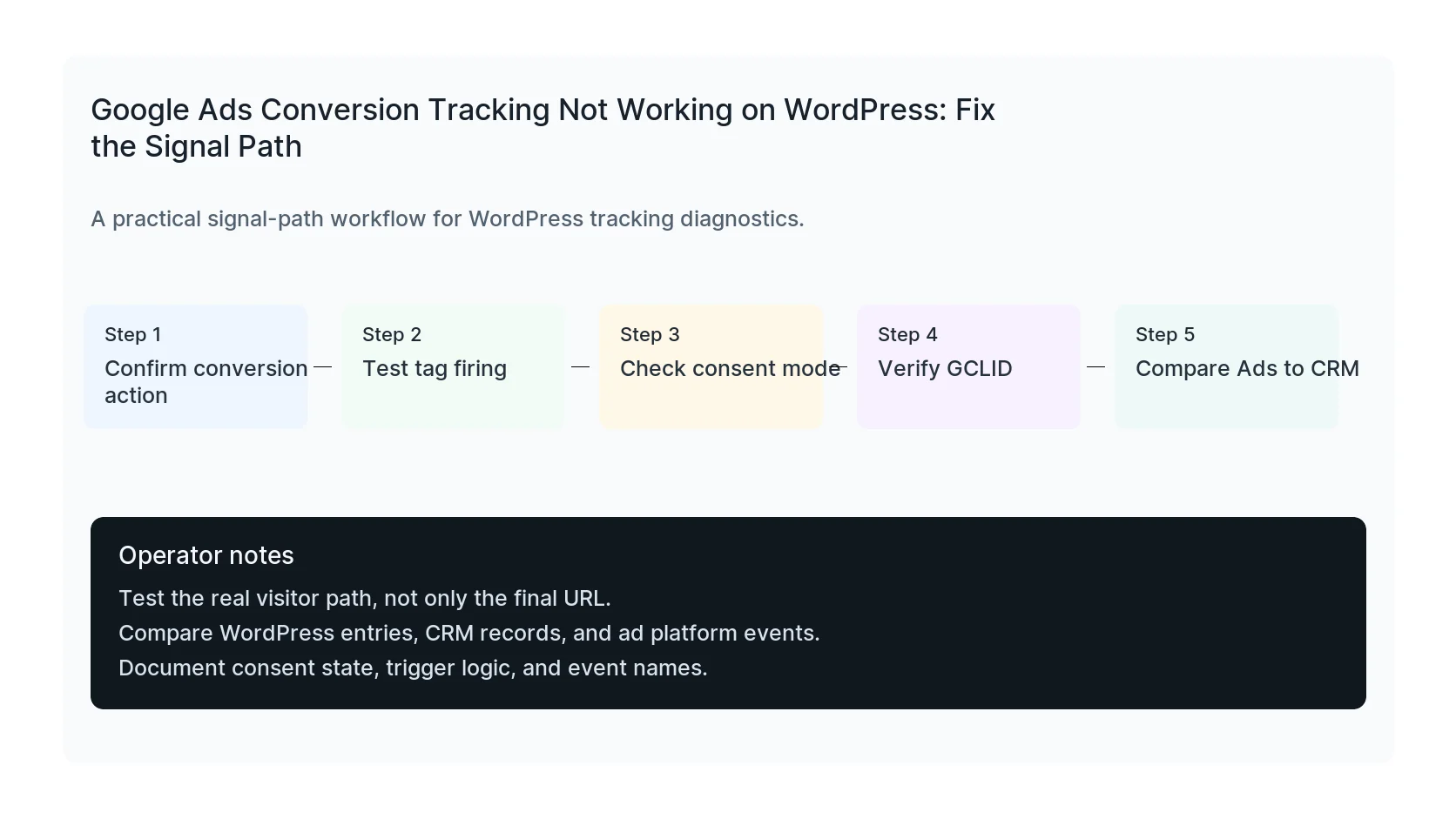
Check consent mode before blaming the tag
Consent mode changes how Google tags behave based on visitor consent. It does not replace your banner, and it does not mean every declined visitor becomes a fully tracked conversion. If consent defaults, updates, or categories are wrong, conversions may be suppressed or modeled differently than expected.
Document how your banner sets ad_storage and analytics_storage before and after consent.
Common WordPress causes
- Optimization plugins delaying GTM too late.
- Form plugin success message fires without a pageview.
- Thank-you page blocked from indexing or caching differently.
- Multiple GTM containers competing.
- Consent banner loading after tags already ran.
Verification checklist
- GTM Preview shows the Ads tag fired once.
- Tag Assistant sees the conversion request.
- The form entry exists in WordPress or CRM.
- The GCLID is preserved when available.
- Google Ads conversion diagnostics do not show missing tag problems.
Useful test commands
Use browser tools and command-line checks together. Browser tools show client-side events. Server and API checks show what survives after WordPress handles the submission.
GTM Preview -> Submit form -> Check Ads tag
When to get help
If the tracking path is tied to paid spend, lead routing, healthcare privacy, or CRM reporting, do not leave it half-tested. HandL WP can trace the path across WordPress, forms, GTM, pixels, server-side events, and CRM fields. If this is active on a production site, request a Google Ads tracking audit.
Helpful official references