WordPress lead uploads often fail and retry because of network timeouts, CRM delays, or missing fields. Without a stable deduplication key, a retry can become a duplicate qualified lead in Google Ads reporting.
Use this for WordPress lead-generation sites that upload raw leads, qualified leads, booked calls, or closed-won events from forms and CRMs to Google Ads.
Quick answer
Google Ads Lead Deduplication With Data Manager API for WordPress should be handled with a narrow evidence-first workflow: create lead id, build event key, block duplicate stages, then verify the result before making broader changes.
What to check first
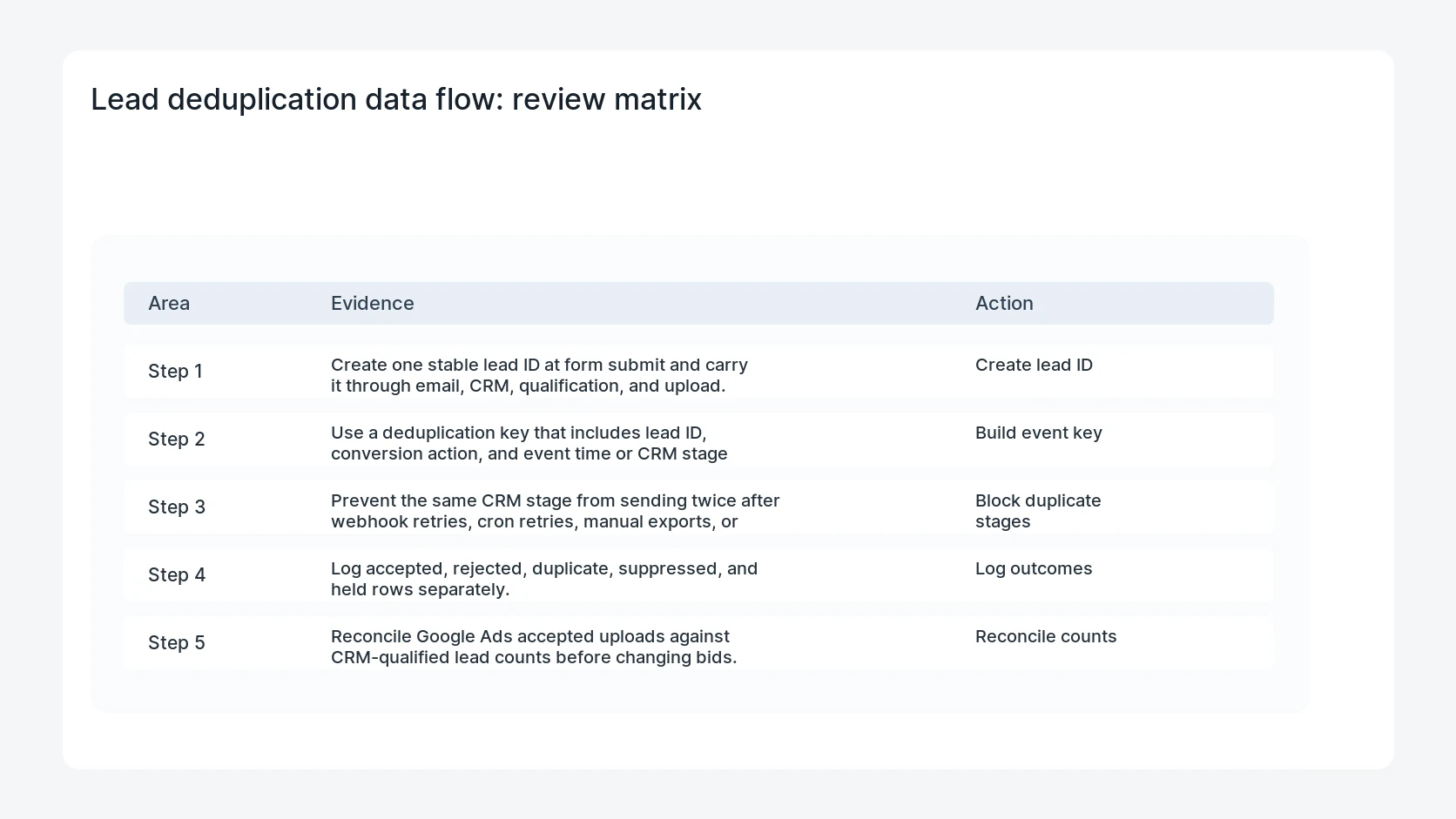
- Create one stable lead ID at form submit and carry it through email, CRM, qualification, and upload.
- Use a deduplication key that includes lead ID, conversion action, and event time or CRM stage timestamp.
- Prevent the same CRM stage from sending twice after webhook retries, cron retries, manual exports, or API replays.
- Log accepted, rejected, duplicate, suppressed, and held rows separately.
- Reconcile Google Ads accepted uploads against CRM-qualified lead counts before changing bids.
Diagnostic table
Use this table to keep the work practical. It connects the symptom to evidence and a verification step.
| Action | Evidence to collect | How to verify |
|---|
| Create lead ID | Create one stable lead ID at form submit and carry it through email, CRM, qualification, and upload. | A retried upload uses the same deduplication key as the original event. |
| Build event key | Use a deduplication key that includes lead ID, conversion action, and event time or CRM stage timestamp. | Manual exports cannot resend the same qualified lead as a new conversion. |
| Block duplicate stages | Prevent the same CRM stage from sending twice after webhook retries, cron retries, manual exports, or API replays. | Rejected and duplicate rows are visible to marketing operations. |
| Log outcomes | Log accepted, rejected, duplicate, suppressed, and held rows separately. | Accepted upload counts match CRM stage counts within the expected delay. |
Useful command or data shape
Adapt paths, IDs, and privacy handling to the site before running commands or storing data on production.
dedupe_key:
  lead_id: gf-18842
  conversion_action: qualified_lead
  event_time: 2026-06-28T13:15:00Z
  consent_state: granted
  key: gf-18842|qualified_lead|2026-06-28T13:15:00Z
Safe fix order
Do the work in a sequence that makes each result easy to prove. Stop if a step produces new evidence that changes the incident scope.
- Create lead ID
- Build event key
- Block duplicate stages
- Log outcomes
- Reconcile counts
Production verification checklist
- A retried upload uses the same deduplication key as the original event.
- Manual exports cannot resend the same qualified lead as a new conversion.
- Rejected and duplicate rows are visible to marketing operations.
- Accepted upload counts match CRM stage counts within the expected delay.
Mistakes to avoid
- Do not judge the fix by one browser or the homepage only.
- Do not delete evidence before recording usernames, file paths, timestamps, and response headers.
- Do not add a cache, security, or tracking plugin while the original problem is still unclear.
- Do not leave test users, temporary debug logs, or broad API keys active after verification.
When HandL WP should help
Bring in help when this affects leads, checkout, search visibility, malware risk, paid media reporting, or a client production site. HandL WP can trace the issue through WordPress, hosting, cache, tracking, and Search Console, then verify the workflow after the technical fix.
If this is active on a production site, deduplicate WordPress lead uploads.
Related HandL WP guides
Use these related guides when the same issue touches tracking, security, checkout, or crawler visibility.
Helpful references