If you searched for "Google enhanced conversions WordPress forms", you probably need a practical decision path, not a generic WordPress article. The goal is to protect the site, preserve useful evidence, and keep the business workflow working.
This guide is written for WordPress lead generation teams using Google Ads and forms. It focuses on the checks that prove whether the issue is contained, fixed, and safe to close.
Quick answer
| Check | What it tells you |
|---|
| Current Google change | Google documentation notes a June 15, 2026 migration path for offline conversions import and enhanced conversions for leads uploads to Data Manager API. |
| WordPress risk | Forms often collect sensitive notes that should not be sent to ad platforms. |
| Best setup | Send only allowed identifiers with consent, map the conversion clearly, and keep CRM qualification connected. |
Enhanced conversions start with a clean conversion definition
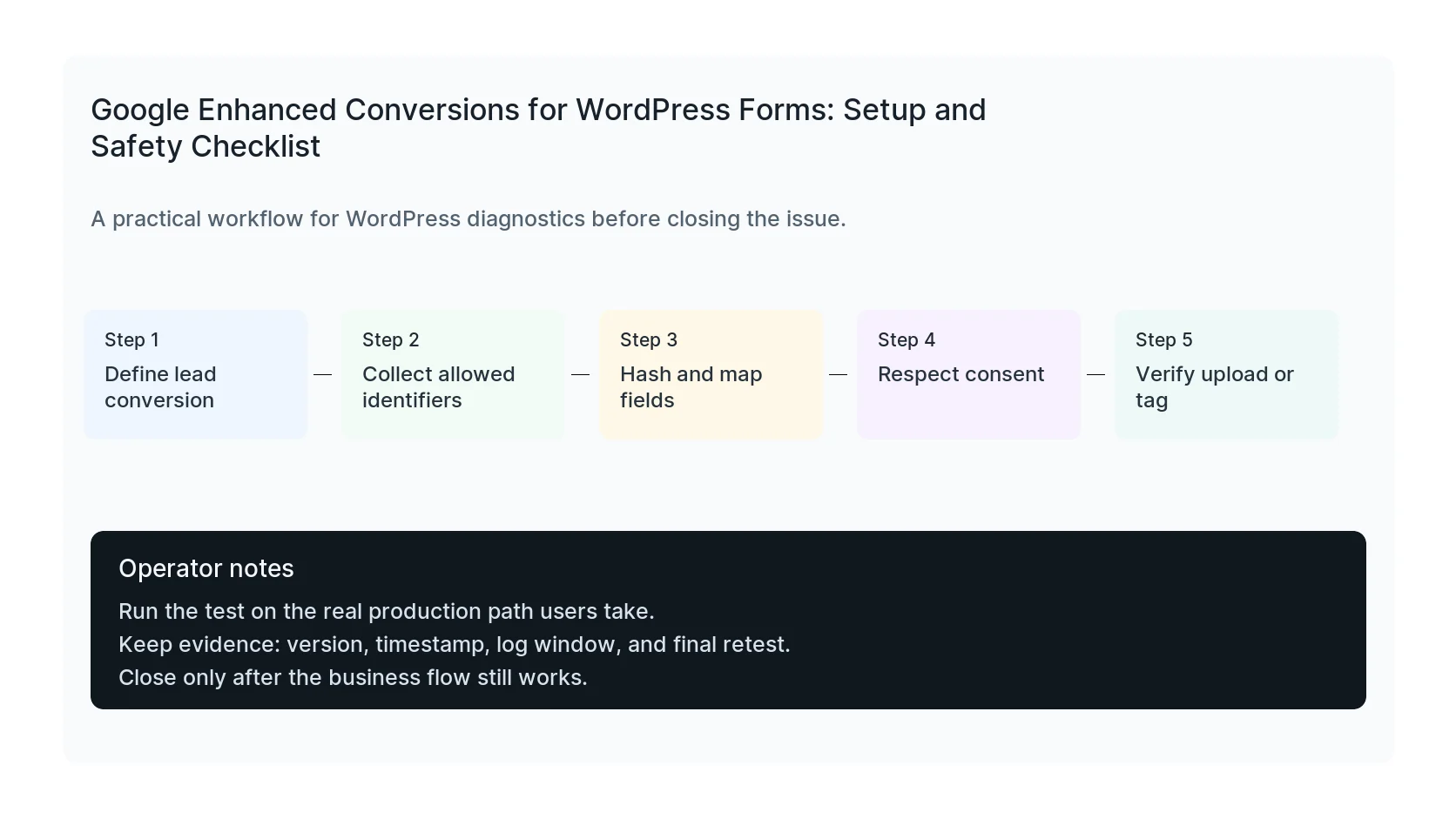
Before adding enhanced conversions to WordPress forms, decide what the conversion means. A raw form submit, qualified lead, booked call, and closed sale are different signals.
If every form submit goes to Google Ads as the same high-value conversion, bidding may optimize toward volume instead of quality.
Map only the fields you are allowed to use
Enhanced conversions can use first-party identifiers such as email or phone, but the setup must respect consent, privacy policy, regional law, and the type of form.
Never send sensitive form notes, medical information, legal case descriptions, financial hardship details, or private user statements to ad platforms. Hashing is not a free pass for inappropriate data.
Plan for Data Manager and CRM workflows
For longer sales cycles, enhanced conversions for leads often depend on matching a later qualified lead or offline conversion back to the original ad interaction.
That means WordPress needs to preserve source data, click IDs, consent state, form timestamp, and CRM identifiers in a way the sales process can use later.
Test the full chain
Submit a test lead, verify the WordPress entry, check hidden source fields, confirm the thank-you conversion, inspect Google Ads diagnostics, and confirm the CRM record keeps the values you need.
The setup is only reliable when the browser event, server record, CRM stage, and Google Ads conversion all point to the same lead journey.
Checklist to run before you close the issue
- Define the exact conversion action.
- Identify allowed first-party fields.
- Exclude sensitive form contents.
- Preserve click IDs and consent state.
- Map CRM qualification back to the original lead.
- Verify Google Ads diagnostics after testing.
Useful command or test
Use this as a starting point and adapt it to the host, stack, plugin names, and access level you actually have.
lead_id + gclid + consent_state + hashed_email + conversion_time
When to get help
If this affects production traffic, paid ads, checkout, membership access, healthcare privacy, lead routing, or search visibility, do not leave it half-tested. HandL WP can trace the issue across WordPress, server logs, plugins, forms, tracking, and Search Console. If you want a senior engineer to check it, audit enhanced conversions setup.
Sources and further reading