If you searched for "gravity forms xss vulnerability checklist", you probably do not need a generic WordPress article. You need a practical order of operations that protects the site, the business process, and the evidence you may need later.
This guide is written for sites using Gravity Forms product fields, repeater fields, quote forms, or application forms. It focuses on what to check first, what to avoid, and how to prove the issue is fixed before you move on.
Quick answer
| Check | What it tells you |
|---|
| Affected pattern | NVD describes unauthenticated stored XSS in Gravity Forms up to 2.10.0 for a SingleProduct field inside a Repeater field. |
| Why it matters | The malicious input can sit in an entry until an administrator opens the entry detail screen. |
| Practical response | Patch, review affected forms, inspect entries, and warn admins not to open suspicious entries until reviewed. |
Stored XSS is a delayed admin problem
A stored XSS issue in a form plugin is different from a broken visual setting. The attacker does not need to log in if the vulnerable form accepts public submissions. The payload can be saved as an entry and later run in an administrator browser.
That delayed trigger is why the entry review process matters. Do not ask a nontechnical admin to click through suspicious entries before the plugin is patched and the risk is understood.
Find the forms that use the risky field combination
Start with forms that use product fields, calculation fields, repeater fields, payment add-ons, quote builders, and custom pricing logic. Those forms often process complex input and are more likely to match the affected pattern.
If the site has dozens of forms, prioritize public forms with recent entries. Private admin-only forms are lower risk than forms embedded on landing pages, product pages, and application pages.
Review entries without spreading the payload
When you inspect suspicious entries, avoid copying payloads into chat tools, email clients, or browser-rendered notes. Treat the value as unsafe text and keep evidence in a secure plain-text location.
Check for script tags, encoded HTML, event handlers, unexpected URLs, and values that do not match the field type. If you find suspicious entries, preserve IDs and timestamps before cleanup.
Retest notifications, CRM pushes, and exports
After patching, submit test entries through every high-value form. Confirm admin notifications, user confirmations, CRM sync, payment metadata, UTM fields, and exports still behave normally.
Form security work should end with a functional test. Otherwise you can fix the vulnerability and accidentally break the lead path that pays for the site.
Checklist to run before you close the issue
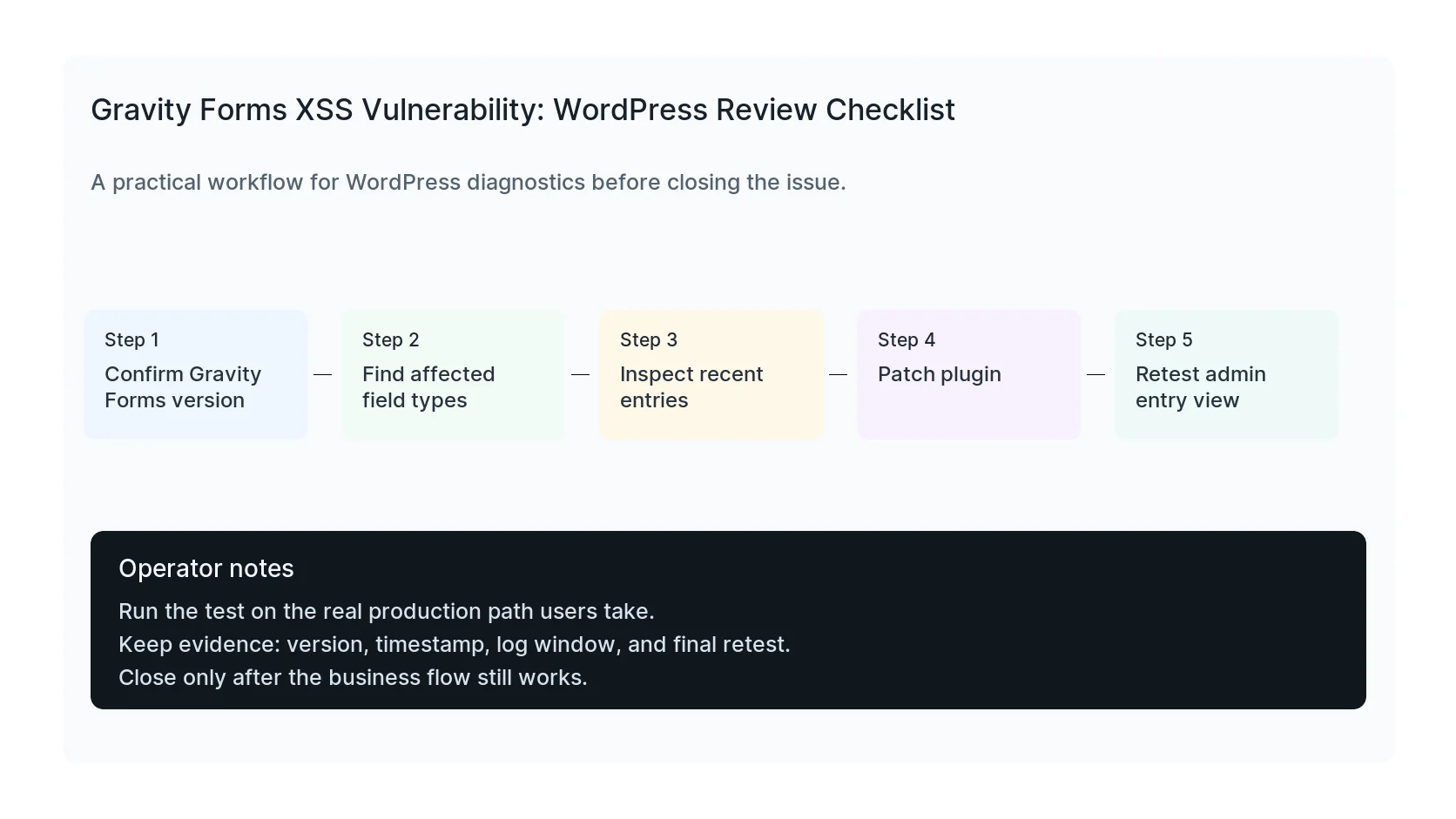
- Patch Gravity Forms to a safe version.
- Find forms using product and repeater fields.
- Review recent entries as unsafe text.
- Warn admins before opening suspicious entry details.
- Check notification and CRM integrations.
- Retest public forms after patching.
Useful command or test
Use this as a starting point, then adapt it to the hosting stack, plugin names, and access level you actually have.
wp plugin get gravityforms --fields=version,status && wp option get rg_form_version
When to get help
If this affects production traffic, paid ads, checkout, membership access, healthcare privacy, lead routing, or search visibility, do not leave the fix half-tested. HandL WP can trace the issue across WordPress, server logs, plugins, forms, tracking, and Search Console. If you want a senior engineer to check it, get Gravity Forms help.
Sources and further reading