Healthcare WordPress sites need a different tracking standard. Meta Pixel and CAPI can expose sensitive context if page URLs, form fields, event names, or parameters reveal health information.
This is not just a tag setup question. It is a data minimization and compliance design question. If a tracking vendor will not sign the required agreement or should not receive protected data, do not send that data.
Quick diagnostic map
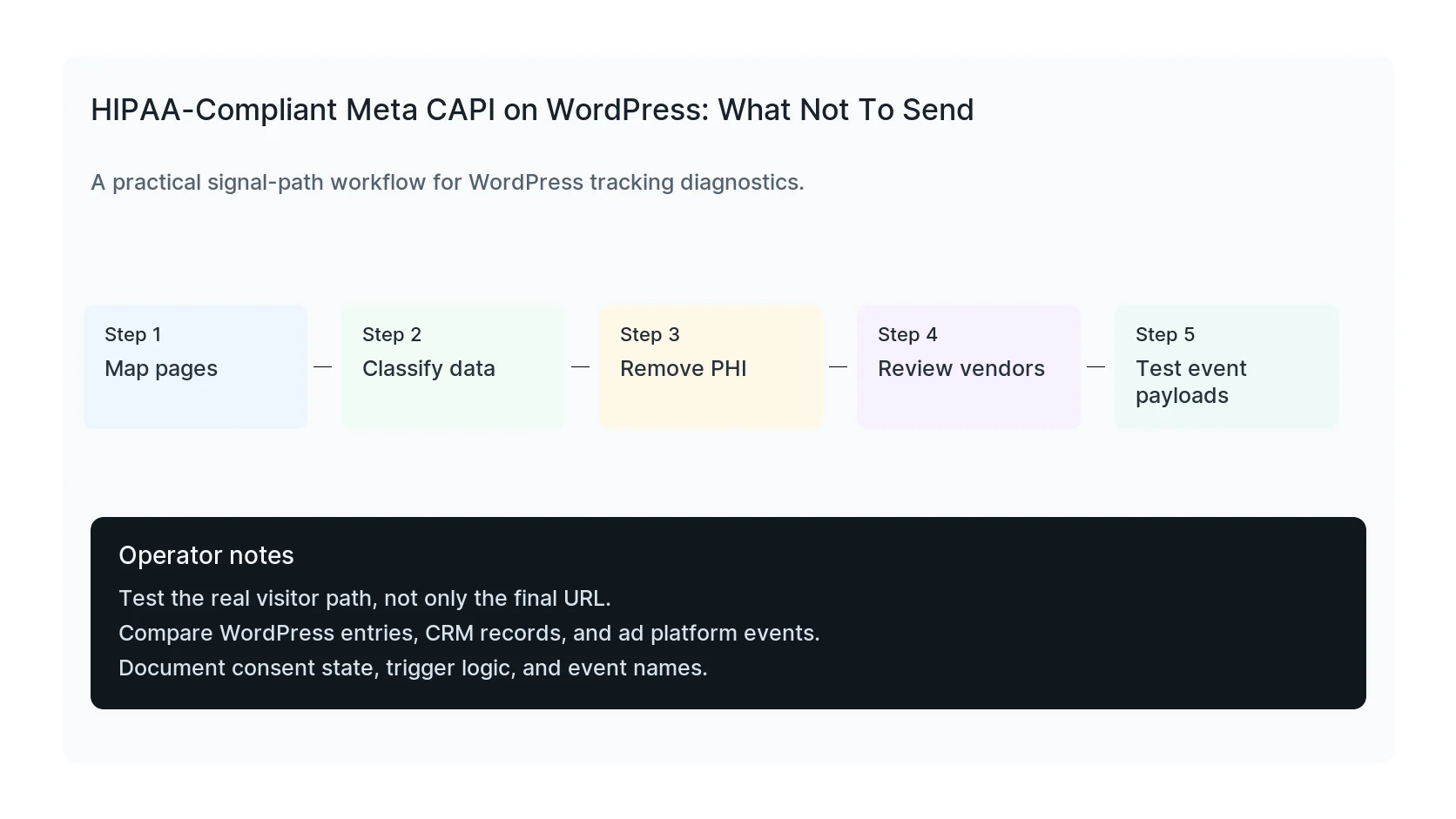
Use this map before changing tags or plugins. It keeps the investigation tied to the actual signal path instead of guessing inside dashboards.
| Signal | Meaning | First check |
|---|
| Symptoms | Start of the signal path | Map pages |
| Appointment details | Middle layer that often breaks | Classify data |
| Patient IDs | Conversion moment to verify | Remove PHI |
| Sensitive page paths | Reporting destination | Test event payloads |
Start with data mapping
List every page, form, event, query parameter, and destination involved in the ad tracking path. A page URL can be sensitive even if you do not send form fields.
For example, an appointment page for a specific condition can reveal more than a generic contact page.
Remove sensitive parameters and form content
Do not send names, emails, phone numbers, symptoms, appointment notes, patient IDs, insurance details, or condition-specific page paths to ad platforms unless counsel has approved the design.
Hashing does not automatically make sensitive data safe to send.
Use boring event names
A generic lead event may be less revealing than a condition-specific custom event. Avoid event names that describe diagnosis, treatment, or patient intent.
Also review source URLs and referrers because they can carry sensitive context.
Risk checks
- Does the vendor sign the required agreement?
- Does the page path reveal health context?
- Does the event name reveal treatment intent?
- Are form fields included in payloads?
- Can ad platform diagnostics expose sensitive values?
Operational controls
- Limit admin access to tags.
- Document approved events.
- Review payloads after every form change.
- Keep server-side logs clean.
- Recheck after new landing pages launch.
Useful test commands
Use browser tools and command-line checks together. Browser tools show client-side events. Server and API checks show what survives after WordPress handles the submission.
Do not send PHI to ad platforms
When to get help
If the tracking path is tied to paid spend, lead routing, healthcare privacy, or CRM reporting, do not leave it half-tested. HandL WP can trace the path across WordPress, forms, GTM, pixels, server-side events, and CRM fields. If this is active on a production site, request a HIPAA-aware tracking review.
Helpful official references