If you searched for "server side google ads conversions wordpress", you probably do not need a generic WordPress article. You need a practical order of operations that protects the site, the business process, and the evidence you may need later.
This guide is written for WordPress lead gen and ecommerce teams spending meaningfully on Google Ads. It focuses on what to check first, what to avoid, and how to prove the issue is fixed before you move on.
Quick answer
| Check | What it tells you |
|---|
| Worth it when | You have real paid spend, fragile browser tags, privacy requirements, or CRM-side qualification that changes conversion quality. |
| Not worth it when | The basic browser tag is misconfigured, the form event is missing, or no one can define the conversion clearly. |
| Must-have | A stable conversion ID, consent state, event timestamp, click ID when available, and deduplication strategy. |
Server-side tracking cannot fix unclear conversion logic
Before moving Google Ads conversions server-side, decide exactly what counts as a conversion. A newsletter signup, qualified lead, booked consultation, paid order, and repeat customer are different signals.
If the WordPress form event is messy in the browser, server-side tagging may simply move that mess into a more expensive setup. Clean the event model first.
Use server-side when the browser path is losing useful signals
Server-side Google Ads conversions can help when ad blockers, script conflicts, consent timing, slow pages, or multi-step forms make browser-only measurement unreliable.
It can also help when you want to send a later qualified conversion from CRM data, as long as the original click identifiers and consent context are stored correctly.
Keep consent and identifiers connected
Google's server-side consent guidance still requires the web container to collect consent and pass the signal to the server container. A server container is not permission to ignore visitor choices.
For WordPress, store only the identifiers and metadata needed for the agreed purpose. Keep form contents, medical details, legal notes, and sensitive user statements out of ad platform payloads.
Verify against CRM, not only Tag Assistant
A server-side tag can fire successfully and still be the wrong business event. Compare Google Ads conversions to WordPress entries, WooCommerce orders, CRM lifecycle stages, and sales-qualified outcomes.
The best setup has a small audit table: event name, timestamp, user source, click ID presence, consent state, destination, and platform response.
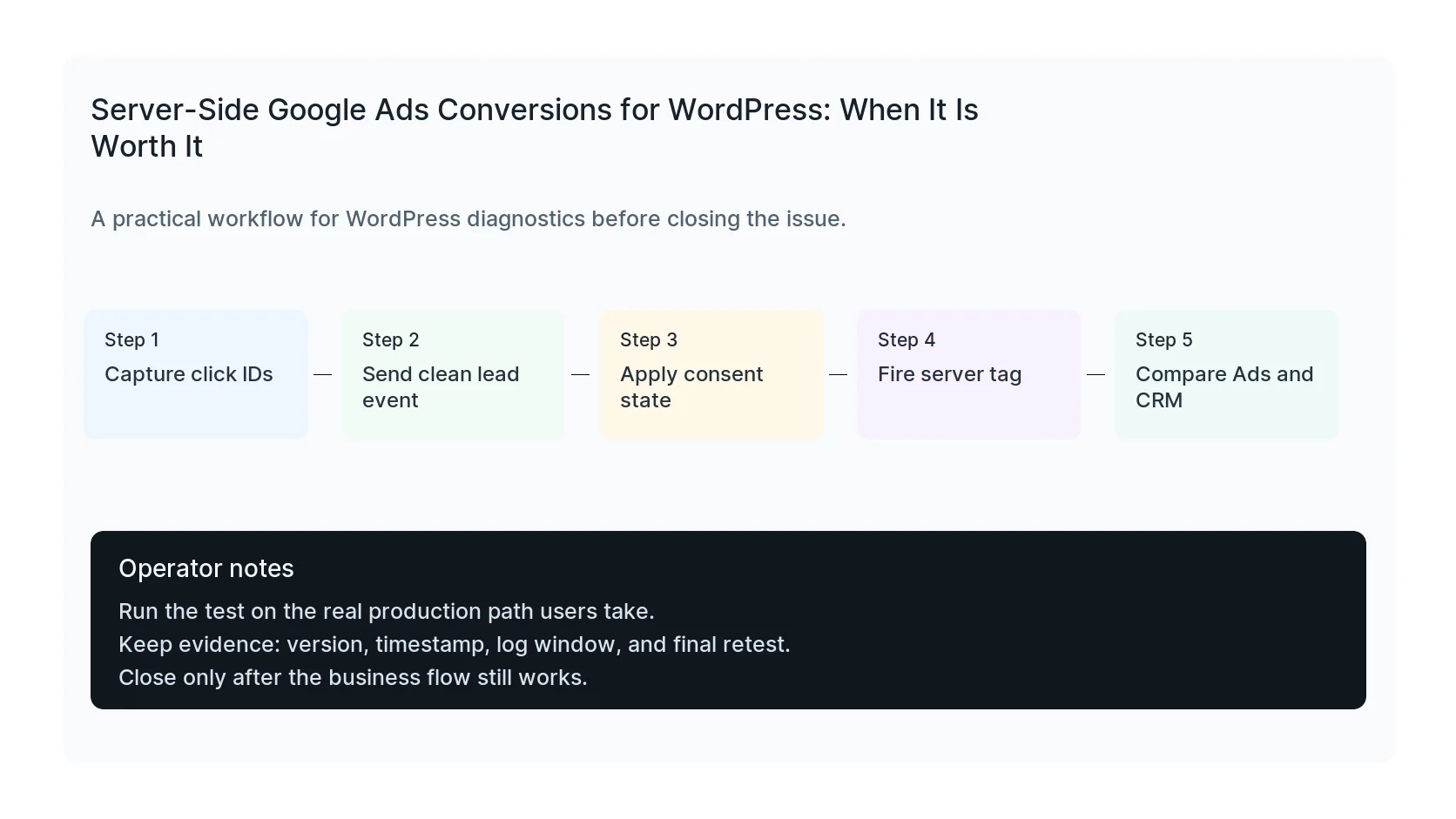
Checklist to run before you close the issue
- Define the conversion before implementation.
- Capture GCLID or GBRAID/WBRAID where available.
- Pass consent state to the server container.
- Use transaction IDs or event IDs to avoid duplicates.
- Exclude sensitive form contents.
- Compare Google Ads, WordPress, and CRM records.
Useful command or test
Use this as a starting point, then adapt it to the hosting stack, plugin names, and access level you actually have.
gtm debug: verify web request, server request, ads conversion response, and CRM record
When to get help
If this affects production traffic, paid ads, checkout, membership access, healthcare privacy, lead routing, or search visibility, do not leave the fix half-tested. HandL WP can trace the issue across WordPress, server logs, plugins, forms, tracking, and Search Console. If you want a senior engineer to check it, audit Google Ads conversion tracking.
Sources and further reading