A Stripe dispute webhook audit should prove that WooCommerce receives dispute events, links them to the right order, writes useful notes, and alerts the person who must submit evidence before the deadline.
Use this when Stripe shows disputes or chargebacks but WooCommerce order notes, staff emails, CRM tasks, or owner dashboards do not show a reliable dispute timeline.
Quick answer
WooCommerce Stripe Dispute Webhook Order Note Audit should be handled with a narrow evidence-first workflow: map dispute ids, check webhook events, verify order notes, then verify the result before making broader changes.
What to check first
- List the dispute ID, charge ID, payment intent, order ID, reason, amount, deadline, and current status.
- Confirm the webhook endpoint subscribes to dispute events and uses the current signing secret.
- Check event order and idempotency so older dispute updates do not overwrite newer status notes.
- Verify order notes, admin emails, helpdesk tickets, and CRM tasks include the evidence deadline.
- Run a test or replay in Stripe where safe and confirm WooCommerce records one clear audit trail.
Diagnostic table
Use this table to keep the work practical. It connects the symptom to evidence and a verification step.
| Action | Evidence to collect | How to verify |
|---|
| Map dispute IDs | List the dispute ID, charge ID, payment intent, order ID, reason, amount, deadline, and current status. | A dispute event creates a clear order note with dispute ID, reason, amount, and deadline. |
| Check webhook events | Confirm the webhook endpoint subscribes to dispute events and uses the current signing secret. | The webhook endpoint receives current dispute events and validates signatures. |
| Verify order notes | Check event order and idempotency so older dispute updates do not overwrite newer status notes. | The owner receives a deadline-based task rather than a vague payment alert. |
| Add owner alert | Verify order notes, admin emails, helpdesk tickets, and CRM tasks include the evidence deadline. | Repeated dispute events update the audit trail without duplicating or overwriting evidence. |
Why this usually happens
- The webhook endpoint only listens for payment success events and misses dispute updates.
- A duplicate endpoint sends dispute events to a staging site or old domain.
- The order note stores the charge ID but not the dispute ID or evidence deadline.
- A failed retry writes repeated notes and buries the actual status change.
- The owner alert is treated as a generic payment email instead of a deadline task.
Field notes
- Disputes are operational deadlines, not only payment metadata. The person responsible for evidence needs a date and a source link.
- Keep Stripe event IDs in the order note or internal report so repeated events can be explained.
Useful command or data shape
Adapt paths, IDs, and privacy handling to the site before running commands or storing data on production.
dispute_audit_row:
  order_id: 10522
  stripe_charge: ch_3NX...
  dispute_id: dp_1Ab...
  latest_event: charge.dispute.updated
  evidence_due_by: 2026-07-16T23:59:59Z
  woo_order_note: present
  owner_alert: missing
  action: create deadline task and fix notification rule
Safe fix order
Do the work in a sequence that makes each result easy to prove. Stop if a step produces new evidence that changes the incident scope.
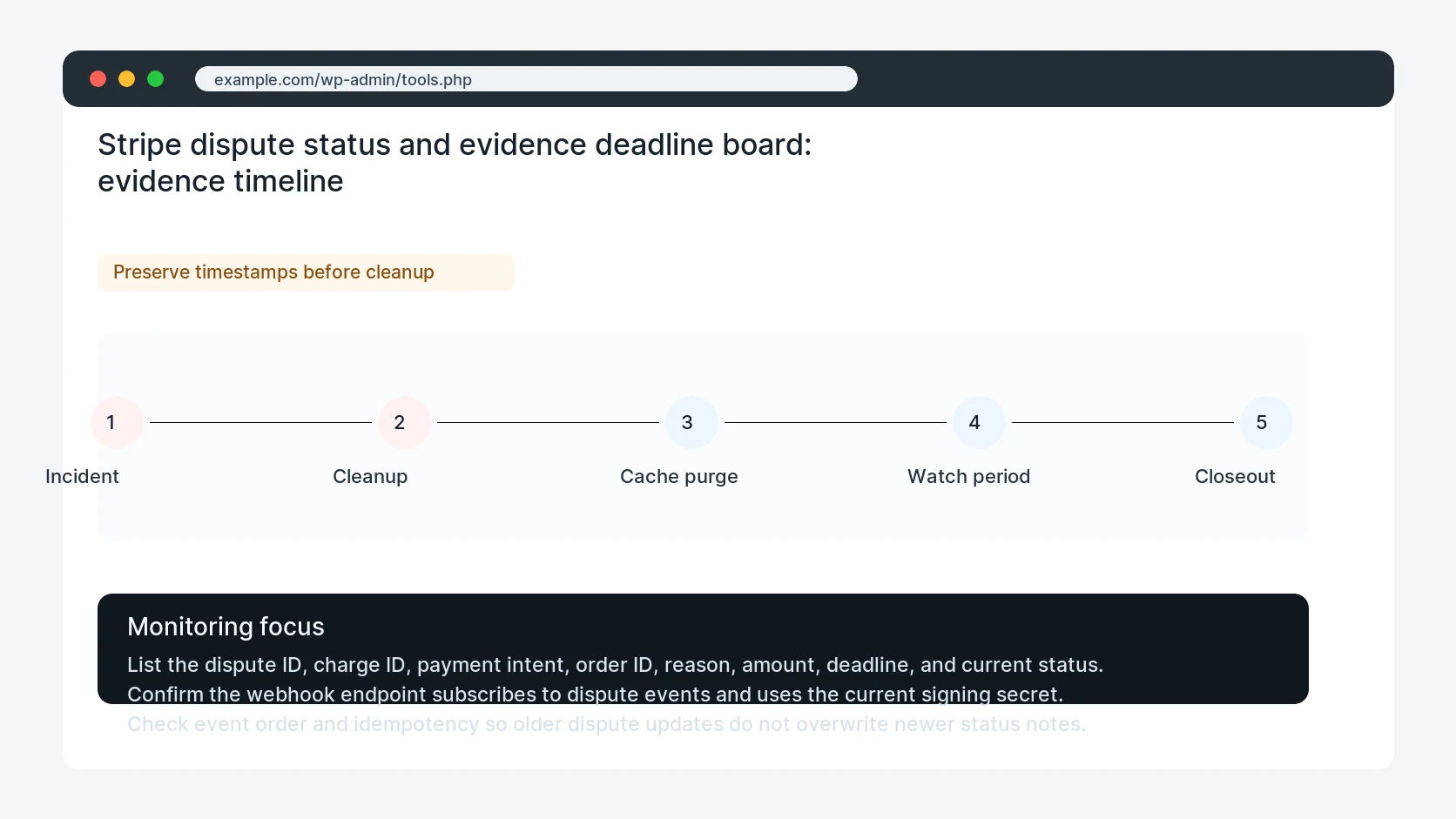
- Map dispute IDs
- Check webhook events
- Verify order notes
- Add owner alert
- Retest event flow
What to tell the client or owner
Give the owner the dispute timeline, deadline, current evidence state, and whether WooCommerce notifications need a permanent fix.
Production verification checklist
- A dispute event creates a clear order note with dispute ID, reason, amount, and deadline.
- The webhook endpoint receives current dispute events and validates signatures.
- The owner receives a deadline-based task rather than a vague payment alert.
- Repeated dispute events update the audit trail without duplicating or overwriting evidence.
Mistakes to avoid
- Do not judge the fix by one browser or the homepage only.
- Do not delete evidence before recording usernames, file paths, timestamps, and response headers.
- Do not add a cache, security, or tracking plugin while the original problem is still unclear.
- Do not leave test users, temporary debug logs, or broad API keys active after verification.
When HandL WP should help
Bring in help when this affects leads, checkout, search visibility, malware risk, paid media reporting, or a client production site. HandL WP can trace the issue through WordPress, hosting, cache, tracking, and Search Console, then verify the workflow after the technical fix.
If this is active on a production site, fix WooCommerce Stripe payment and dispute workflows.
Related HandL WP guides
Use these related guides when the same issue touches tracking, security, checkout, or crawler visibility.
Helpful references