Gutenberg 23.3 notes mention real-time collaboration reliability work, including connection-loss states and oversized payload handling. Before a business relies on collaborative editing, the team should test what happens with large blocks, media-heavy pages, custom editor plugins, and unstable networks.
Use this for agencies, publishers, marketing teams, and ecommerce stores that expect multiple people to edit the same WordPress content or templates.
Quick answer
WordPress 7.1 Real-Time Collaboration Payload Audit should be handled with a narrow evidence-first workflow: build stress page, test two roles, watch network errors, then verify the result before making broader changes.
What to check first
- Create a staging test page with the largest blocks, synced patterns, images, embeds, and custom blocks the team actually uses.
- Open the same draft with two roles and test simultaneous edits, comments, disconnects, reconnects, and conflict recovery.
- Watch browser console, REST requests, PHP error logs, and WAF logs for 413, 403, 429, timeout, and JSON parse errors.
- Disable editor-heavy plugins one at a time if payload size or autosave behavior becomes unstable.
- Write a fallback rule for who owns recovery when collaboration fails mid-edit.
Diagnostic table
Use this table to keep the work practical. It connects the symptom to evidence and a verification step.
| Action | Evidence to collect | How to verify |
|---|
| Build stress page | Create a staging test page with the largest blocks, synced patterns, images, embeds, and custom blocks the team actually uses. | Two editors can collaborate without losing accepted changes. |
| Test two roles | Open the same draft with two roles and test simultaneous edits, comments, disconnects, reconnects, and conflict recovery. | Connection loss creates a recoverable state, not a silent overwrite. |
| Watch network errors | Watch browser console, REST requests, PHP error logs, and WAF logs for 413, 403, 429, timeout, and JSON parse errors. | Large pages stay below hosting, WAF, and REST payload limits. |
| Isolate plugins | Disable editor-heavy plugins one at a time if payload size or autosave behavior becomes unstable. | Editors know when to stop and ask for technical recovery. |
Useful command or data shape
Adapt paths, IDs, and privacy handling to the site before running commands or storing data on production.
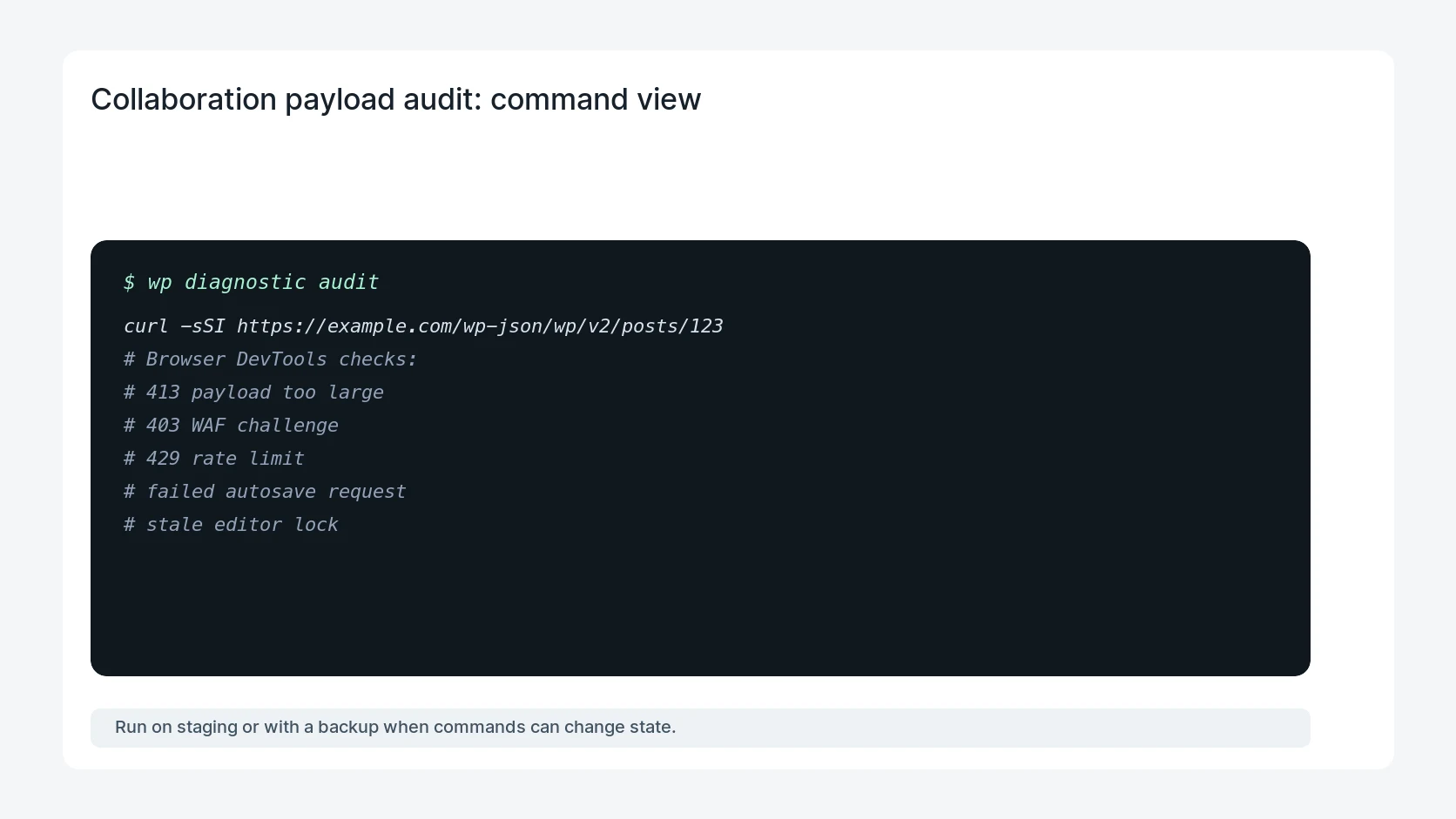
curl -sSI https://example.com/wp-json/wp/v2/posts/123
# Browser DevTools checks:
# 413 payload too large
# 403 WAF challenge
# 429 rate limit
# failed autosave request
# stale editor lock
Safe fix order
Do the work in a sequence that makes each result easy to prove. Stop if a step produces new evidence that changes the incident scope.
- Build stress page
- Test two roles
- Watch network errors
- Isolate plugins
- Write recovery rule
Production verification checklist
- Two editors can collaborate without losing accepted changes.
- Connection loss creates a recoverable state, not a silent overwrite.
- Large pages stay below hosting, WAF, and REST payload limits.
- Editors know when to stop and ask for technical recovery.
Mistakes to avoid
- Do not judge the fix by one browser or the homepage only.
- Do not delete evidence before recording usernames, file paths, timestamps, and response headers.
- Do not add a cache, security, or tracking plugin while the original problem is still unclear.
- Do not leave test users, temporary debug logs, or broad API keys active after verification.
When HandL WP should help
Bring in help when this affects leads, checkout, search visibility, malware risk, paid media reporting, or a client production site. HandL WP can trace the issue through WordPress, hosting, cache, tracking, and Search Console, then verify the workflow after the technical fix.
If this is active on a production site, test WordPress collaboration readiness.
Related HandL WP guides
Use these related guides when the same issue touches tracking, security, checkout, or crawler visibility.
Helpful references