Avada Builder security work should not rely on memory or a single plugin update screen. A useful workflow records the affected component, installed version, changelog note, backup state, staging result, and production verification.
Use this for agency-managed Avada sites, client maintenance plans, vulnerability alerts, and security reviews where owners need proof that a theme or builder update was handled safely.
Quick answer
Avada Builder Vulnerability Changelog Monitoring should be handled with a narrow evidence-first workflow: record versions, read advisory, test staging, then verify the result before making broader changes.
What to check first
- Record the installed Avada theme and builder versions before updating.
- Read the changelog and security advisory before touching production.
- Create a restore point and test the same page templates on staging.
- Check forms, menus, WooCommerce pages, custom CSS, and critical landing pages after update.
- Send the client a short note with the version, risk, test result, and next monitoring step.
Diagnostic table
Use this table to keep the work practical. It connects the symptom to evidence and a verification step.
| Action | Evidence to collect | How to verify |
|---|
| Record versions | Record the installed Avada theme and builder versions before updating. | The installed version matches the fixed version or approved mitigation. |
| Read advisory | Read the changelog and security advisory before touching production. | The staging test includes representative Avada templates. |
| Test staging | Create a restore point and test the same page templates on staging. | No critical page loses layout, forms, menu behavior, or tracking. |
| Update production | Check forms, menus, WooCommerce pages, custom CSS, and critical landing pages after update. | The client record explains what was changed and why. |
Useful command or data shape
Adapt paths, IDs, and privacy handling to the site before running commands or storing data on production.
avada_update_record:
  site: client-site.example
  installed_theme: 7.x
  installed_builder: 3.x
  advisory_status: review
  backup_verified: true
  staging_templates_tested: 8
  production_result: pass
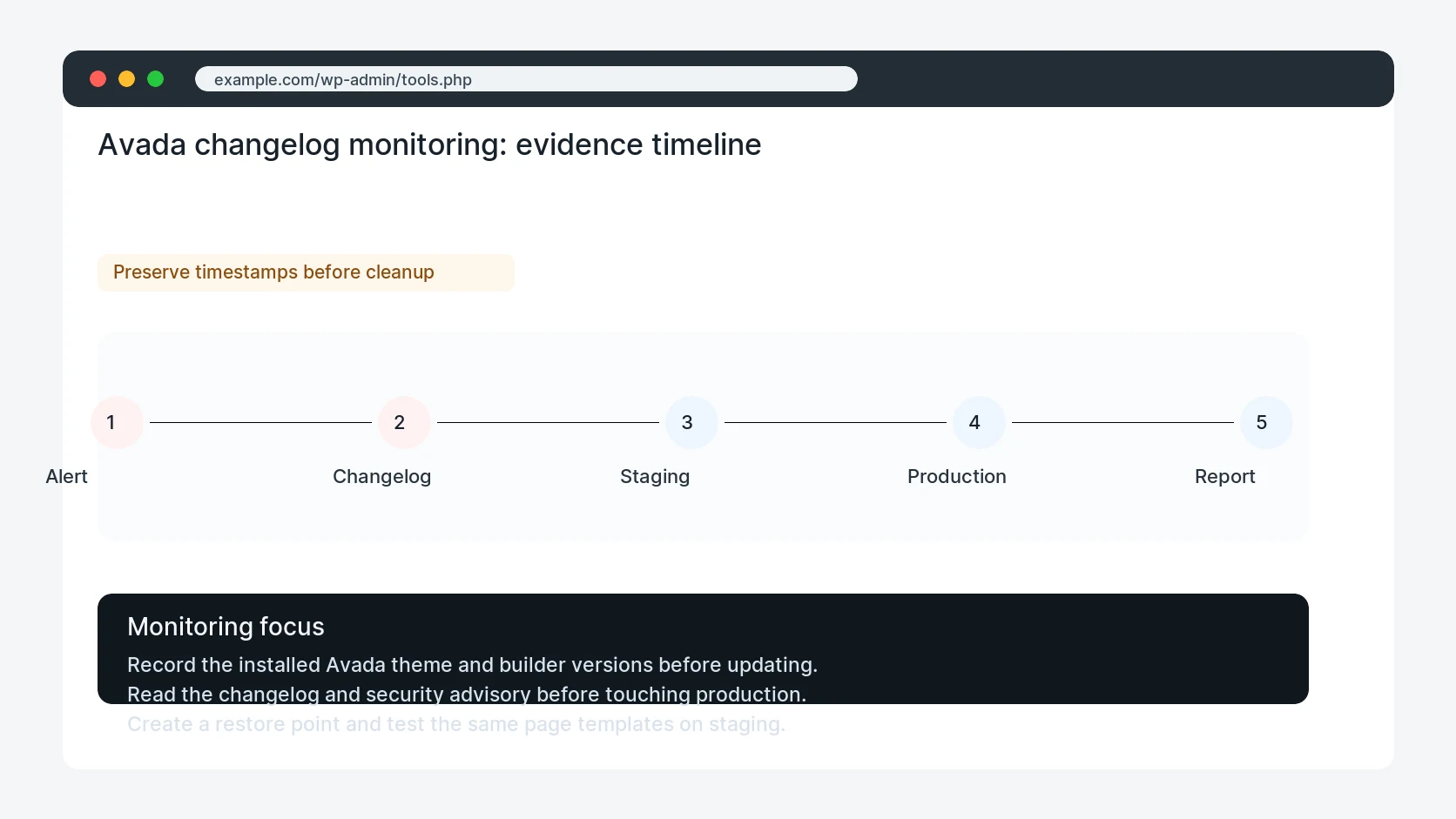
Safe fix order
Do the work in a sequence that makes each result easy to prove. Stop if a step produces new evidence that changes the incident scope.
- Record versions
- Read advisory
- Test staging
- Update production
- Send client note
Production verification checklist
- The installed version matches the fixed version or approved mitigation.
- The staging test includes representative Avada templates.
- No critical page loses layout, forms, menu behavior, or tracking.
- The client record explains what was changed and why.
Mistakes to avoid
- Do not judge the fix by one browser or the homepage only.
- Do not delete evidence before recording usernames, file paths, timestamps, and response headers.
- Do not add a cache, security, or tracking plugin while the original problem is still unclear.
- Do not leave test users, temporary debug logs, or broad API keys active after verification.
When HandL WP should help
Bring in help when this affects leads, checkout, search visibility, malware risk, paid media reporting, or a client production site. HandL WP can trace the issue through WordPress, hosting, cache, tracking, and Search Console, then verify the workflow after the technical fix.
If this is active on a production site, review WordPress plugin vulnerability exposure.
Related HandL WP guides
Use these related guides when the same issue touches tracking, security, checkout, or crawler visibility.
Helpful references