Avada sites often combine theme options, builder layouts, custom CSS, forms, tracking scripts, and WooCommerce templates. A security update should have a staging test and rollback rule before the production update starts.
Use this for agency-managed Avada sites where security patching is urgent but layout breakage would create its own client problem.
Quick answer
Record the installed Avada theme, companion plugin and child-theme versions. Back up files and the database, verify restoration, and test the supported security update against the features actually used by the site. Keep protected order data and payment validation in the acceptance checks. A temporary operational recovery does not replace applying a supported fix.
What to check first
- Create a fresh backup and confirm it can be restored before the update window.
- Clone production to staging or confirm staging already matches current production.
- Test representative Avada templates, headers, footers, forms, WooCommerce pages, and tracked landing pages.
- Write a rollback trigger before updating production, such as broken checkout, missing forms, or layout damage.
- Record production verification with URLs, screenshots, and owner signoff.
Diagnostic table
Use this table to keep the work practical. It connects the symptom to evidence and a verification step.
| Action | Evidence to collect | How to verify |
|---|
| Verify backup | Create a fresh backup and confirm it can be restored before the update window. | Backup restore has been checked before production work. |
| Sync staging | Clone production to staging or confirm staging already matches current production. | Staging matches production closely enough to be useful. |
| Test templates | Test representative Avada templates, headers, footers, forms, WooCommerce pages, and tracked landing pages. | Critical Avada templates and forms pass after update. |
| Define rollback trigger | Write a rollback trigger before updating production, such as broken checkout, missing forms, or layout damage. | Rollback criteria are written before the update begins. |
Useful command or data shape
Adapt paths, IDs, and privacy handling to the site before running commands or storing data on production.
rollback_plan:
  backup_verified: true
  staging_match: true
  templates_tested: homepage, service_page, checkout, contact
  rollback_trigger: checkout_or_lead_form_failure
  owner_note: security_update_completed
Safe fix order
Do the work in a sequence that makes each result easy to prove. Stop if a step produces new evidence that changes the incident scope.
- Verify backup
- Sync staging
- Test templates
- Define rollback trigger
- Update production
Production verification checklist
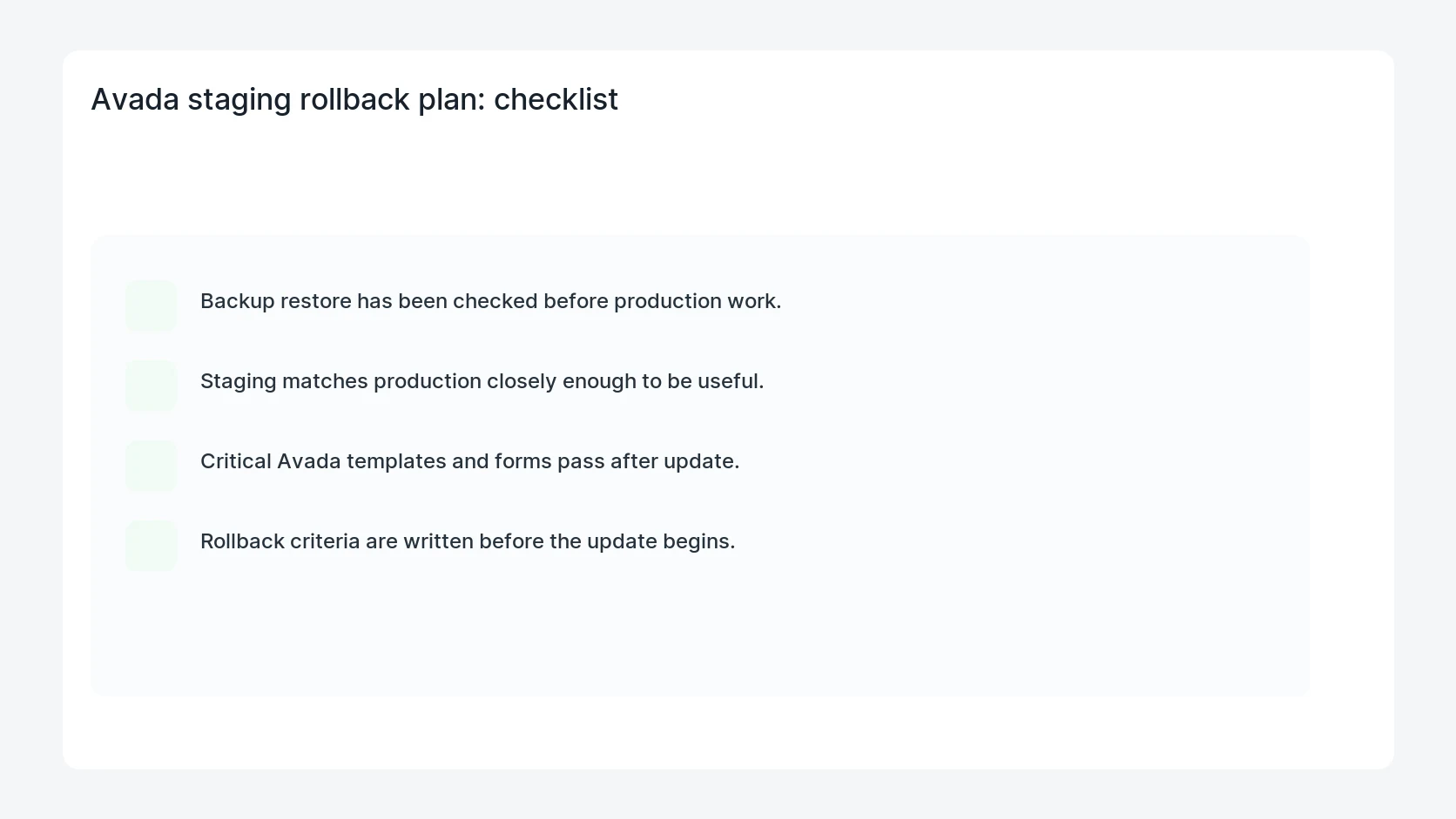
- Backup restore has been checked before production work.
- Staging matches production closely enough to be useful.
- Critical Avada templates and forms pass after update.
- Rollback criteria are written before the update begins.
Mistakes to avoid
- Do not judge the fix by one browser or the homepage only.
- Do not delete evidence before recording usernames, file paths, timestamps, and response headers.
- Do not add a cache, security, or tracking plugin while the original problem is still unclear.
- Do not leave test users, temporary debug logs, or broad API keys active after verification.
When HandL WP should help
Bring in help when this affects leads, checkout, search visibility, malware risk, paid media reporting, or a client production site. HandL WP can trace the issue through WordPress, hosting, cache, tracking, and Search Console, then verify the workflow after the technical fix.
If this is active on a production site, run a safe WordPress security update.
Related HandL WP guides
Use these related guides when the same issue touches tracking, security, checkout, or crawler visibility.
Helpful references
For the specific September 30 advisory and a focused post-patch test plan, use Avada 7.16.2: Security Update Checks for Your Site.